

Diary - Private Note With Lock
Diary - Private Note With Lock is made and published by 俊川 林. AppBrain is an independent app data site and isn't affiliated with 俊川 林. The app name, icon, screenshots and description belong to 俊川 林 and are shown as published on the App Store.
AppBrain's verdict
EstablishedWell rated- Rating on App Store
- 4.46
- 906 ratings
- Last updated
- October 2, 2022
- Size
- 87.8 MB
Users rate it well: 4.5 stars from 906 ratings.
User feedback
Ratings and reviews on the App StoreComments on Diary - Private Note With Lock for iOS
We don't have enough comments to show example comments. Please check back later.
Store listing
By 俊川 林, from the App Store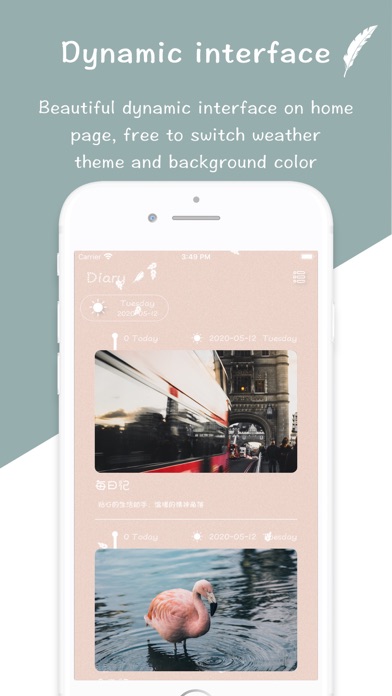
Description by 俊川 林 Written by the developer, not by AppBrain. Click to read.
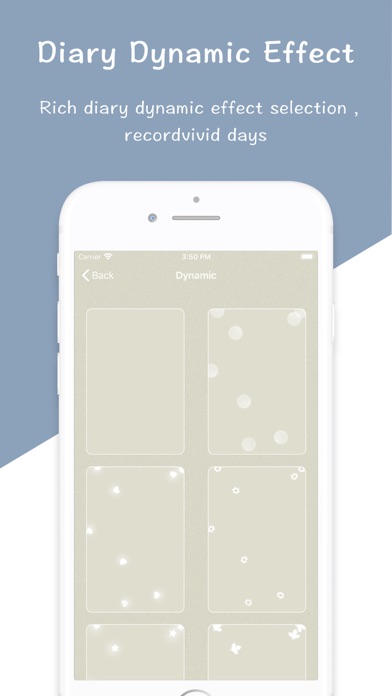
"Diary" - Dynamic interface feature diary, according to the topic of choice to switch page animation effect and dynamic effect of the diary. Make life stories more colorful
[Introduction to Functions]
"Dynamic Interface" - Selecting Weather Theme Switching Interface Dynamic Effects
"Time Axis" - Simple, beautiful timeline, look at you at different times
"Background stationery color" - Selection of Super Multi-mild Pure Color Letter Paper
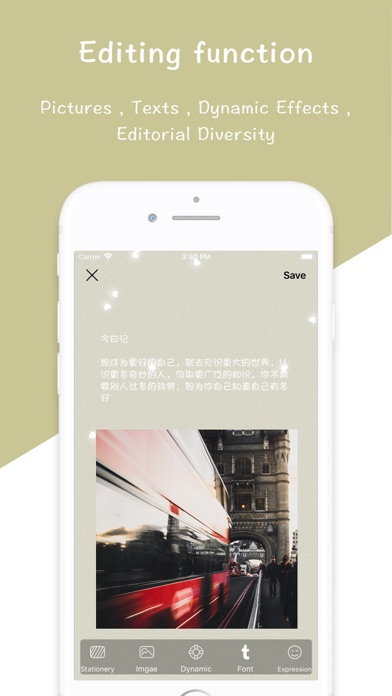
"Editorial Diversity" - Diary can add photos, text, dynamic effects
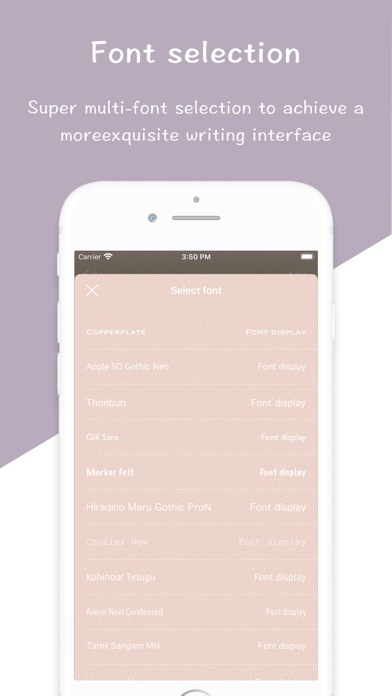
"Font" - Ultra-multiple font selection
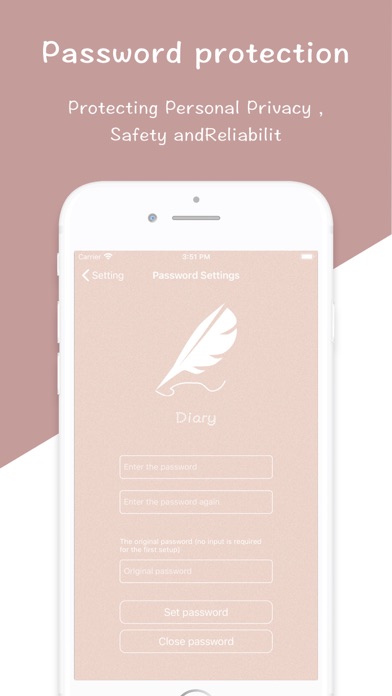
"Privacy" - Privacy password guarantees the security of your diary
"Remind" - Warm reminder everyday, so that you will not forget to write a diary
"Share" - One-click Sharing, Sharing a Beautiful Calendar with Others
We are eager to hear your feedback. If you have any questions or suggestions, you are welcome to let us know "Settings - Feedback" in the application. Any other ideas, also welcome to contact us, every message, we will read carefully.
Email: xiaolong520xu@gmail.com
This subscription will be automatically renewed through your iTunes account, and the renewal fee will be deducted according to your package within 24 hours before the end of the current subscription period. You can manage or cancel the automatic renewal at the account settings office, and cancel the automatic renewal at least 24 hours before the end of the current subscription period. If your trial is not over, the remaining days will automatically expire after you start to subscribe. To open a subscription, you need to agree to the following terms.
Privacy Terms: http://huayang.wakala.vip/Junchuan/zh_doc.html
Terms of service: http://huayang.wakala.vip/Junchuan/shouzhang_zh_terms.html
Safety and technology
Found in the app by AppBrain- Price
- Free
- App size
- 87.8 MB
- Content rating
- Everyone
Technologies used by Diary - Private Note With Lock
Releases
Updates seen on the App Store- Version
- 7.0
- Launched
- March 2019
No changelog data
Alternatives
Similar apps and more from 俊川 林Alternatives to Diary - Private Note With Lock








More from 俊川 林




Rankings
App Store top chartsApp Store Rankings for Diary - Private Note With Lock
About the app and developer
About Diary - Private Note With Lock
Diary - Private Note With Lock is a lifestyle app developed by 俊川 林.
User Ratings
Diary - Private Note With Lock is rated 4.46 out of 5 stars. The rating is based on 910 ratings.
App Information
Diary - Private Note With Lock is freely available from the App Store. The app size is 87.80 MB. The latest version available is 7.0. The last update was on October 2, 2022.
Technical Requirements
The app has a content rating of Everyone. The app has been available on the App Store since March 2019.
Developer information for 俊川 林
Address: