

Disk Space Analyzer: Inspector
Disk Space Analyzer: Inspector is made and published by Nektony LLC. AppBrain is an independent app data site and isn't affiliated with Nektony LLC. The app name, icon, screenshots and description belong to Nektony LLC and are shown as published on the App Store.
AppBrain's verdict
- Last updated
- June 26, 2026
- Size
- 11.6 MB
User feedback
Ratings and reviews on the App StoreComments on Disk Space Analyzer: Inspector for iOS
We don't have enough comments to show example comments. Please check back later.
Store listing
By Nektony LLC, from the App Store


Description by Nektony LLC Written by the developer, not by AppBrain. Click to read.
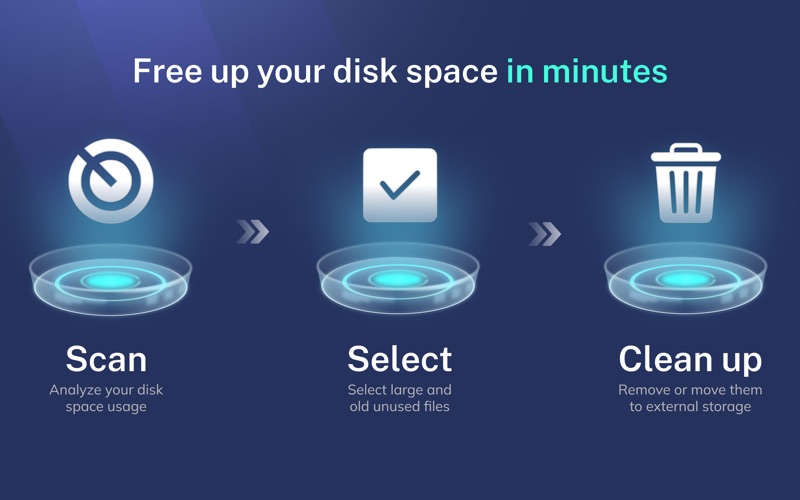
Running out of disk space? Need to know what is taking the most space in your storage? Analyze your storage usage with Disk Space Analyzer.
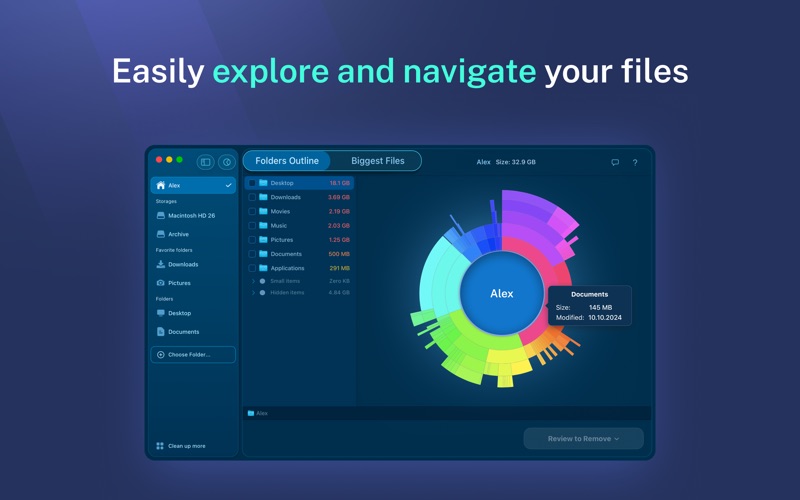
Disk Space Analyzer finds the biggest files and folders that eat up precious hard drive space. You can scan your disk file structure, analyze the remaining disk space and view your files and folders with an intuitive sunburst-like diagram.
Unused files might be taking up a significant amount of your HD space. The application displays each folder size. Bigger folders are visualized larger in the diagram, making it fast and simple to find the bulkiest data and do a disk cleanup.
When your disk is full and you have low memory space, use the drive space visualizer to view your Mac disk usage and then remove unused stuff from your computer.
Use Disk Space Analyzer to:
• Analyze disk space usage on Mac
• Get disk usage visualization
• Find out what is taking up space on your Mac
• See the list of the largest files and folders
• Easily navigate through folder directories
• Keep your Mac startup disk clean from old unused files
• See purgeable storage size
Disk Space Analyzer can scan all types of volumes:
▹ Hard Disk Volumes
▹ SSDs, CD and DVD disks
▹ Flash drives
▹ External storage disks
▹ Mounted DMG volumes
▹ and even folders with FileVault protection
The Mac disk analyzer provides a visual scanning mode with the scan results shown in real-time. You can view a small progress bar on the dock icon which displays the scanning progress. For every disk item, the utility provides a QuickLook Preview, a possibility to get additional detailed information and view the item in the Finder.
Best features of Disk Space Analyzer FREE:
◇ Progress bar during the scanning process
◇ Navigating folders during the real-time scan
◇ Quick Look for the scanned items
◇ The Show in Finder option
◇ The list of 8 biggest items
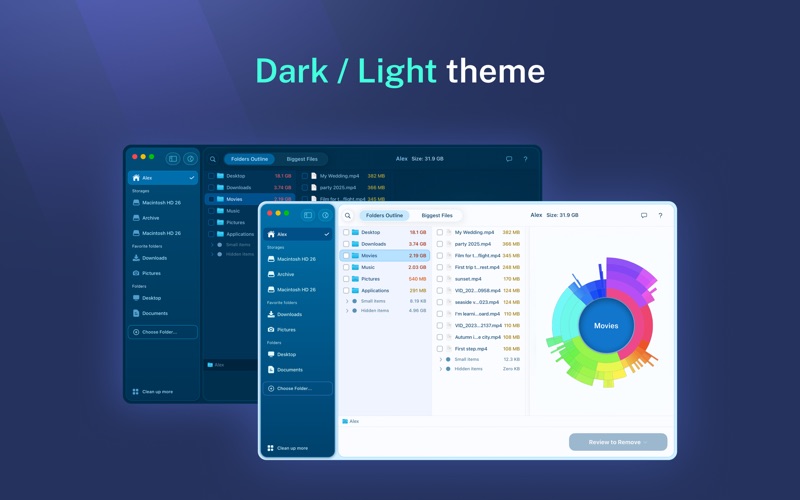
◇ Outline view for navigating files
◇ All drives support
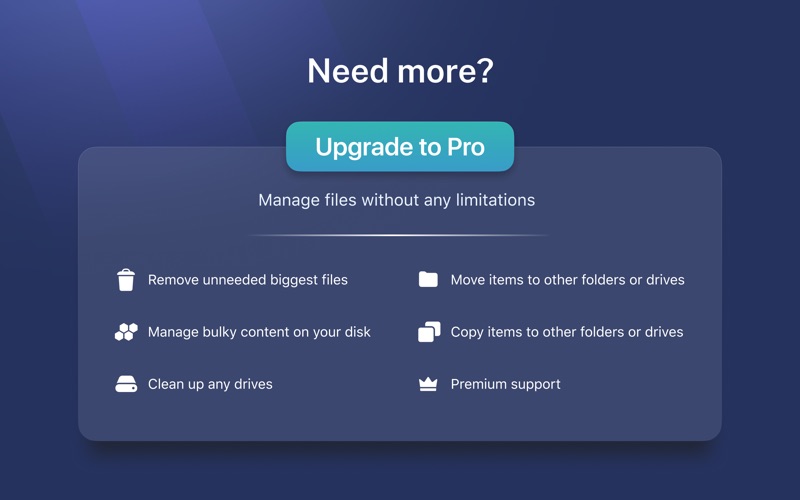
The PRO version of Disk Space Analyzer provides you with even more features:
• Remove unneeded biggest files
• View the list of big items sorted by size
• Move items to other folders or drives
• Copy items to other folders or drives
• Premium support
EULA: https://www.apple.com/legal/internet-services/itunes/dev/stdeula/
NOTE: If you have any comments or issues, please contact us directly at support@nektony.com. We will respond to you within one business day.
Safety and technology
Found in the app by AppBrain- Price
- Free
- App size
- 11.6 MB
- Content rating
- Everyone
Technologies used by Disk Space Analyzer: Inspector
Releases
Updates seen on the App Store- Version
- 6.0.2
- Launched
- June 2011
No changelog data
Alternatives
Similar apps and more from Nektony LLCMore from Nektony LLC






Rankings
App Store top chartsApp Store Rankings for Disk Space Analyzer: Inspector
About the app and developer
About Disk Space Analyzer: Inspector
Disk Space Analyzer: Inspector is an utilities app developed by Nektony LLC.
What is the rating of Disk Space Analyzer: Inspector?
Disk Space Analyzer: Inspector has no ratings yet.
Is Disk Space Analyzer: Inspector free?
Disk Space Analyzer: Inspector is free. The app size is 11.59 MB. The latest version available is 6.0.2. The last update was on June 26, 2026.
What are the requirements for Disk Space Analyzer: Inspector?
The app has a content rating of Everyone. The app has been available on the App Store since June 2011.
Developer information for Nektony LLC
Address: