

DiveLogDT
DiveLogDT is made and published by More Mobile Software. AppBrain is an independent app data site and isn't affiliated with More Mobile Software. The app name, icon, screenshots and description belong to More Mobile Software and are shown as published on the App Store.
AppBrain's verdict
- Last updated
- March 27, 2026
Rankings
App Store top chartsApp Store Rankings for DiveLogDT
Competitors
Similar apps and more from More Mobile SoftwareMore from More Mobile Software

Releases
Updates seen on the App Store- Version
- 4.8.12
- Launched
- January 2011
No changelog data
User feedback
Ratings and reviews on the App StoreComments on DiveLogDT for iOS
We don't have enough comments to show example comments. Please check back later.
Technology
Found in the app by AppBrain- Price
- $24.99
- App size
- 5.04 MB
- Content rating
- Everyone
Technologies used by DiveLogDT
About the app and developer
About DiveLogDT
DiveLogDT is a sports app developed by More Mobile Software.
User Ratings
The app has no ratings yet.
App Information
DiveLogDT costs $24.99. The app size is 5.04 MB. The latest version available is 4.8.12. The last update was on March 27, 2026.
Technical Requirements
The app has a content rating of Everyone. The app has been available on the App Store since January 2011.
Developer information for More Mobile Software
Address:
Store listing
By More Mobile Software, from the App Store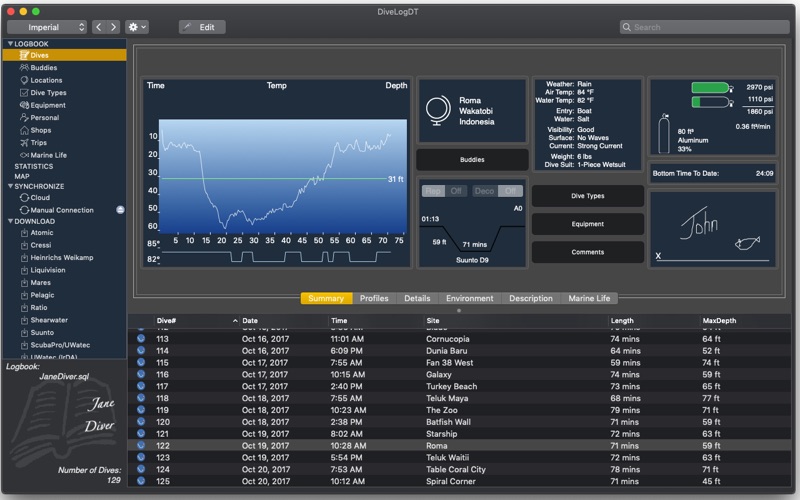

Description by More Mobile Software Written by the developer, not by AppBrain. Click to read.
:: Atomic Aquatics
:: Apeks
:: ScubaPro/UWatec (IrDA, USB, and BLE)
:: Suunto (USB and BLE)
:: Shearwater Research (Standard and BLE)
:: Liquivision
:: Pelagic Pressure Systems (Aeris / Aqualung / Genesis / Oceanic / Sherwood / Tusa)
:: Mares
:: Heinrichs Weikamp
:: Cressi
:: Ratio
:: Divesoft
:: Garmin
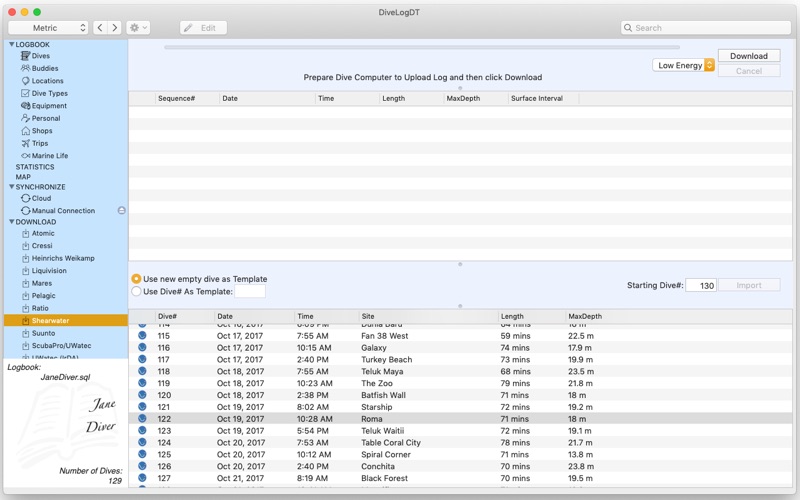
Many models require a manufacturer specific cable or dongle in order to download it. Also, some models support Downloading via Bluetooth Low Energy(BLE). Dive computer models and the Download methods supported change frequently so please check our website to determine if your model / method is supported. If it is not, please drop us a line and let us know which one you would like added.
If we don't support downloading your dive computer, you can import dive computer profiles and other dive information from several other logbook formats, and sync your logbook to your mobile device using Dive Log for iOS. (See website for supported 3rd party applications and file formats)
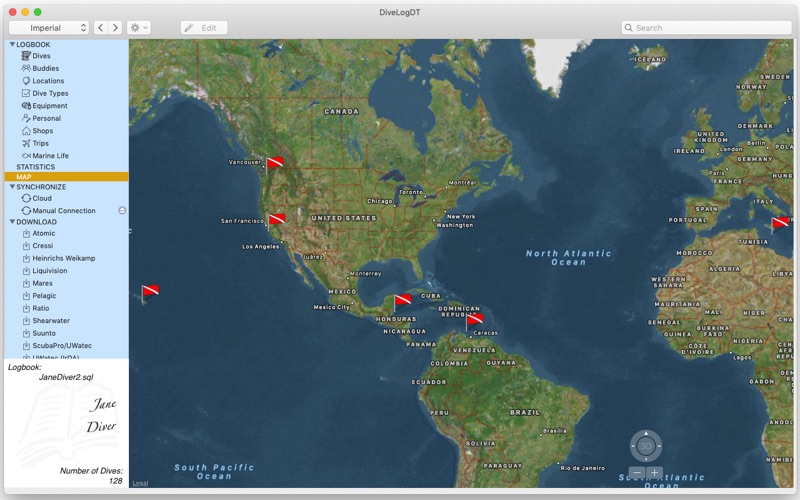
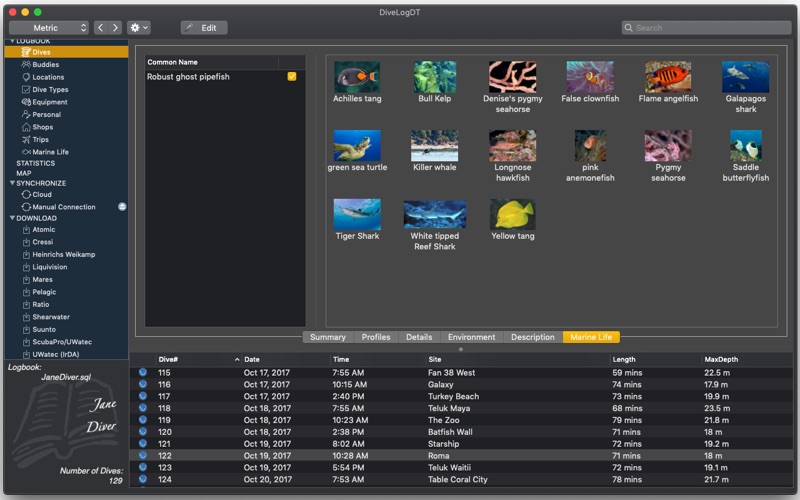
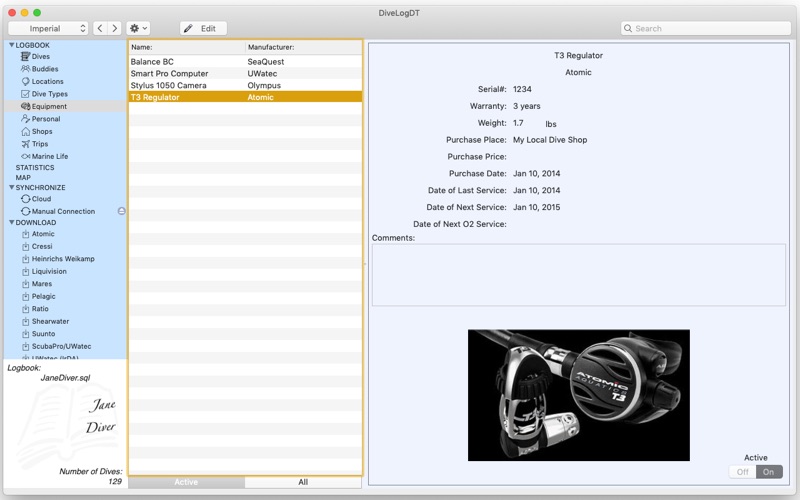
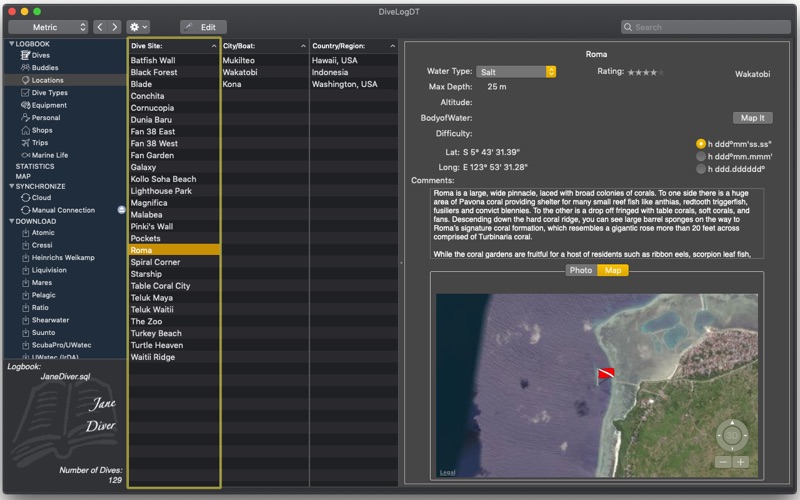
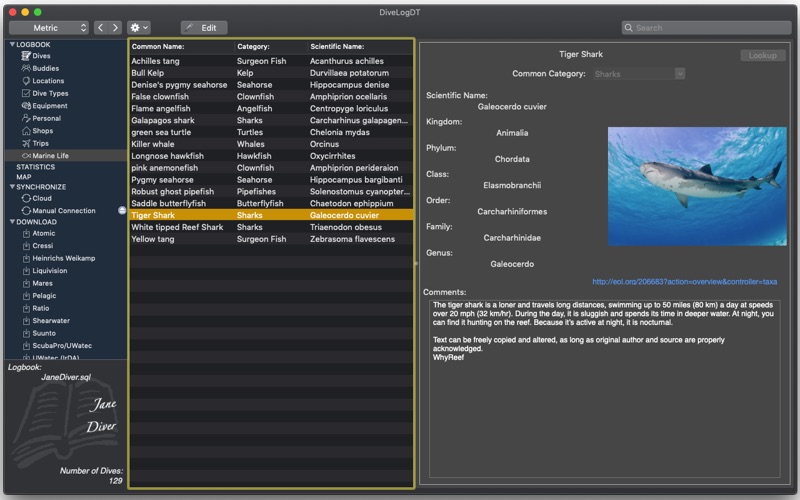
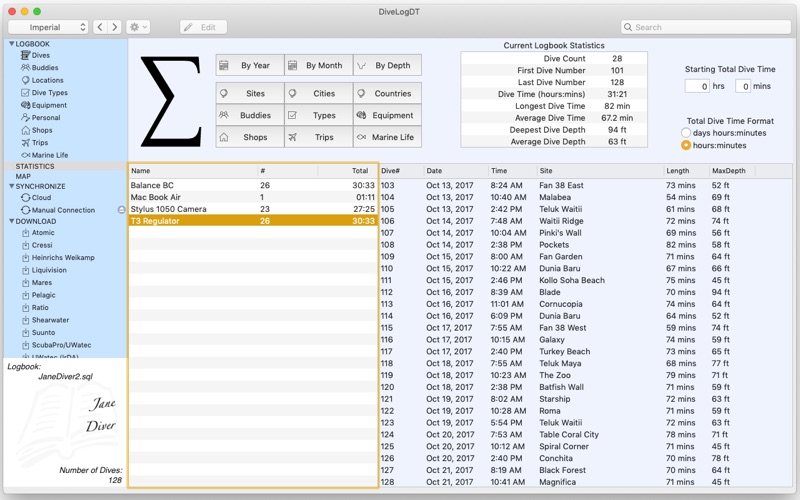
DiveLogDT works in both metric and imperial, shows statistics about your diving history, keeps track of all your scuba equipment, shows buddy and personal information, and dive site details. View all your Dive Site Locations on a world map if GPS locations have been entered. Lookup and fill in the GPS locations of your dive sites using the web - lookup via the Dive Site name with 2 different web services, or use a world map to point to it's exact location. Keep details about your dive trips and the shops that you dive with. Categorize each of your dives by any "type" of your choice. Know how many dives you've done with each piece of Equipment and when it should be serviced. Remember which pieces of your photography equipment you used for each dive too!
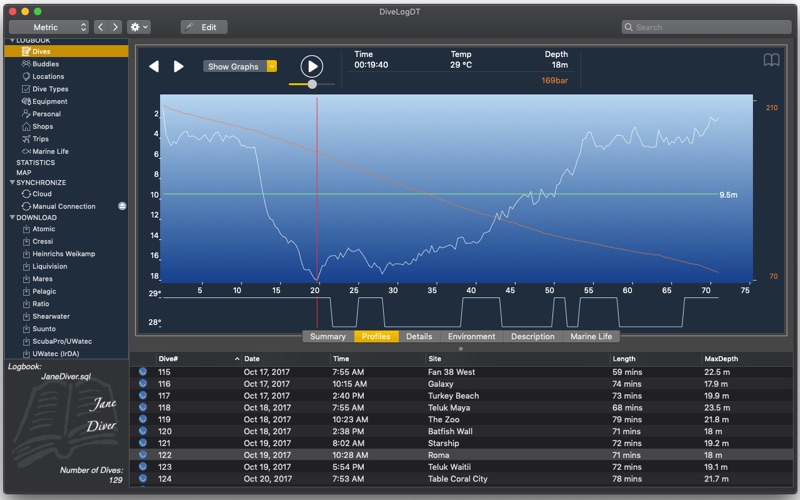
Extensive Statistics are available for your logbook including dives by Site, City, Country, Buddy, Type, Equipment, Shops, and Trips. Also get a chronilogical view of your dives by year and by month. Select more than one dive at once and compare the dive profiles between dives. If your dive computer supports it, you can also view Temperature, Tank Pressure, No Decompression Limit, Remaining Bottom Time, and Heart Rate profiles. Tech divers will be able to view tank switches and decompression obligations on the profile. Enter tank pressure and size information to be able to view your SAC or RMV rate for the dive.
If you don't want to take your desktop computer with you on a dive trip, then just take your mobile device with you on the boat and log all your dives using Dive Log for iOS. Use it to add your site GPS information, take location photos and save your weight and tank information etc, and enter buddy details (including signature) right away. Then when you get home, use DiveLogDT to *merge* your dive computer information into what you have already logged! Then sync your logbook back to your iOS device. Full synchronization is supported so that if you make changes in both places, they will all be preserved (per dive). You can also sync your logbook using a Cloud based service between your iOS devices and your macOS devices.
You can also Import dives from many other formats and merge the information into what you have logged. Export your dive profile information into DL7 format for importing to other websites. Many places support our logbook format so you can export to them directly as well.
If you have any questions or feedback for us, please email support@moremobilesoftware.com - we always reply.