

Doc Scan Pro 2024 is made and published by Duc Lai. AppBrain is an independent app data site and isn't affiliated with Duc Lai. The app name, icon, screenshots and description belong to Duc Lai and are shown as published on the App Store.
AppBrain's verdict
- Last updated
- August 17, 2024
Rankings
App Store top chartsApp Store Rankings for Doc Scan Pro 2024
Competitors
Similar apps and more from Duc LaiMore from Duc Lai


Releases
Updates seen on the App Store- Version
- 1.1
- Launched
- May 2024
No changelog data
User feedback
Ratings and reviews on the App StoreComments on Doc Scan Pro 2024 for iOS
We don't have enough comments to show example comments. Please check back later.
Technology
Found in the app by AppBrain- Price
- Free
- App size
- 25.4 MB
- Content rating
- Everyone
Technologies used by Doc Scan Pro 2024
About the app and developer
About Doc Scan Pro 2024
Doc Scan Pro 2024 is a productivity app developed by Duc Lai.
What is the rating of Doc Scan Pro 2024?
Doc Scan Pro 2024 has no ratings yet.
Is Doc Scan Pro 2024 free?
Doc Scan Pro 2024 is free. The app size is 25.35 MB. The latest version available is 1.1. The last update was on August 17, 2024.
What are the requirements for Doc Scan Pro 2024?
The app has a content rating of Everyone. The app has been available on the App Store since May 2024.
Developer information for Duc Lai
Address:
Frequently asked questions about Doc Scan Pro 2024
Is Doc Scan Pro 2024 free?
Yes. Doc Scan Pro 2024 is free on the App Store.
Is Doc Scan Pro 2024 still available?
Yes. Doc Scan Pro 2024 is on the App Store, and the last update we saw was on August 17, 2024.
How large is Doc Scan Pro 2024?
Doc Scan Pro 2024 is 25.35 MB.
Is Doc Scan Pro 2024 suitable for children?
App Store rates the content of Doc Scan Pro 2024 as suitable for everyone.
Who made Doc Scan Pro 2024?
Doc Scan Pro 2024 was developed by Duc Lai. It is listed in the productivity category on the App Store.
Store listing
By Duc Lai, from the App Store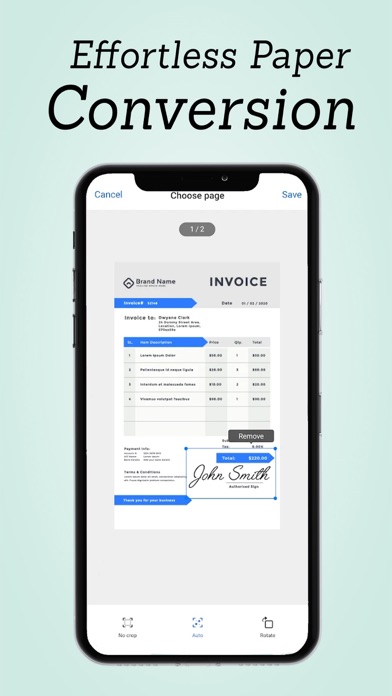


Description by Duc Lai Written by the developer, not by AppBrain. Click to read.
Key Features:
Effortless Scanning: Capture digital copies of your documents with ease using your device's camera.
Unlimited Image Scans: Enjoy unlimited scanning capability with the Pro version of the Document Scanner.
Post-Processing Effects: Enhance and adjust scans with built-in editing tools.
Flash Torch: Illuminate documents in low-light conditions using the device's flash torch.
High Clarity: Tap on the screen to focus and ensure the highest clarity of your scans.
Secure Storage: Save image files directly to your device for safekeeping.
File Management: Easily manage and organize scanned images within the app.
Share and Transfer: Share finished image files or transfer them to your computer for archival.
User-Friendly Interface: Intuitive and easy-to-use app interface for quick document scanning.
Built on React Native: Utilizes the power of React Native technology for seamless performance.
How It Works:
Place your document on a flat surface and frame it within the app.
Tap to capture the document scan as an image.
Enhance and adjust the scan using post-processing effects if needed.
Save the scan as an image file securely on your device.
Share or transfer the image file for further use or safekeeping.
Doc Scan Pro is ideal for digitizing old documents, receipts, notes, and more, turning them into high-quality digital images for convenient storage and sharing. Simplify your document management process with this versatile document scanning app.