

Document, QR & Card Scanner
Document, QR & Card Scanner is made and published by Nalin Savaliya. AppBrain is an independent app data site and isn't affiliated with Nalin Savaliya. The app name, icon, screenshots and description belong to Nalin Savaliya and are shown as published on the App Store.
AppBrain's verdict
- Rating on App Store
- 5.00
- 1 ratings
- Last updated
- May 31, 2023
It doesn't have enough ratings yet to judge what users think.
Rankings
App Store top chartsApp Store Rankings for Document, QR & Card Scanner
Competitors
Similar apps and more from Nalin SavaliyaAlternatives to Document, QR & Card Scanner








More from Nalin Savaliya







Releases
Updates seen on the App Store- Version
- 1.1
- Launched
- December 2021
No changelog data
User feedback
Ratings and reviews on the App StoreComments on Document, QR & Card Scanner for iOS
We don't have enough comments to show example comments. Please check back later.
Technology
Found in the app by AppBrain- Price
- Free
- App size
- 66.4 MB
- Content rating
- Everyone
Technologies used by Document, QR & Card Scanner
About the app and developer
About Document, QR & Card Scanner
Document, QR & Card Scanner is an utilities app developed by Nalin Savaliya.
User Ratings
Document, QR & Card Scanner is rated 5.00 out of 5 stars. The rating is based on one rating ratings.
App Information
Document, QR & Card Scanner is freely available from the App Store. The app size is 66.43 MB. The latest version available is 1.1. The last update was on May 31, 2023.
Technical Requirements
The app has a content rating of Everyone. The app has been available on the App Store since December 2021.
Developer information for Nalin Savaliya
Address:
Store listing
By Nalin Savaliya, from the App Store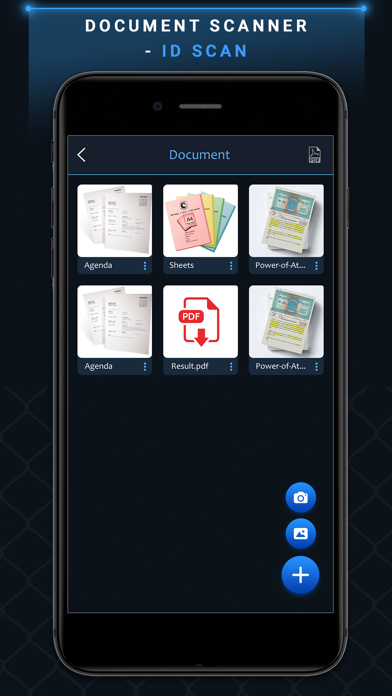
Description by Nalin Savaliya Written by the developer, not by AppBrain. Click to read.
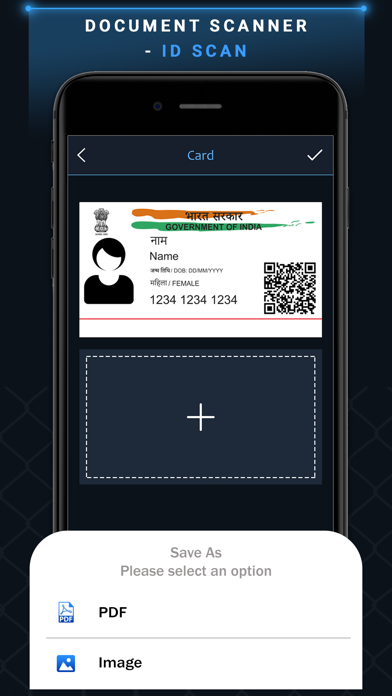
Sometimes in a single day you need your different documents scanned multiple times. In that situation if everything is planned you will definitely not suffer more.
Scan your document.
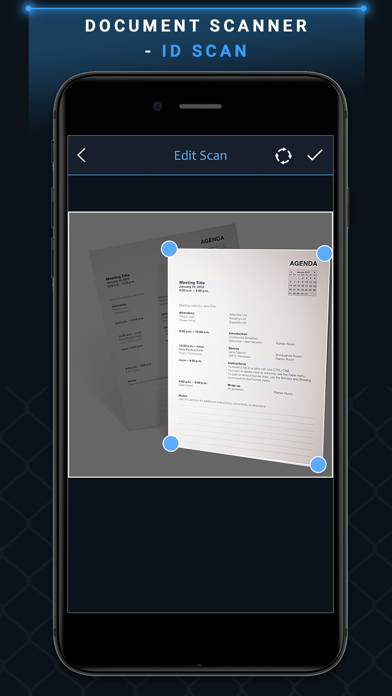
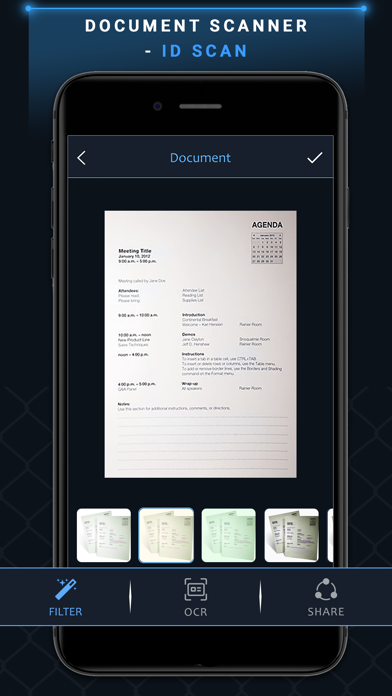
* Enhance the scan quality automatically/Manually.
* Enhancement includes smart cropping and many more.
* Turn scans into clear and and sharp PDF.
* Arrange your doc in folder and sub folders.
* Share PDF/JPEG files.
* Scan QR Code/Bar-code.
* Create QR Code.
* Share scanned QR Code.