
Documents for Google Documents
Documents for Google Documents is made and published by UAB Macmanus. AppBrain is an independent app data site and isn't affiliated with UAB Macmanus. The app name, icon, screenshots and description belong to UAB Macmanus and are shown as published on the App Store.
AppBrain's verdict
- Last updated
- October 3, 2023
Rankings
App Store top chartsApp Store Rankings for Documents for Google Documents
Competitors
Similar apps and more from UAB MacmanusAlternatives to Documents for Google Documents


More from UAB Macmanus






Releases
Updates seen on the App Store- Version
- 1.0
- Launched
- January 2023
No changelog data
User feedback
Ratings and reviews on the App StoreComments on Documents for Google Documents for iOS
We don't have enough comments to show example comments. Please check back later.
Technology
Found in the app by AppBrain- Price
- Free
- App size
- 51.0 MB
- Content rating
- Everyone
Technologies used by Documents for Google Documents
About the app and developer
About Documents for Google Documents
Documents for Google Documents is a productivity app developed by UAB Macmanus.
What is the rating of Documents for Google Documents?
Documents for Google Documents has no ratings yet.
Is Documents for Google Documents free?
Documents for Google Documents is free. The app size is 50.99 MB. The latest version available is 1.0. The last update was on October 3, 2023.
What are the requirements for Documents for Google Documents?
The app has a content rating of Everyone. The app has been available on the App Store since January 2023.
Developer information for UAB Macmanus
Address:
Store listing
By UAB Macmanus, from the App Store





Description by UAB Macmanus Written by the developer, not by AppBrain. Click to read.
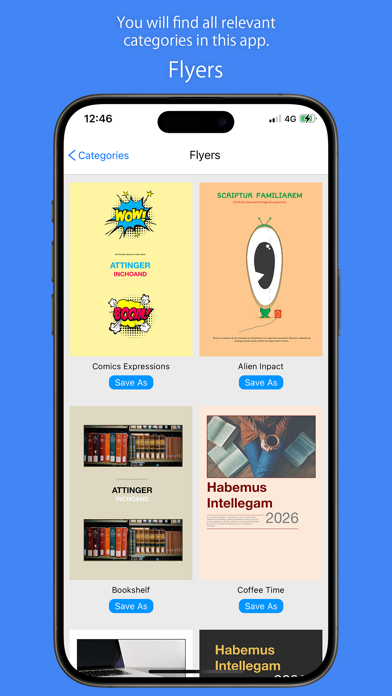
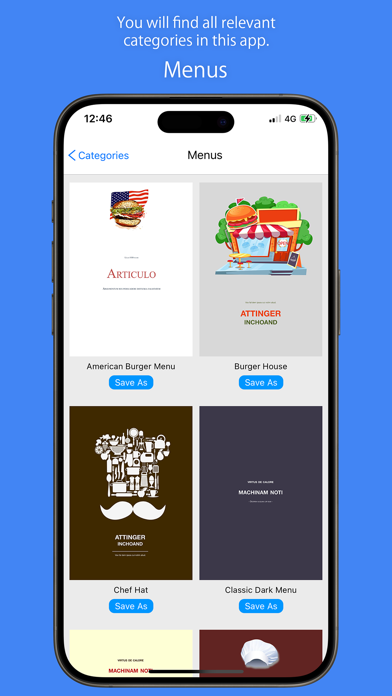
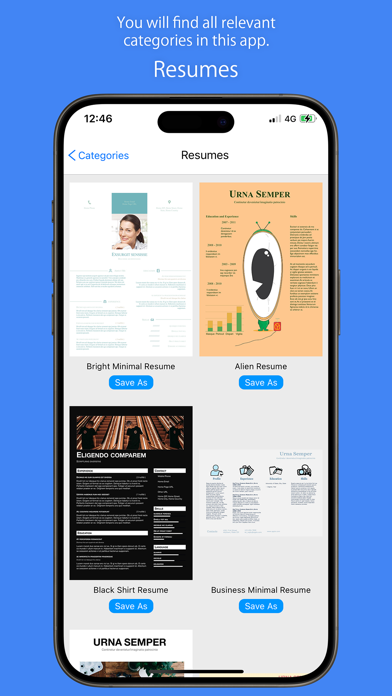
Templates for Google Docs are designed for better and more impressive Documents. Templates offer stylish menus, memorable resumes, original diplomas and authentic certificates.
Create your gorgeous text documents in your Internet browser - no specific software is required. Templates offer amazing backgrounds, marvelous fonts and unique layouts. Send unique letters or newsletters and make unforgettable flyers.
Creating gorgeous documents with the templates are really simple. Just select the template and add your own additional content! Work on a single document with teammates or other people.
Use Safari, Chrome or other latest Internet browser for Mac to work using Google Docs. Edit, update and share docs from your iPhone, iPad or other devices.