

DroneVR - FPV for DJI drones
DroneVR - FPV for DJI drones is made and published by Appologics UG (haftungsbeschrankt). AppBrain is an independent app data site and isn't affiliated with Appologics UG (haftungsbeschrankt). The app name, icon, screenshots and description belong to Appologics UG (haftungsbeschrankt) and are shown as published on the App Store.
AppBrain's verdict
Established- Rating on App Store
- 3.80
- 230 ratings
- Last updated
- December 15, 2025
Users are divided: 3.8 stars from 230 ratings.
Rankings
App Store top chartsApp Store Rankings for DroneVR - FPV for DJI drones
Competitors
Similar apps and more from Appologics UG (haftungsbeschrankt)Alternatives to DroneVR - FPV for DJI drones



More from Appologics UG (haftungsbeschrankt)

Also available on Google Play

Releases
Updates seen on the App Store- Version
- 2.2
- Launched
- November 2015
No changelog data
User feedback
Ratings and reviews on the App StoreComments on DroneVR - FPV for DJI drones for iOS
We don't have enough comments to show example comments. Please check back later.
Technology
Found in the app by AppBrain- Price
- Free
- App size
- 159.9 MB
- Content rating
- Everyone
Technologies used by DroneVR - FPV for DJI drones
About the app and developer
About DroneVR - FPV for DJI drones
DroneVR - FPV for DJI drones is a photo & video app developed by Appologics UG (haftungsbeschrankt).
What is the rating of DroneVR - FPV for DJI drones?
DroneVR - FPV for DJI drones is rated 3.80 out of 5 stars, based on 230 ratings.
Is DroneVR - FPV for DJI drones free?
DroneVR - FPV for DJI drones is free. The app size is 159.94 MB. The latest version available is 2.2. The last update was on December 15, 2025.
What are the requirements for DroneVR - FPV for DJI drones?
The app has a content rating of Everyone. The app has been available on the App Store since November 2015.
Developer information for Appologics UG (haftungsbeschrankt)
Appologics UG (haftungsbeschrankt)
Address:
Frequently asked questions about DroneVR - FPV for DJI drones
Is DroneVR - FPV for DJI drones free?
Yes. DroneVR - FPV for DJI drones is free on the App Store.
Is DroneVR - FPV for DJI drones still available?
Yes. DroneVR - FPV for DJI drones is on the App Store, and the last update we saw was on December 15, 2025.
How large is DroneVR - FPV for DJI drones?
DroneVR - FPV for DJI drones is 159.94 MB.
Is DroneVR - FPV for DJI drones suitable for children?
App Store rates the content of DroneVR - FPV for DJI drones as suitable for everyone.
How do people rate DroneVR - FPV for DJI drones?
DroneVR - FPV for DJI drones scores 3.80 out of 5 stars, from 230 ratings on the App Store.
Who made DroneVR - FPV for DJI drones?
DroneVR - FPV for DJI drones was developed by Appologics UG (haftungsbeschrankt). It is listed in the photo & video category on the App Store.
What are the best alternatives to DroneVR - FPV for DJI drones?
People looking at DroneVR - FPV for DJI drones also look at these photo & video apps: VR PRO for SPARK/MAVIC/PHANTOM, Litchi for DJI Drones, Sync for DJI: Go Mobile First, Rainbow for DJI Drones, DroneDeploy Flight App.
Store listing
By Appologics UG (haftungsbeschrankt), from the App Store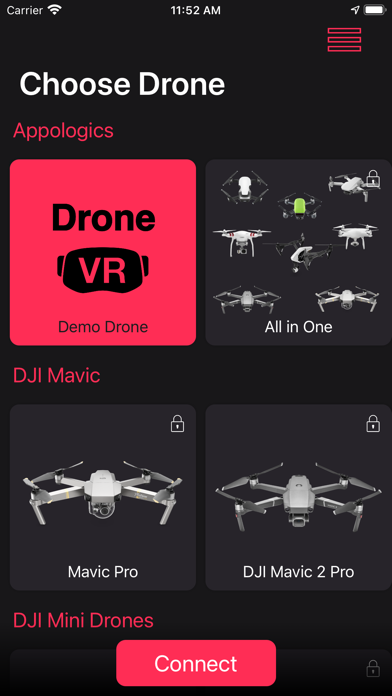
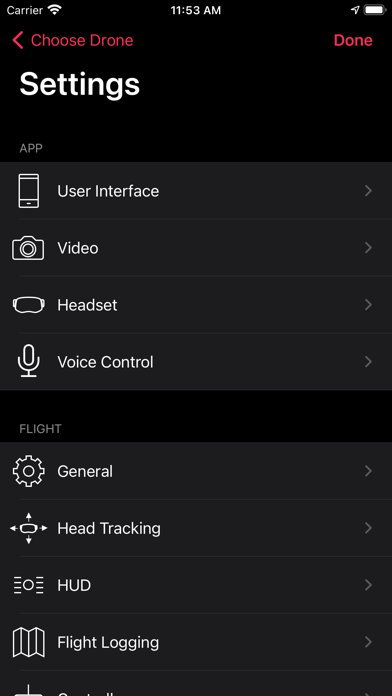
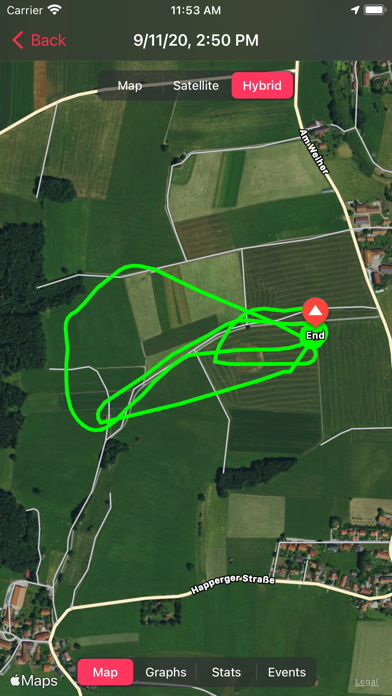
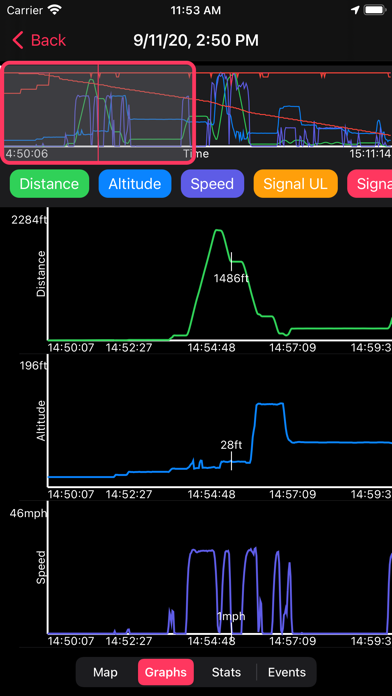
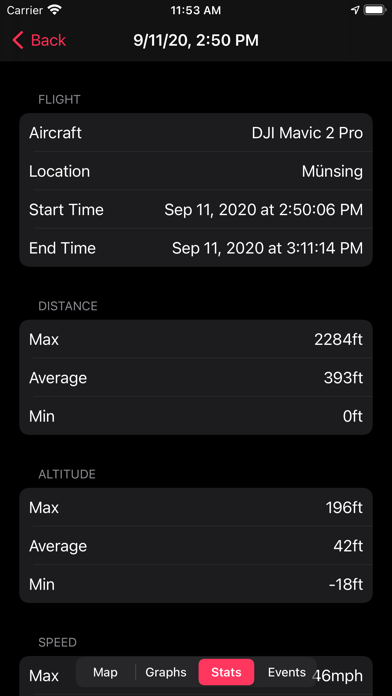
Description by Appologics UG (haftungsbeschrankt) Written by the developer, not by AppBrain. Click to read.
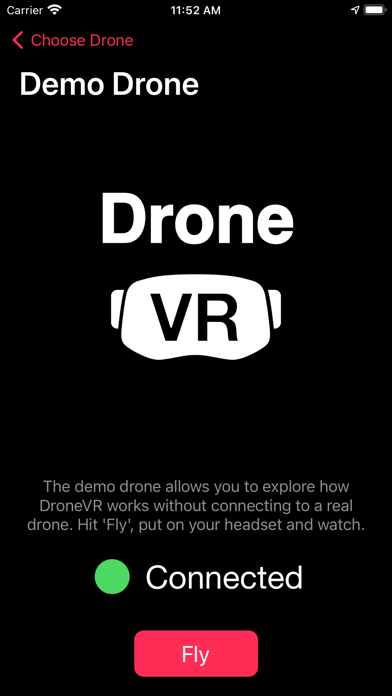
Important: The free version of DroneVR supports the Ryze Tello drone. If you want support for further DJI drones you need to activate this functionality via In-App purchase. See below for a list of supported drones.
DroneVR's features:
==============
* Beautiful, configurable user interface supporting dark and light mode.
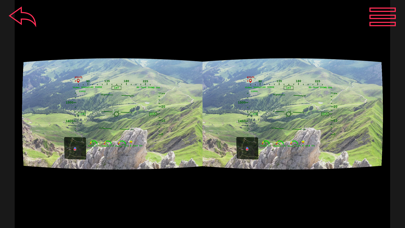
* Two different head-up displays to overlay telemetry data such as heading, speed and altitude onto the camera view in real time.
* Comprehensive head-up menu to control all drone and camera settings while flying.
* Phone camera view and mini-map to see what's happening around you and stay oriented.
* Head-tracking to control the orientation of the drone camera by moving your head ! For DJI Mavic/Phantom/Spark series head tracking is supported for camera pitch. With the DJI Inspire 1/Mavic 2/Mavic Air 2 head tracking across all three axis is supported.
* Detailed flight logging of flight path, telemetry data and events. Flight logs can be synchronized with Mac via iCloud or file sharing.
* Spectator mode to link multiple phones and fly together with friends.
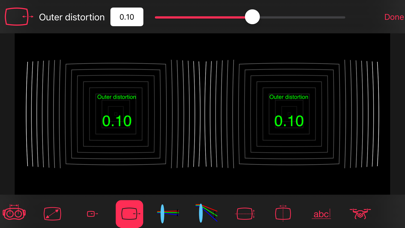
* Mono or stereo rendering of drone video. For stereo rendering advanced algorithms for lens distortion correction are used for high image quality.
* Highly adjustable to different VR headsets
* High definition video quality of 720p and 30 frames / second with Spark / Phantom 3 / 4 / Inspire 1 and up to 1080p with Mavic Pro / 2
* Voice control for hands-free operation.
* Supported drones: Ryze Tello (free), via in-app purchase: Mavic Pro, Mavic 2 Pro/Zoom, DJI Mini/2/SE, Mavic Air 1/2/S, Spark, Phantom 4/ Pro/Advanced, Phantom 3 Professional/Advanced/Standard/4K, Inspire 1
Important notes:
============
* To use DroneVR you need one of the above listed drones.
* To control the Ryze Tello drone you need to connect a gamepad to your phone.
* To use DroneVR in stereo mode you need a virtual reality headset where you can mount your iPhone (e.g. Homido, FreeFly VR, Zeiss VR One, Cardboard). An high PPI iPhone with a screen size of at least 5.5 inch is recommended. More information about recommended headsets can be found on our website.