

DWG FastView Pro-CAD viewer
DWG FastView Pro-CAD viewer is made and published by Gstarsoft Co., Ltd. AppBrain is an independent app data site and isn't affiliated with Gstarsoft Co., Ltd. The app name, icon, screenshots and description belong to Gstarsoft Co., Ltd and are shown as published on the App Store.
AppBrain's verdict
Established- Best rank
- #82
- Top Paid, Slovakia
- Rating on App Store
- 3.50
- 16 ratings
- Last updated
- June 3, 2019
It doesn't have enough ratings yet to judge what users think. Its best ranking is #82 in Top Paid, Productivity in Slovakia.
Rankings
App Store top charts- Highest rank
- #82
- Chart
- Top Paid
- Productivity
- Country
- Slovakia
Competitors
Similar apps and more from Gstarsoft Co., LtdAlternatives to DWG FastView Pro-CAD viewer


More from Gstarsoft Co., Ltd

Releases
Updates seen on the App Store- Version
- 2.5.0
- Launched
- September 2012
No changelog data
User feedback
Ratings and reviews on the App StoreComments on DWG FastView Pro-CAD viewer for iOS
We don't have enough comments to show example comments. Please check back later.
Technology
Found in the app by AppBrain- Price
- $9.99
- App size
- 148.2 MB
- Content rating
- Everyone
Technologies used by DWG FastView Pro-CAD viewer
About the app and developer
About DWG FastView Pro-CAD viewer
DWG FastView Pro-CAD viewer is a productivity app developed by Gstarsoft Co., Ltd.
What is the rating of DWG FastView Pro-CAD viewer?
DWG FastView Pro-CAD viewer is rated 3.50 out of 5 stars, based on 16 ratings.
Is DWG FastView Pro-CAD viewer free?
DWG FastView Pro-CAD viewer costs $9.99. The app size is 148.17 MB. The latest version available is 2.5.0. The last update was on June 3, 2019.
What are the requirements for DWG FastView Pro-CAD viewer?
The app has a content rating of Everyone. The app has been available on the App Store since September 2012.
Developer information for Gstarsoft Co., Ltd
Address:
Store listing
By Gstarsoft Co., Ltd, from the App Store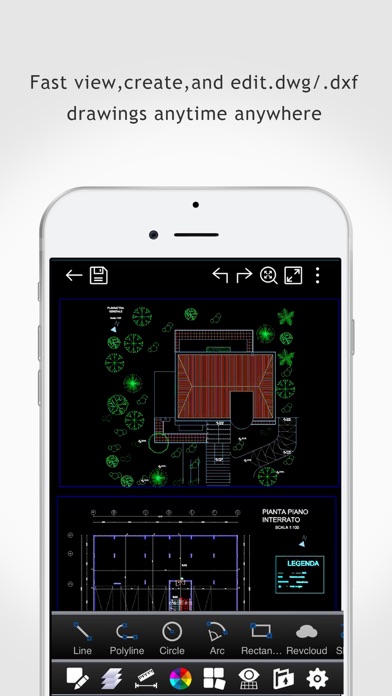
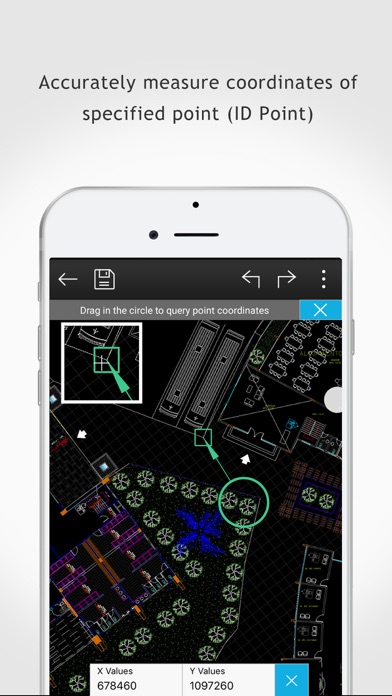
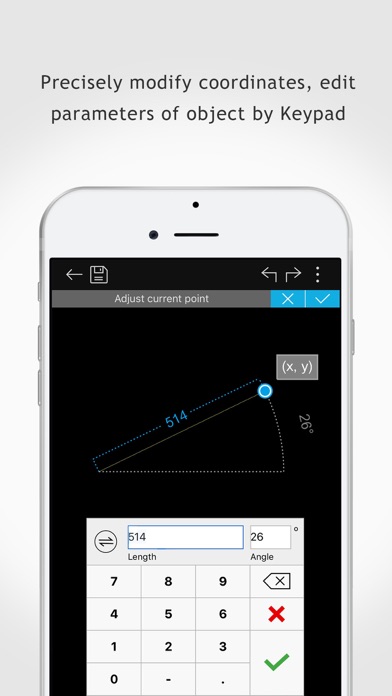
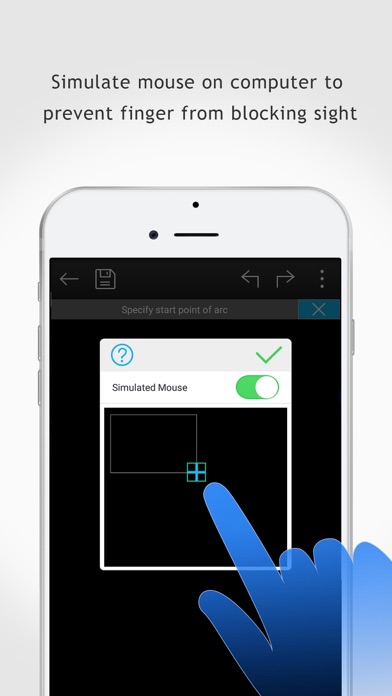
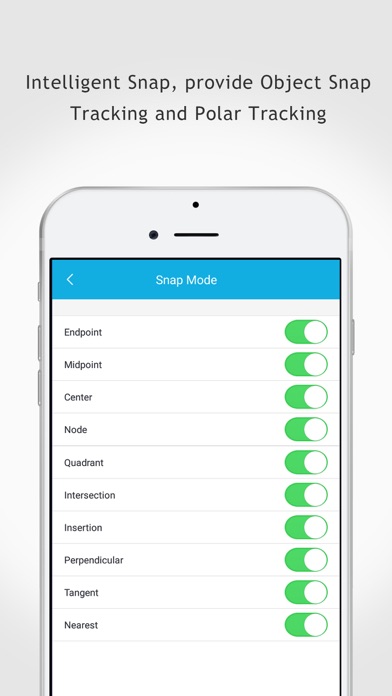
Description by Gstarsoft Co., Ltd Written by the developer, not by AppBrain. Click to read.
(1) Creating, browsing and editing are totally free;
There is no limit to how large the file is. Directly browse documents of local storage from DWG FastView. Also, it’s free to create new drawings.
(2) No registration & Offline drawings
Do you find it boring and time-wasting that some other CAD APPs ask you to register and log in? Now, simply download DWG FastView and use it immediately with no NO REGISTRATION needed. Besides, without internet, you are able to save your masterpieces in the local workspace. At the same time, drawings from E-mail or Network Disk like Dropbox or WebDAV can be opened, viewed, edited, shared as well with Internet.
(3) Support export to PDF, BMP, JPG and PNG, and share it to anyone freely.
Transfer CAD drawings into PDF format and customize its paper size, orientation, color and so on. You can also convert CAD drawings to image format-BMP, JPG, PNG. And all of them can be viewed and shared by DWG FastView.
(4)View Mode and Edit Mode satisfy diverse needs;
To satisfy your SIMPLY NEED to OPEN and VIEW .dwg, we create View Mode, providing simple tools for FASTER VIEW .dwg. Besides, Edit Mode is better at professional and practical drawing.
(5)Helpful and responsive technical support.
There are four ways to get technical support
1. Click the “Rate” button to share your valuable comments and suggestions with us
2. Click the “Feedback” button to send your tech problem to us via email
3. Directly send email to support.mc@gstarcad.net to let us know your technical question
4. Follow the latest news or contact us through Facebook, Twitter and Linkedin
Facebook: https://www.facebook.com/DWGFastView
Twitter: https://twitter.com/DWGFastView
Linkedin: https://www.linkedin.com/company/suzhou-gstarsoft-co-ltd