

Easy Smart Scanner
Easy Smart Scanner is made and published by Christophe Pereira. AppBrain is an independent app data site and isn't affiliated with Christophe Pereira. The app name, icon, screenshots and description belong to Christophe Pereira and are shown as published on the App Store.
AppBrain's verdict
- Rating on App Store
- 4.92
- 13 ratings
- Last updated
- September 29, 2026
It doesn't have enough ratings yet to judge what users think.
Rankings
App Store top chartsApp Store Rankings for Easy Smart Scanner
Competitors
Similar apps and more from Christophe PereiraMore from Christophe Pereira


Releases
Updates seen on the App Store- Version
- 2.0
- Launched
- June 2024
No changelog data
User feedback
Ratings and reviews on the App StoreComments on Easy Smart Scanner for iOS
We don't have enough comments to show example comments. Please check back later.
Technology
Found in the app by AppBrain- Price
- Free
- App size
- 2.19 MB
- Content rating
- Everyone
Technologies used by Easy Smart Scanner
About the app and developer
About Easy Smart Scanner
Easy Smart Scanner is a productivity app developed by Christophe Pereira.
User Ratings
Easy Smart Scanner is rated 4.92 out of 5 stars. The rating is based on 13 ratings.
App Information
Easy Smart Scanner is freely available from the App Store. The app size is 2.19 MB. The latest version available is 2.0. The last update was on September 29, 2026.
Technical Requirements
The app has a content rating of Everyone. The app has been available on the App Store since June 2024.
Developer information for Christophe Pereira
Address:
Store listing
By Christophe Pereira, from the App Store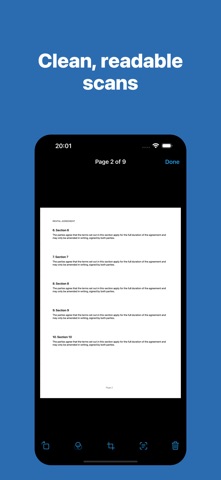


Description by Christophe Pereira Written by the developer, not by AppBrain. Click to read.
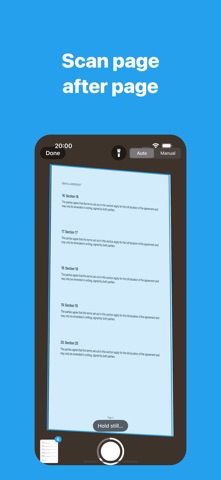
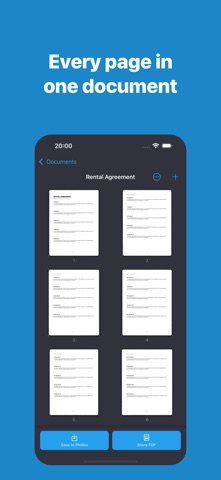
Easy Scanner finds the page in front of the camera, captures it as soon as you hold it steady, and straightens it into a clean, readable scan. Put down the next page and it captures again, so a whole stack goes in one page after another. Every scan is kept as a document you can name, reopen and add to whenever you like.
Features
• No page limit — scan a receipt, a contract, or a whole folder in one go
• Automatic capture: the page is taken as soon as it's held still, hands free
• Edges found for you, with the perspective straightened out
• Adjust the corners by hand whenever a crop needs fixing, while scanning or later
• Filters that whiten paper and sharpen text: Enhanced, Grayscale, Black & White, or the untouched photo
• Searchable PDFs — text is recognised on your device, so you can search the PDF and copy from it
• Copy the text of any page straight from the app
• Drag to reorder pages, rotate them, delete them, or change several at once
• Export as PDF, sized to your scan or to A4 or US Letter, in three file sizes
• Share pages as images or save them to Photos
• Import photos you have already taken
Everything stays on your device. There is no account to create, nothing to sign in to, and nothing is uploaded.