

EasyLetter: Write a Letter
EasyLetter: Write a Letter is made and published by Felix Brix. AppBrain is an independent app data site and isn't affiliated with Felix Brix. The app name, icon, screenshots and description belong to Felix Brix and are shown as published on the App Store.
AppBrain's verdict
EstablishedLoved by users- Rating on App Store
- 4.56
- 167 ratings
- Last updated
- July 7, 2026
- Size
- 11.2 MB
Users love it: 4.6 stars from 167 ratings.
User feedback
Ratings and reviews on the App StoreComments on EasyLetter: Write a Letter for iOS
We don't have enough comments to show example comments. Please check back later.
Store listing
By Felix Brix, from the App Store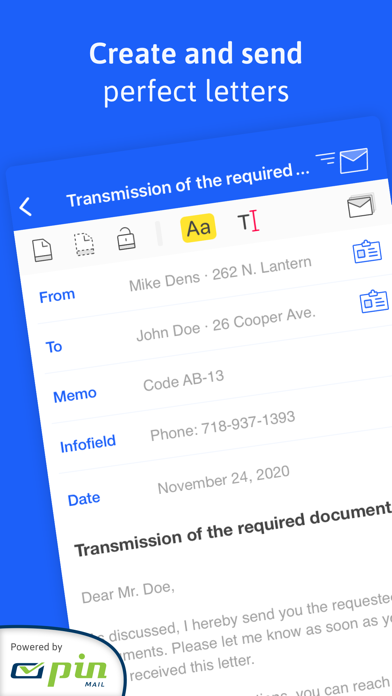

Description by Felix Brix Written by the developer, not by AppBrain. Click to read.
Preparing a short letter or a well-formatted business letter can be a hassle. Especially when things have to be done quickly, you don't want to worry about formatting, but just start writing.
Every day, people use EasyLetter to make their correspondence more effective while also making a professional impression.
AUTOMATIC LAYOUT
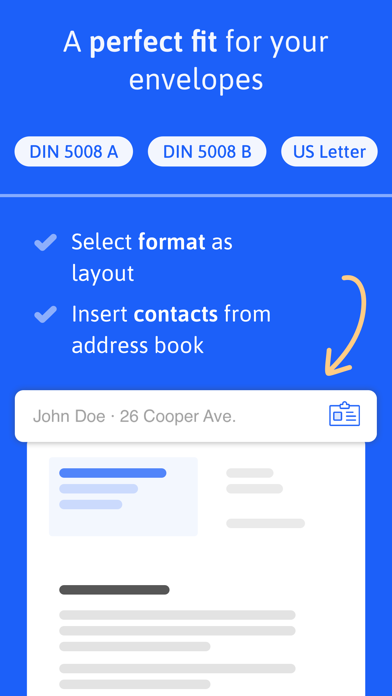
• Select one of the layouts provided and your letter will automatically follow the shape.
• DIN 5008 Form A, DIN 5008 Form B and US Letter
• Optional fold marks help when sending printed documents.
• Multi-page documents can be created with a simple click on "Insert Page".
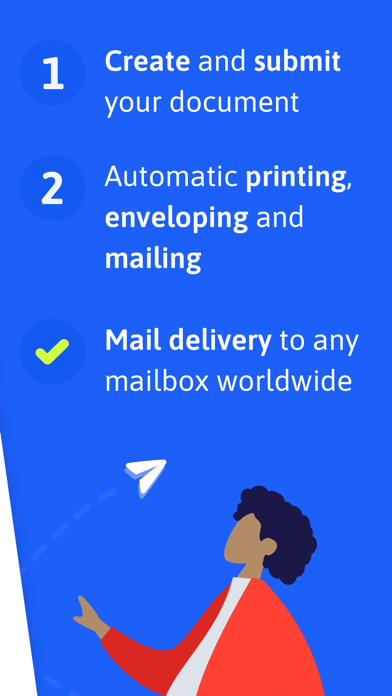
SEND LETTERS
• Select a preferred shipping method and send your letter directly from EasyLetter
• Whether black and white or in color: printing, enveloping, franking and shipping are all from a single source and are handled by our cooperation partner PIN AG
ADD ATTACHMENTS
• Select images and PDF files when exporting or sending
• EasyLetter will merge all files into one compact PDF
• Attachments are sent with the letter
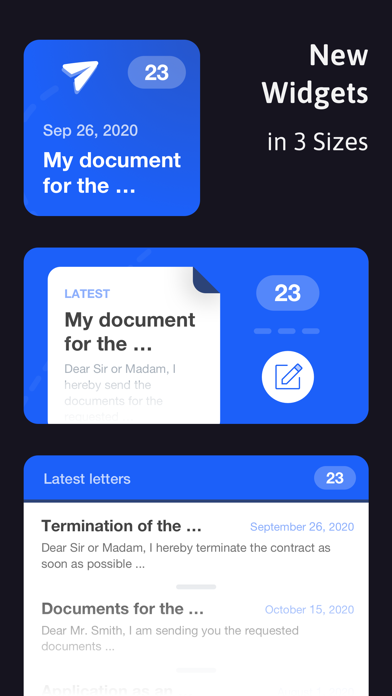
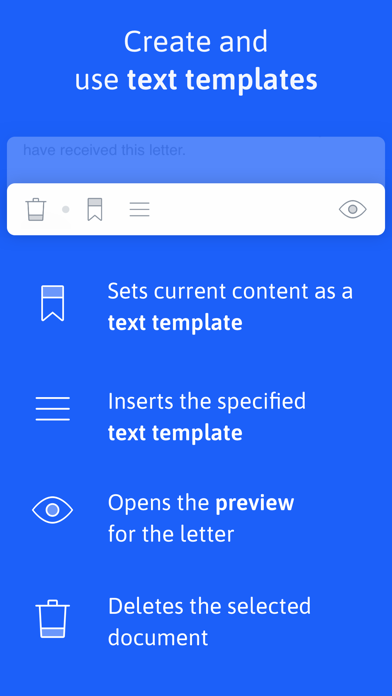
SAVE TIME WITH TEXT TEMPLATES
• Create a text template: With one click, the content of the selected document is used and saved as a template.
• Just as easily apply the saved text template to another document.
• Multiple documents can be managed through the sidebar. Text templates can easily be used by switching between documents.
PERSONALIZATION
• Add a letterhead in the letter settings to give a letter an even more professional look.
• Position an image on the left, in the middle or on the right in the upper area.
• The letterhead automatically adapts to the selected layout.
IMPORT CONTACTS
• Use contact information from the Contacts app with one click.
• Addresses are automatically formatted and inserted into the document.
EXPORT AND ICLOUD SYNCHRONIZATION
• Export the finished document as a PDF.
• Use EasyLetter on multiple devices: your letters are always up to date and can be edited from anywhere.
EASYLETTER PRO
More professionalism with the extended functions of EasyLetter.
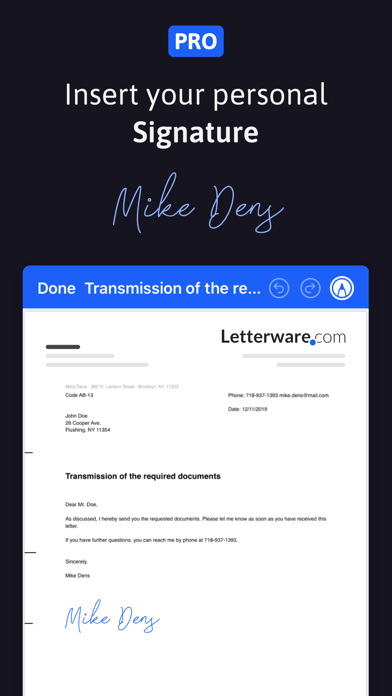
ADD SIGNATURE
• Define a signature and use it in all your documents.
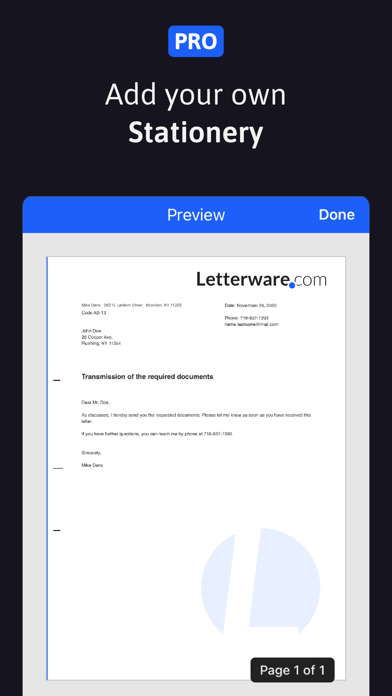
SET LETTERPAPER
• A background image for your documents: choose any image that is large enough for the best print quality.
TEXT FORMATTING
• Choose any font to personalize your documents.
• Use different font styles such as bold and italic.
• Underline text passages for more expressiveness.
• Change the font size for the entire document to improve readability.
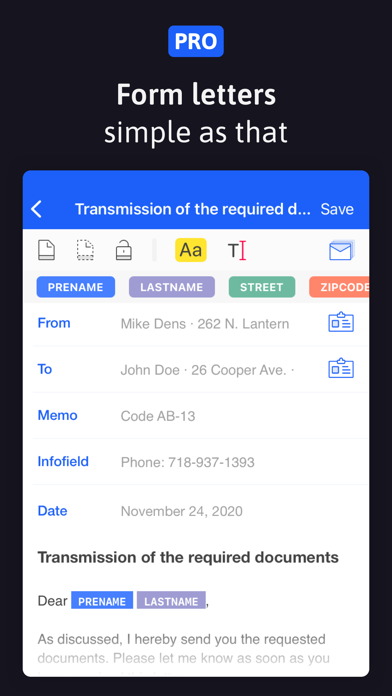
CREATE SERIAL LETTERS
• Convert your document into a form letter with one click.
• Use the placeholders for first name, last name, street, zip code, city and country in the input fields to enrich them with data.
• When exporting, select the contact addresses for which letters are to be created.
• When exporting, a folder is created in which the serial letters created are stored.
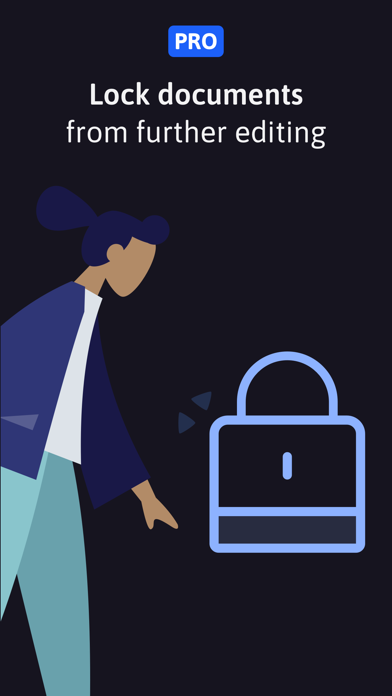
LOCK DOCUMENTS
• Lock and unlock documents in one step to protect them from further editing.
Terms of Use: https://www.apple.com/legal/internet-services/itunes/dev/stdeula/
Safety and technology
Found in the app by AppBrain- Price
- Free
- App size
- 11.2 MB
- Content rating
- Everyone
Technologies used by EasyLetter: Write a Letter
Releases
Updates seen on the App Store- Version
- 1.15.3
- Launched
- April 2020
No changelog data
Alternatives
Similar apps and more from Felix BrixAlternatives to EasyLetter: Write a Letter







More from Felix Brix


Rankings
App Store top chartsApp Store Rankings for EasyLetter: Write a Letter
About the app and developer
About EasyLetter: Write a Letter
EasyLetter: Write a Letter is a productivity app developed by Felix Brix.
User Ratings
EasyLetter: Write a Letter is rated 4.56 out of 5 stars. The rating is based on 170 ratings.
App Information
EasyLetter: Write a Letter is freely available from the App Store. The app size is 11.22 MB. The latest version available is 1.15.3. The last update was on July 7, 2026.
Technical Requirements
The app has a content rating of Everyone. The app has been available on the App Store since April 2020.
Developer information for Felix Brix
Address:
Frequently asked questions about EasyLetter: Write a Letter
Is EasyLetter: Write a Letter free?
Yes. EasyLetter: Write a Letter is free on the App Store.
Is EasyLetter: Write a Letter still available?
Yes. EasyLetter: Write a Letter is on the App Store, and the last update we saw was on July 7, 2026.
How large is EasyLetter: Write a Letter?
EasyLetter: Write a Letter is 11.22 MB.
Is EasyLetter: Write a Letter suitable for children?
App Store rates the content of EasyLetter: Write a Letter as suitable for everyone.
How do people rate EasyLetter: Write a Letter?
EasyLetter: Write a Letter scores 4.56 out of 5 stars, from 167 ratings on the App Store.
Who made EasyLetter: Write a Letter?
EasyLetter: Write a Letter was developed by Felix Brix. It is listed in the productivity category on the App Store.
What are the best alternatives to EasyLetter: Write a Letter?
People looking at EasyLetter: Write a Letter also look at these productivity apps: Letter: just write letters, PDF Max Pro, Mail-It Now from Click2Mail, Cover Letter Templates, MemoCam: OCR Camera & Scanner.