

Effectshop Pic & Collage Maker
Effectshop Pic & Collage Maker is made and published by 昊 李. AppBrain is an independent app data site and isn't affiliated with 昊 李. The app name, icon, screenshots and description belong to 昊 李 and are shown as published on the App Store.
AppBrain's verdict
EstablishedLoved by users- Rating on App Store
- 4.64
- 2,604 ratings
- Last updated
- October 25, 2026
Users love it: 4.6 stars from 2,604 ratings.
Rankings
App Store top chartsApp Store Rankings for Effectshop Pic & Collage Maker
Competitors
Similar apps and more from 昊 李Alternatives to Effectshop Pic & Collage Maker






More from 昊 李


Releases
Updates seen on the App Store- Version
- 5.5.1
- Launched
- May 2014
No changelog data
User feedback
Ratings and reviews on the App StoreComments on Effectshop Pic & Collage Maker for iOS
We don't have enough comments to show example comments. Please check back later.
Technology
Found in the app by AppBrain- Price
- Free
- App size
- 55.2 MB
- Content rating
- Everyone
Technologies used by Effectshop Pic & Collage Maker
About the app and developer
About Effectshop Pic & Collage Maker
Effectshop Pic & Collage Maker is a photo & video app developed by 昊 李.
User Ratings
Effectshop Pic & Collage Maker is rated 4.64 out of 5 stars. The rating is based on 2.6 thousand ratings.
App Information
Effectshop Pic & Collage Maker is freely available from the App Store. The app size is 55.19 MB. The latest version available is 5.5.1. The last update was on October 25, 2026.
Technical Requirements
The app has a content rating of Everyone. The app has been available on the App Store since May 2014.
Developer information for 昊 李
Address:
Store listing
By 昊 李, from the App Store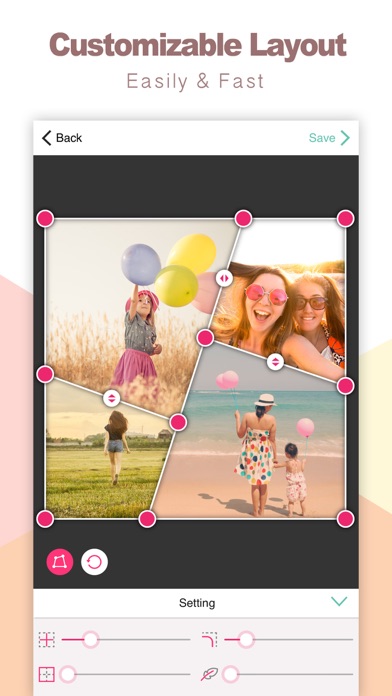
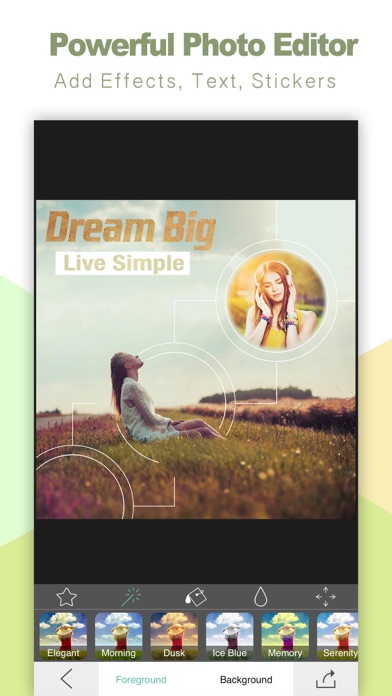

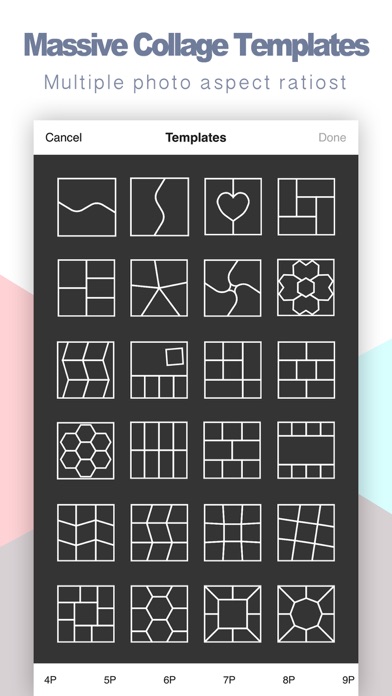
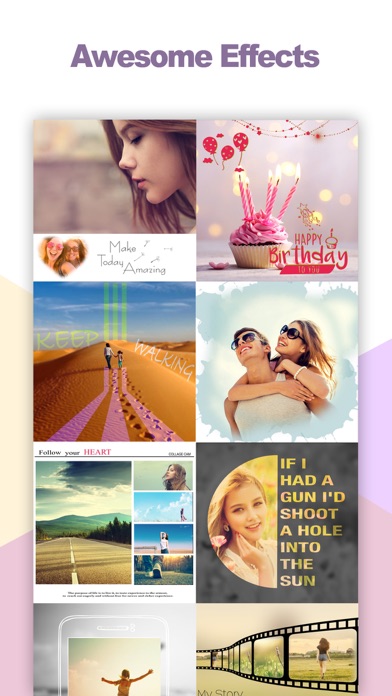
Description by 昊 李 Written by the developer, not by AppBrain. Click to read.
==== Features ====
【Local filters】 Apply filters in selected areas or customized text areas of the image.
【Multiple filters】 You can add multiple graphics or text to the image and apply different filters to them.
【Seamless integration】 Filter areas can be fused or nested seamlessly into each other.
【Edge fading】The edge of graphics or text can be set to the fade-out effect.
【Bokeh】 Blur out areas outside of the graphics on the image. The degree of effect can be adjusted.
【Stickers】 Stickers can be set to any color. Support gradient color.
【HD Saving】 Support generation of high-resolution pictures (without reducing the size of the original image)