

Elevate Technical App
Elevate Technical App is made and published by Amrize. AppBrain is an independent app data site and isn't affiliated with Amrize. The app name, icon, screenshots and description belong to Amrize and are shown as published on the App Store.
AppBrain's verdict
Loved by users- Rating on App Store
- 4.68
- 401 ratings
- Last updated
- May 23, 2024
Users love it: 4.7 stars from 401 ratings.
Rankings
App Store top chartsApp Store Rankings for Elevate Technical App
Competitors
Similar apps and more from Amrize













Releases
Updates seen on the App Store- Version
- 1.2.3
- Launched
- October 2022
No changelog data
User feedback
Ratings and reviews on the App StoreComments on Elevate Technical App for iOS
We don't have enough comments to show example comments. Please check back later.
Technology
Found in the app by AppBrain- Price
- Free
- App size
- 79.2 MB
- Content rating
- Everyone
Technologies used by Elevate Technical App
About the app and developer
About Elevate Technical App
Elevate Technical App is a business app developed by Amrize.
What is the rating of Elevate Technical App?
Elevate Technical App is rated 4.68 out of 5 stars, based on 400 ratings.
Is Elevate Technical App free?
Elevate Technical App is free. The app size is 79.25 MB. The latest version available is 1.2.3. The last update was on May 23, 2024.
What are the requirements for Elevate Technical App?
The app has a content rating of Everyone. The app has been available on the App Store since October 2022.
Developer information for Amrize
Address:
Store listing
By Amrize, from the App Store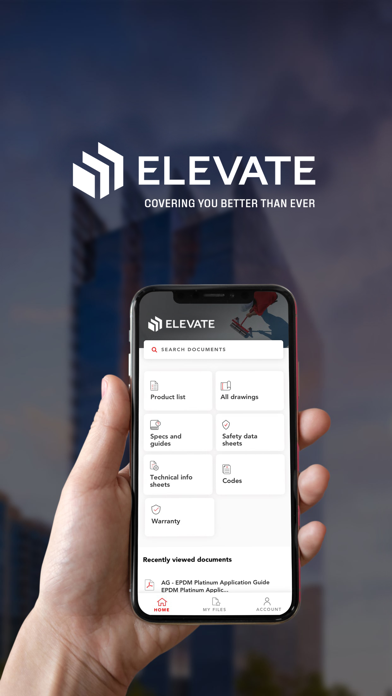
Description by Amrize Written by the developer, not by AppBrain. Click to read.
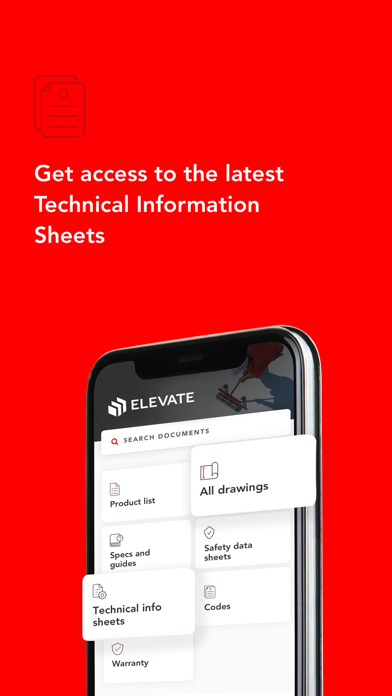
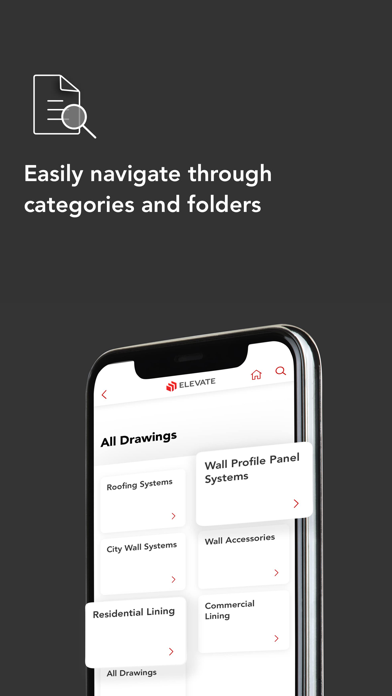
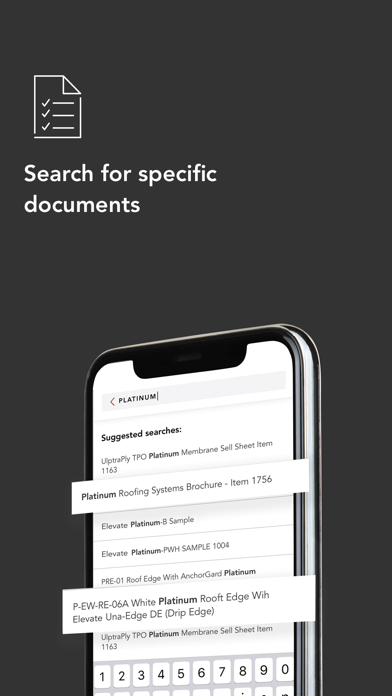
It’s our goal to keep you roofing. With the Elevate Technical App, you have quick access to the technical documents you need whenever and wherever you are. It’s a solution designed to give you confidence on every jobsite.
These are New features in our Technical App:
Quick Access
No matter where you are quickly access technical documents.
What You Need- Faster
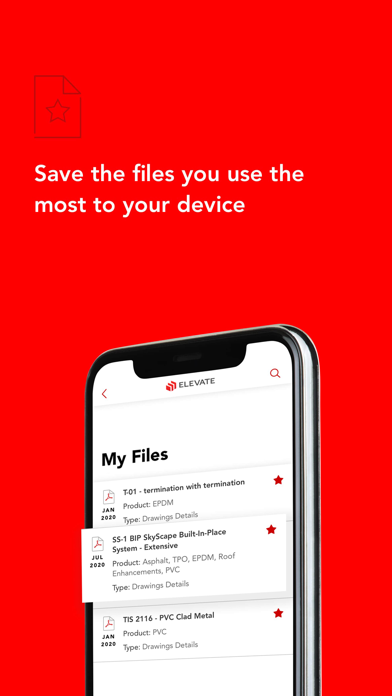
Access your recently viewed documents from the Homepage and keep the files you use most in the My Files for easy reference.
Automatic Updates
Your saved files automatically update when we make a change ensuring you have the most recent versions.
More Ways to Share
More ways to share documents with your team: via text message, email or any other suitable application in your phone
Seamless Experience
Files you favorite on holcimelevate.com website will account automatically sync to the app when you login.