

Escape Game Snow House
Escape Game Snow House is made and published by Mai Ukita. AppBrain is an independent app data site and isn't affiliated with Mai Ukita. The app name, icon, screenshots and description belong to Mai Ukita and are shown as published on the App Store.
AppBrain's verdict
- Rating on App Store
- 4.76
- 51 ratings
- Last updated
- February 16, 2026
It doesn't have enough ratings yet to judge what users think.
Rankings
App Store top chartsApp Store Rankings for Escape Game Snow House
Competitors
Similar apps and more from Mai UkitaMore from Mai Ukita







Releases
Updates seen on the App Store- Version
- 1.0
- Launched
- February 2026
No changelog data
User feedback
Ratings and reviews on the App StoreComments on Escape Game Snow House for iOS
We don't have enough comments to show example comments. Please check back later.
Technology
Found in the app by AppBrain- Price
- Free
- App size
- 127.7 MB
- Content rating
- High
Technologies used by Escape Game Snow House
About the app and developer
About Escape Game Snow House
Escape Game Snow House is a games app developed by Mai Ukita.
User Ratings
Escape Game Snow House is rated 4.76 out of 5 stars. The rating is based on 51 ratings.
App Information
Escape Game Snow House is freely available from the App Store. The app size is 127.72 MB. The latest version available is 1.0. The last update was on February 16, 2026.
Technical Requirements
The app has a content rating of High Maturity. The app has been available on the App Store since February 2026.
Developer information for Mai Ukita
Address:
Store listing
By Mai Ukita, from the App Store
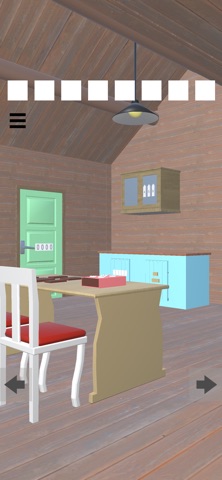
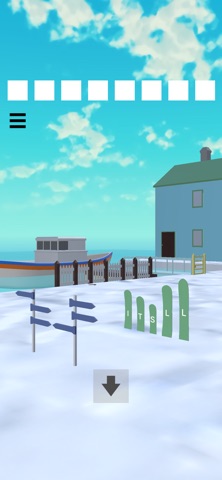

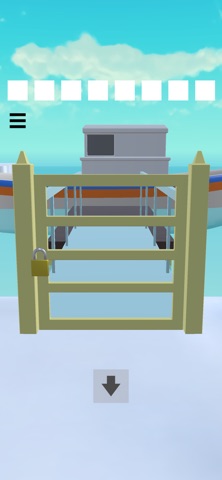
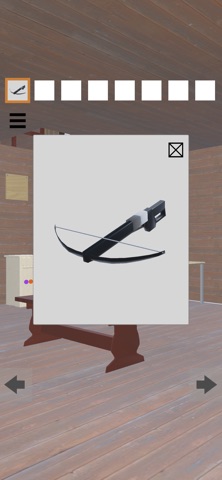
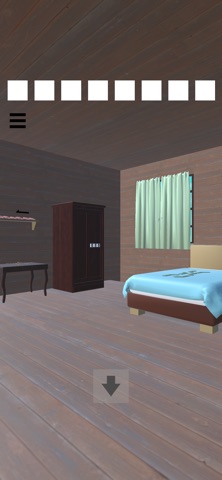
Description by Mai Ukita Written by the developer, not by AppBrain. Click to read.
Use items and solve puzzles to escape this house!
Simple controls and challenges your memory and thinking skills, making it perfect for brain training.
No complicated controls are needed, so players of all ages can enjoy it.
How to Play
・Tap suspicious spots in the room
・Tap items to select them
・Tap the item box again to zoom in on an item
・Select and tap another item on the zoomed-in item to combine them
・If you get stuck, you can view hints from the menu
BGM by Float 11