

Escape Game :Summer Festivals
Escape Game :Summer Festivals is made and published by Jun Wakabayashi. AppBrain is an independent app data site and isn't affiliated with Jun Wakabayashi. The app name, icon, screenshots and description belong to Jun Wakabayashi and are shown as published on the App Store.
AppBrain's verdict
Loved by users- Rating on App Store
- 4.61
- 133 ratings
- Last updated
- September 11, 2024
Users love it: 4.6 stars from 133 ratings.
Rankings
App Store top chartsApp Store Rankings for Escape Game :Summer Festivals
Competitors
Similar apps and more from Jun WakabayashiMore from Jun Wakabayashi








Releases
Updates seen on the App Store- Version
- 1.0.3
- Launched
- August 2024
No changelog data
User feedback
Ratings and reviews on the App StoreComments on Escape Game :Summer Festivals for iOS
We don't have enough comments to show example comments. Please check back later.
Technology
Found in the app by AppBrain- Price
- Free
- App size
- 195.9 MB
- Content rating
- Everyone
Technologies used by Escape Game :Summer Festivals
About the app and developer
About Escape Game :Summer Festivals
Escape Game :Summer Festivals is a games app developed by Jun Wakabayashi.
User Ratings
Escape Game :Summer Festivals is rated 4.61 out of 5 stars. The rating is based on 130 ratings.
App Information
Escape Game :Summer Festivals is freely available from the App Store. The app size is 195.91 MB. The latest version available is 1.0.3. The last update was on September 11, 2024.
Technical Requirements
The app has a content rating of Everyone. The app has been available on the App Store since August 2024.
Developer information for Jun Wakabayashi
Address:
Store listing
By Jun Wakabayashi, from the App Store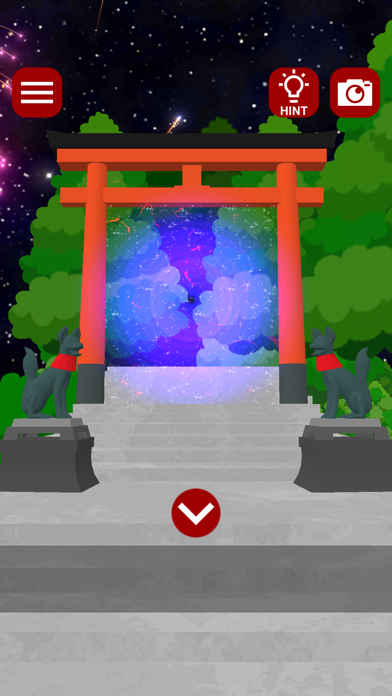


Description by Jun Wakabayashi Written by the developer, not by AppBrain. Click to read.
The game comes with a screenshot function and automatic save, so you can start over at any time.
If you have trouble solving a puzzle, you can see hints and solutions in the game.
How to play
Tap the location you want to explore.
Tap an item to select it, then tap the location where you want to use it.
Tap twice to zoom in on the item of interest.
Tap twice to zoom in on the item you are interested in, or use another item on the zoomed-in item to combine them.
If you get stuck, read the hints. (There is a video ad)
Copyright Notice
Posting, reprinting, or editing screenshots or walkthrough videos of this game application without permission may result in penalties under copyright law.
2024 New Studio Wakaba