feedme smart is an overall app developed by Elena-Daniela Pop.
Download Statistics
User Ratings
The app has no ratings yet.
App Information
feedme smart is FREE to download. The APK download size is 27.01 MB. The latest version available is 4.9.1. The last update was on September 10, 2024.
Technical Requirements
The app has a content rating of High Maturity. The app has been available on Google Play July 2019.
Description
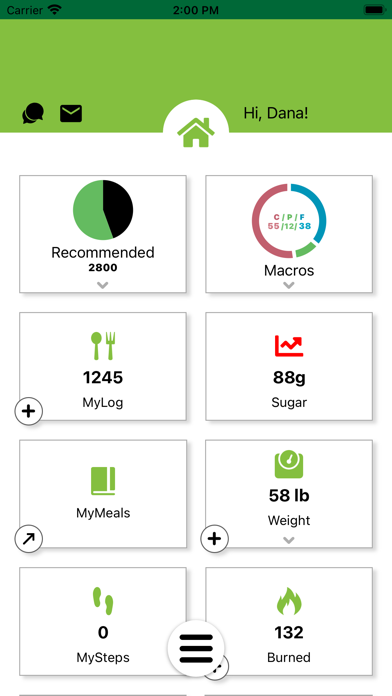
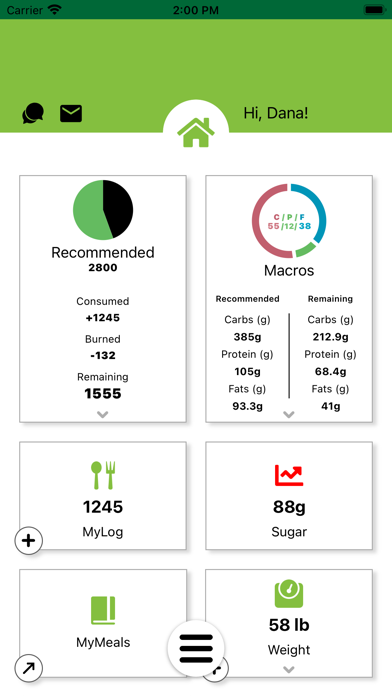
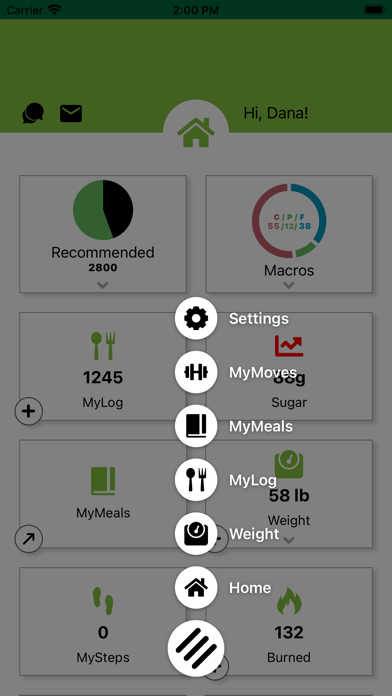
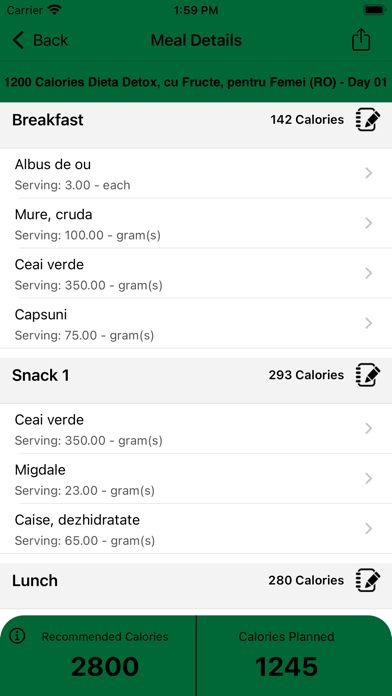
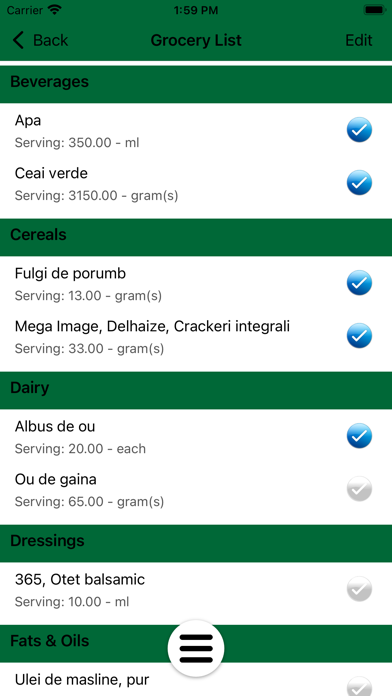
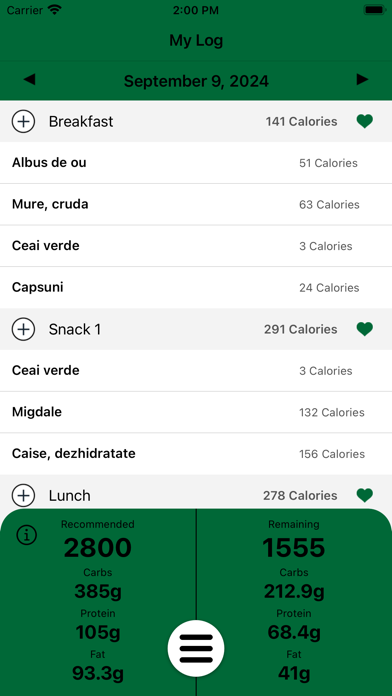
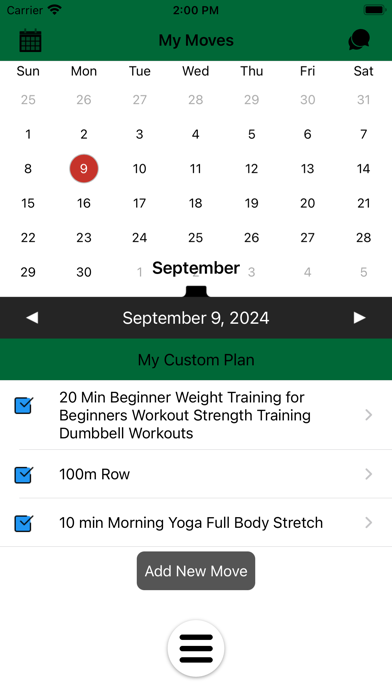
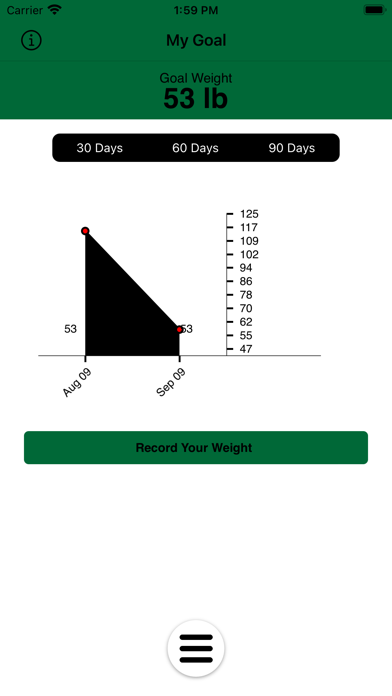
FeedMe Smart is a professional meal planning, food and activity logging tool that can only be activated by an authorized nutrition counselor. You can login to FeedMe Smart by using the username and password that was provided by the counselor when your web based cloud account is set up. Your personalized meal plan, grocery list, daily caloric goal and weight control goal are setup by the counselor on your web cloud account, then pushed to the FeedMe Smart app. The nutritional and weight management goals include your daily calorie budget, goal weight, BMI, macronutrient ratios and other important factors that attribute to better overall health, nutritional habits and weight control. How it works: Once you login to FeedMe Smart app you can access your daily meal plan as recommended by your counselor, grocery list, log foods and activities to track your daily amount of calories consumed or burned during activities, and compare those numbers with what has been established by your counselor. FeedMe Smart's cloud account also allows logging online via a web based portal. Regardless if you log on your phone or the cloud account, all data is sync'd up and down. This logged information can then be viewed and monitored by your nutrition counselor for better coaching and compliance to your personal plan. Step up your goals with wearable device steps and calorie tracking with Fitbit(available on iOS) and Apple Watch(only available on iOS)! Simply sync your wearable device with your profile and let FeedMe Smart do the rest! With step and calorie counting with Fitbit & Apple Watch you can now stay on track with up to date daily activity logging. To enable automatic syncing with Apple Health, login to your profile, go to Settings >Optional> and activate “Enable Apple Watch Sync” (Only available on iOS devices).
Each subscription will automatically renew 3 days before the expiration date for
the same time period. Subscriptions can be cancelled at any time before the renewal.