

Feel: Heartbeat
Feel: Heartbeat is made and published by TheTouch X s.r.o. AppBrain is an independent app data site and isn't affiliated with TheTouch X s.r.o. The app name, icon, screenshots and description belong to TheTouch X s.r.o. and are shown as published on the App Store.
AppBrain's verdict
Established- Rating on App Store
- 3.37
- 19 ratings
- Last updated
- February 14, 2023
It doesn't have enough ratings yet to judge what users think.
Rankings
App Store top chartsApp Store Rankings for Feel: Heartbeat
Competitors
Similar apps and more from TheTouch X s.r.o.Alternatives to Feel: Heartbeat







Releases
Updates seen on the App Store- Version
- 1.3.2
- Launched
- April 2020
No changelog data
User feedback
Ratings and reviews on the App StoreComments on Feel: Heartbeat for iOS
We don't have enough comments to show example comments. Please check back later.
Technology
Found in the app by AppBrain- Price
- Free
- App size
- 90.7 MB
- Content rating
- Everyone
Technologies used by Feel: Heartbeat
About the app and developer
About Feel: Heartbeat
Feel: Heartbeat is a social networking app developed by TheTouch X s.r.o.
What is the rating of Feel: Heartbeat?
Feel: Heartbeat is rated 3.37 out of 5 stars, based on 19 ratings.
Is Feel: Heartbeat free?
Feel: Heartbeat is free. The app size is 90.70 MB. The latest version available is 1.3.2. The last update was on February 14, 2023.
What are the requirements for Feel: Heartbeat?
The app has a content rating of Everyone. The app has been available on the App Store since April 2020.
Developer information for TheTouch X s.r.o.
Address:
Store listing
By TheTouch X s.r.o., from the App Store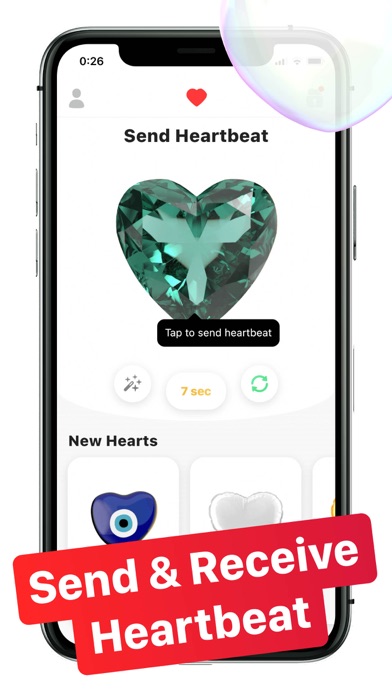
Description by TheTouch X s.r.o. Written by the developer, not by AppBrain. Click to read.
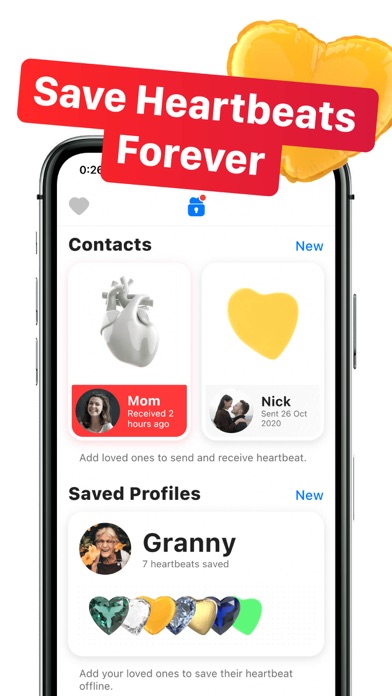
With Feel app you can:
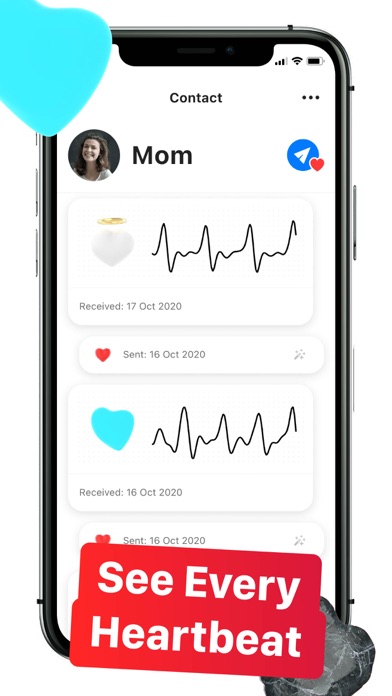
– Send and receive heartbeat with your loved ones
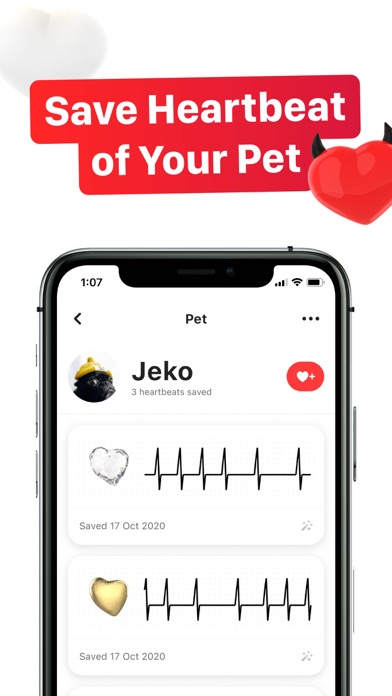
– Save the heartbeat of your loved ones forever
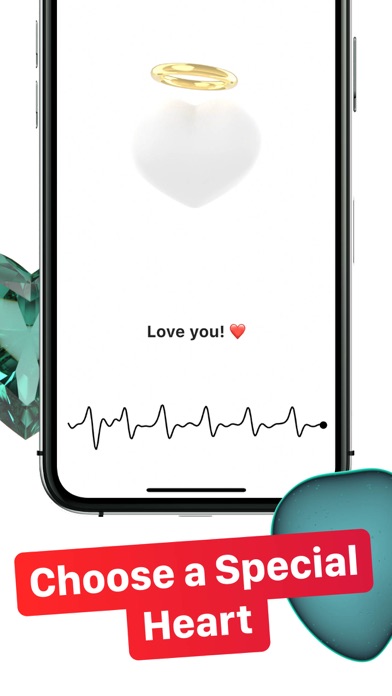
– See and feel the heartbeat of your loved ones, wherever you are
– Upload a heartbeat to HB Ring
To send heartbeat:
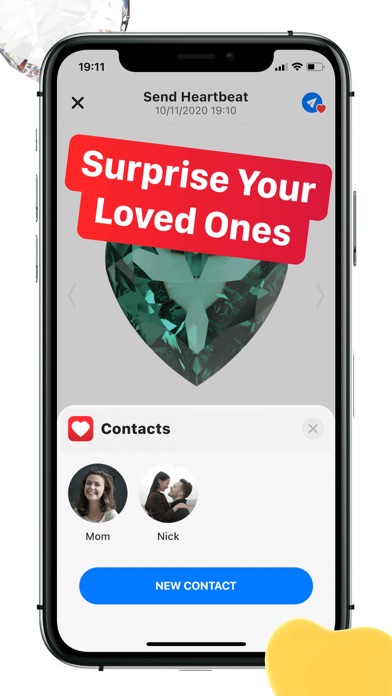
– Swipe down to find the perfect heart
– Tap to send heartbeat
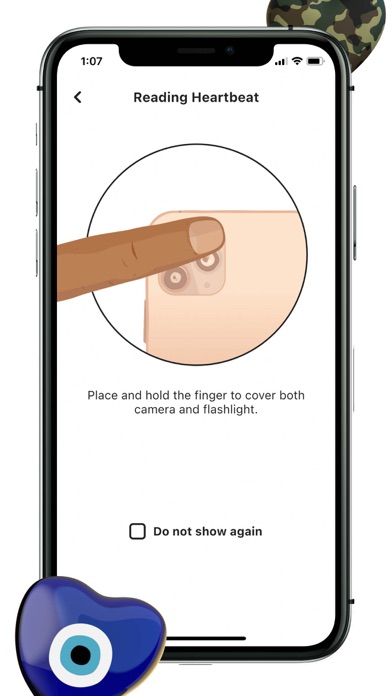
– Put your finger to cover camera and flashlight
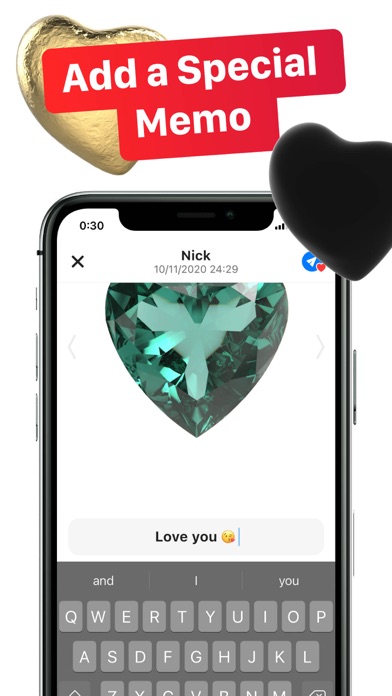
– Add a memo and tap send icon
– Tap on loved one to send the heartbeat
– Done!
To upload a heartbeat to HB Ring:
– Pair with your HB Ring, by inserting and removing the ring into a charger box connected to power, and double tapping the ring 2x times.
– Tap PAIR in the application
– Choose a contact or a saved profile of loved one or pet to upload their heartbeat to HB Ring
– Done!
By upgrading to Premium you can:
– Send and save any heart design
– Record and send longer heartbeats
– Cloud backup user data and all heartbeats
– Remove ads