

Fence Genius Measure & Install
Fence Genius Measure & Install is made and published by Fence Genius. AppBrain is an independent app data site and isn't affiliated with Fence Genius. The app name, icon, screenshots and description belong to Fence Genius and are shown as published on the App Store.
AppBrain's verdict
Established- Rating on App Store
- 2.65
- 23 ratings
- Last updated
- December 9, 2023
It doesn't have enough ratings yet to judge what users think.
Rankings
App Store top chartsApp Store Rankings for Fence Genius Measure & Install
Competitors
Similar apps and more from Fence GeniusAlternatives to Fence Genius Measure & Install








Releases
Updates seen on the App Store- Version
- 1.39.2
- Launched
- May 2021
No changelog data
User feedback
Ratings and reviews on the App StoreComments on Fence Genius Measure & Install for iOS
We don't have enough comments to show example comments. Please check back later.
Technology
Found in the app by AppBrain- Price
- Free
- App size
- 134.1 MB
- Content rating
- Everyone
Technologies used by Fence Genius Measure & Install
About the app and developer
About Fence Genius Measure & Install
Fence Genius Measure & Install is an utilities app developed by Fence Genius.
User Ratings
Fence Genius Measure & Install is rated 2.65 out of 5 stars. The rating is based on 23 ratings.
App Information
Fence Genius Measure & Install is freely available from the App Store. The app size is 134.09 MB. The latest version available is 1.39.2. The last update was on December 9, 2023.
Technical Requirements
The app has a content rating of Everyone. The app has been available on the App Store since May 2021.
Developer information for Fence Genius
Address:
Frequently asked questions about Fence Genius Measure & Install
Is Fence Genius Measure & Install free?
Yes. Fence Genius Measure & Install is free on the App Store.
Is Fence Genius Measure & Install still available?
Yes. Fence Genius Measure & Install is on the App Store, and the last update we saw was on December 9, 2023.
How large is Fence Genius Measure & Install?
Fence Genius Measure & Install is 134.09 MB.
Is Fence Genius Measure & Install suitable for children?
App Store rates the content of Fence Genius Measure & Install as suitable for everyone.
How do people rate Fence Genius Measure & Install?
Fence Genius Measure & Install scores 2.65 out of 5 stars, from 23 ratings on the App Store.
Who made Fence Genius Measure & Install?
Fence Genius Measure & Install was developed by Fence Genius. It is listed in the utilities category on the App Store.
What are the best alternatives to Fence Genius Measure & Install?
People looking at Fence Genius Measure & Install also look at these utilities apps: Omega II Fence Calculator, WoodFenceCalc, Decking calculator, material, Stair Calculator: Construction, Home Builder Pro Calcs.
Store listing
By Fence Genius, from the App Store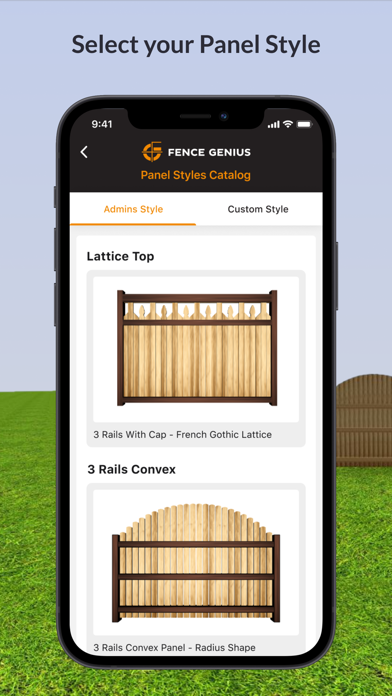


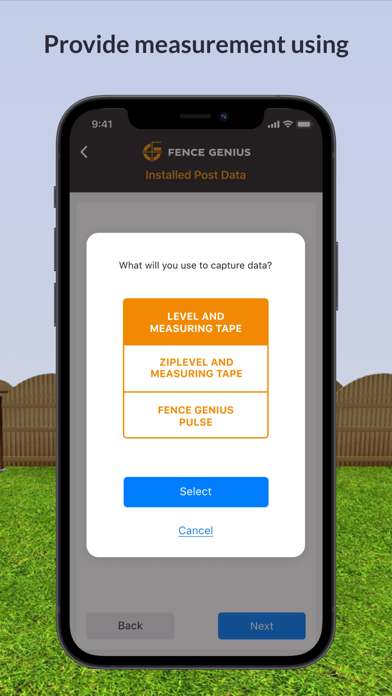

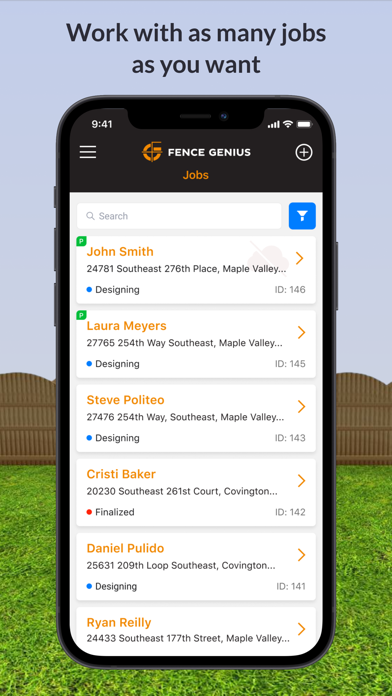
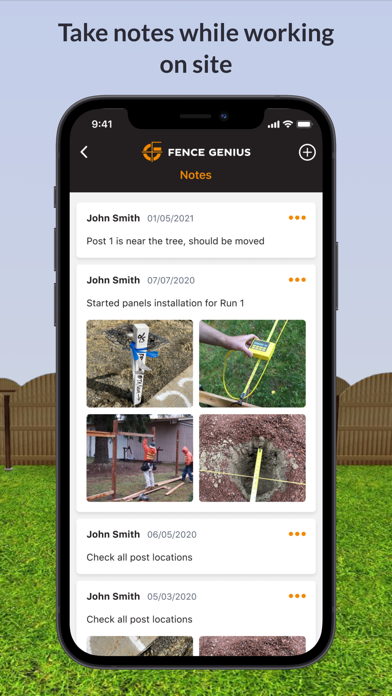
Description by Fence Genius Written by the developer, not by AppBrain. Click to read.
Are you a homeowner looking to install a fence but don’t know how to measure and mark the post spacing? Or are you a contractor looking for a better way to measure and store measurements you make when estimating jobs. Do you desire a more realistic 3D rendering of how your fence system will look once installed to the actual terrain? Fence Genius is here to help with that!
On the jobsite:
• Store Important Notes and Pictures
• Measure Runs Horizontally or Along the Slope
• Hear Audible Post Spacing Measurements
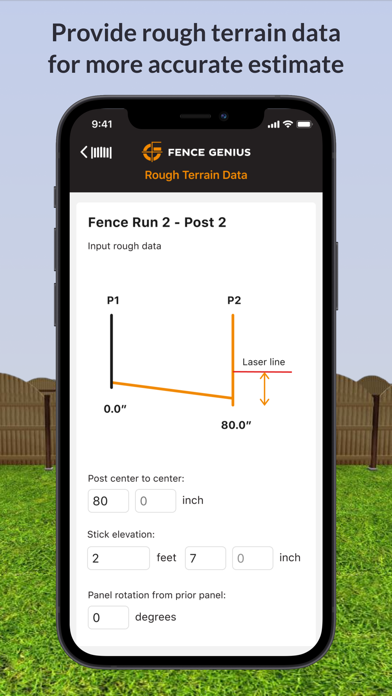
• Input Tape Measure Offsets to roughly hook or tie your tape measure to an offset batter board or stake, removing the need for precise tape placement or a second person
• Use our Patent Pending Lidar AR aspect to visually see and mark the suggested post locations
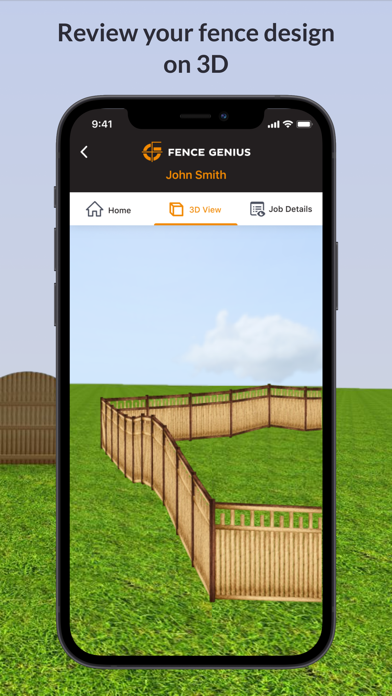
• Review your fence system in highly accurate 3D to see how the fence will follow the terrain
• Bring in Elevation Data or Terrain Information to:
o Obtain a more realistic and accurate 3D rendering and Bill of Materials in the Web App
o See Terrain Related problems before you build
o Freely Adjust the Top of Fence Contour Line to find the Customers Desired Finish
o Use a common laser level, hand level, or ZipLevel to bring in elevation changes if your phone doesn’t have Lidar.
• If you have an iPhone with Lidar, Scan the Job Site using our Patent Pending Built In Lidar Scan Option
o Simply walk and click the Post Corner Locations viewing through the phone
o Bring in Measurement Data along with Elevation Data in one scan
• Use elevation data without pre installing posts to pre fabricate your fence system AND pre cut and mark your posts for rail locations using our Pre Manufacturing Workflow to build and pre finish your fence system offsite. Later return to the site to install a post and panel then the next post and panel working in a daisy chain through the system to potentially reduce trips to and from the site
Optional Step: Once Posts are Installed and assuming extra care was taken to install them plumb in both directions using only straight, high quality posts. If you wish to use our Pre Manufacturing Workflow to pre produce your fence system offsite in a garage or a shop:
• Use the App for a step by step process to capture the “As Installed” post relationships to recreate them in the software
• Software will account for posts that are too short to accomplish the desired top sight line
• Software will give you all post height cut off measurements to accomplish the desired sight line
• Software will give you all rail height locations
• Software will give you all measurements, angles, cuts and optional pre drilled hole locations to produce your fence system