It doesn't have enough ratings yet to judge what users think.
Fennec Fox is made and published by
Advance Corp..
AppBrain is an independent app data site and isn't affiliated with Advance Corp..
The app name, icon, screenshots and description belong to Advance Corp. and are shown as
published on the App Store.
About Fennec Fox
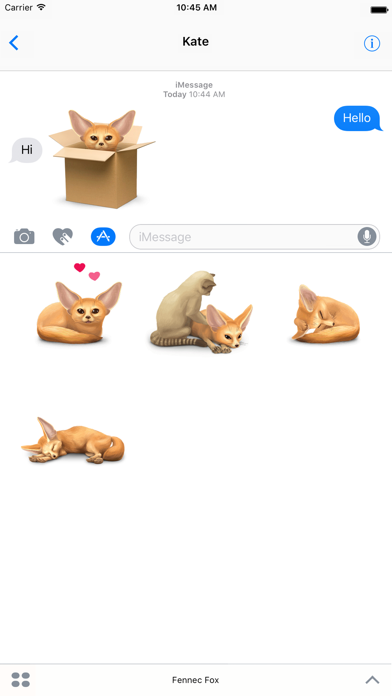
Fennec Fox is a stickers app developed by Advance Corp..
User Ratings
Fennec Fox is rated 4.03 out of 5 stars. The rating is based on 29 ratings.
App Information
Fennec Fox is freely available from the App Store. The app size is 35.24 MB. The latest version available is 1.19. The last update was on June 12, 2021.
Technical Requirements
The app has a content rating of Everyone. The app has been available on the App Store since April 2017.
Description by Advance Corp.(from the App Store)
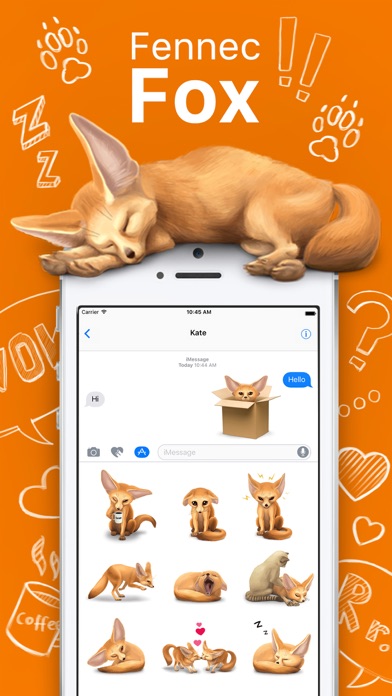
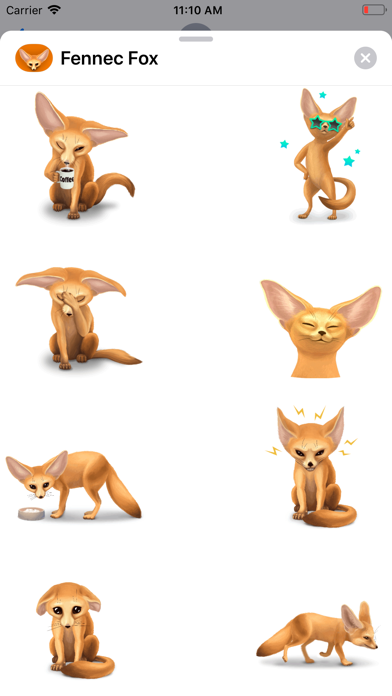
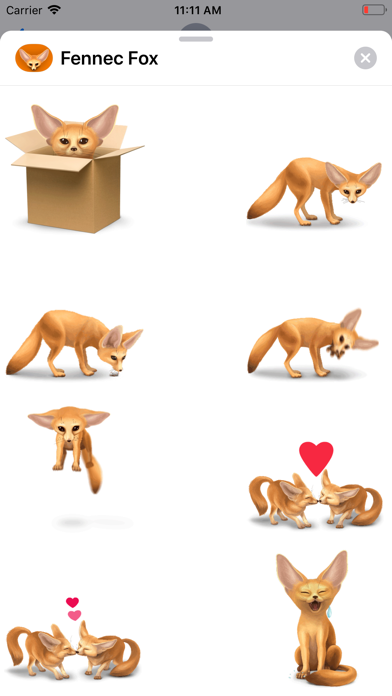
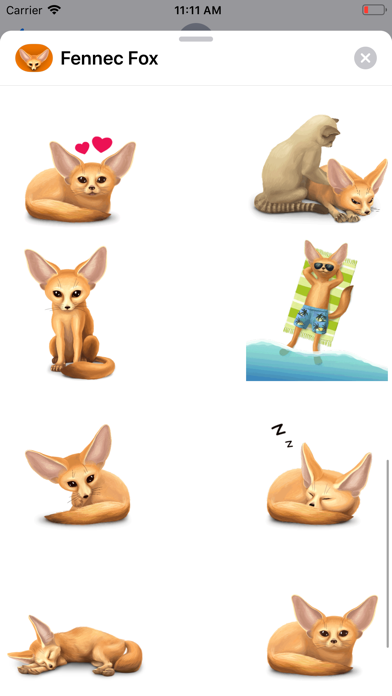
Little sun, wonderful baby Fox, smart, naughty and very cute. Now in your phone! Stickers for iMessage have long and tightly entered our lives and allow you to transfer not only emotions, but also something that will allow you to distract yourself and your interlocutor from the ordinary course of time plunging into the world of little fox. Your attention is invited to: more than 25 animated stickers for imessage; more than 25 static stickers for imessage; constant updates and the emergence of new series of stickers; the possibility of feedback from the developers. Stickers are easy to use! But there is a main nuance - after installing stickers from the store designed specifically for installing applications for imessage, you will not see the stickers as a separate application installed on your phone. To use the stickers, you need to open a new correspondence in iMessage or open an old correspondence at the bottom, or above the opened keyboard, you will see a panel with applications offered to you for use in iMessage. Newly installed stickers can be located in the invisible part of this panel, so to use them you will first need to find them by flashing the application icons from right to left. Then click on the application icon and a set of stickers will open. The sticker you selected after clicking on it gets into the correspondence as intended to be sent. For frequent use of our application, we advise you to add stickers to your Favorites. To do this, in the new iMessage dialog or in the existing one, you need to scroll right to left to the end with the proposed applications and click the rightmost icon with three dots ... (More). In the sticker settings dialog box that opens, click the Change button. Find the application and to the left of its name, click on (Plus). If you do it right, you will get your favorites by iMessage selected stickers and will always be displayed on the left side of the panel in messages.
Each subscription will automatically renew 3 days before the expiration date for
the same time period. Subscriptions can be cancelled at any time before the renewal.