

Find It: is made and published by Appersian. AppBrain is an independent app data site and isn't affiliated with Appersian. The app name, icon, screenshots and description belong to Appersian and are shown as published on the App Store.
AppBrain's verdict
Established- Rating on App Store
- 2.56
- 9 ratings
- Last updated
- August 6, 2021
It doesn't have enough ratings yet to judge what users think.
Rankings
App Store top chartsApp Store Rankings for Find It:
Competitors
Similar apps and more from AppersianAlternatives to Find It:








More from Appersian



Releases
Updates seen on the App Store- Version
- 2.1
- Launched
- March 2016
No changelog data
User feedback
Ratings and reviews on the App StoreComments on Find It: for iOS
We don't have enough comments to show example comments. Please check back later.
Technology
Found in the app by AppBrain- Price
- Free
- App size
- 17.8 MB
- Content rating
- Everyone
Technologies used by Find It:
About the app and developer
About Find It:
Find It: is a productivity app developed by Appersian.
User Ratings
Find It: is rated 2.56 out of 5 stars. The rating is based on 9 ratings.
App Information
Find It: is freely available from the App Store. The app size is 17.79 MB. The latest version available is 2.1. The last update was on August 6, 2021.
Technical Requirements
The app has a content rating of Everyone. The app has been available on the App Store since March 2016.
Developer information for Appersian
Address:
Store listing
By Appersian, from the App Store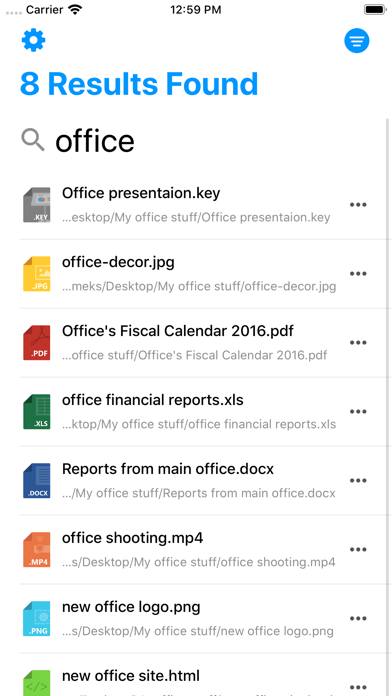
Description by Appersian Written by the developer, not by AppBrain. Click to read.
http://bit.ly/finditserver
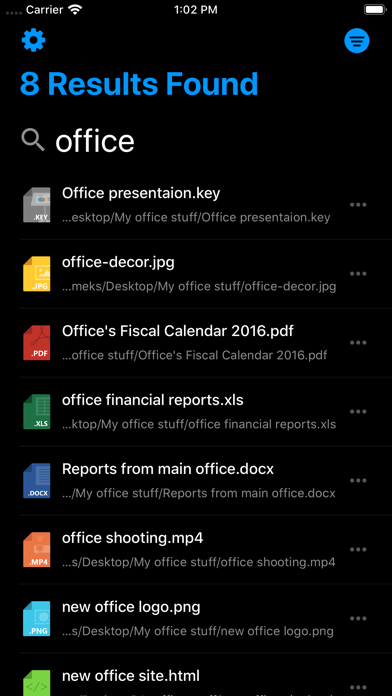
• Spotlight on your Pocket:
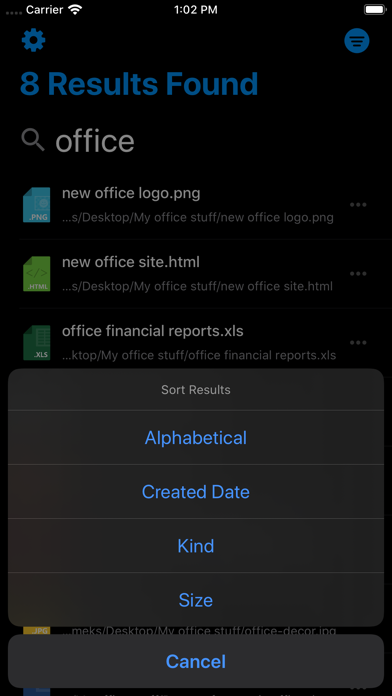
Search your Mac directly on iPhone or iPad
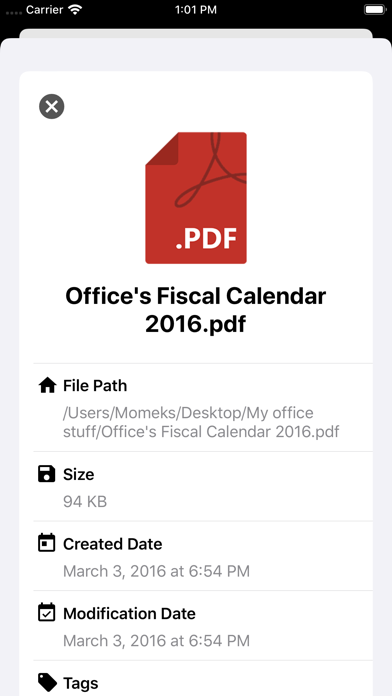
• Documents' Information:
View general information like Size, Created/Modified dates, tags, and file path.
• Quick Look:
Open and preview the most common formats.
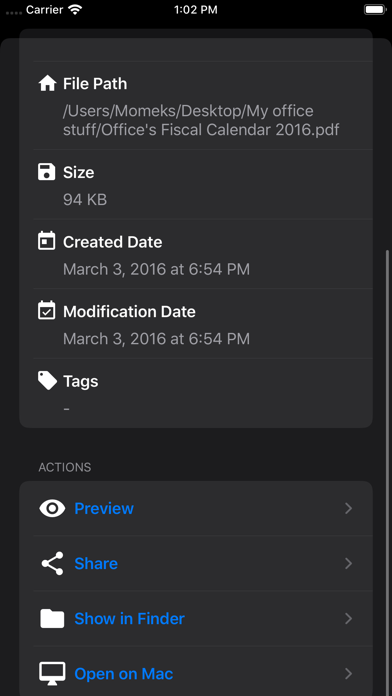
•More Options:
Open files with Mac, Show in Finder or share files with other iOS apps.
• Find It Premium:
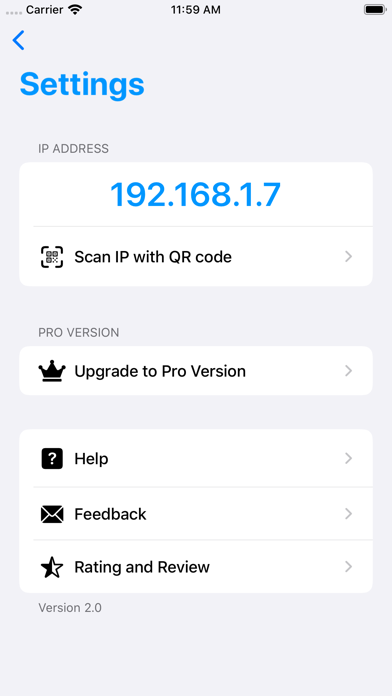
Upgrade to Premium Version to search without limitations.
- Important Note:
Both iOS and Mac apps must connect to the same and local Wi-Fi network, you cannot use this app remotely from other locations.