

FitMap: Events & Challenges
FitMap: Events & Challenges is made and published by corporatefitness.app. AppBrain is an independent app data site and isn't affiliated with corporatefitness.app. The app name, icon, screenshots and description belong to corporatefitness.app and are shown as published on the App Store.
AppBrain's verdict
- Rating on App Store
- 4.50
- 2 ratings
- Last updated
- March 12, 2024
It doesn't have enough ratings yet to judge what users think.
Rankings
App Store top chartsApp Store Rankings for FitMap: Events & Challenges
Competitors
Similar apps and more from corporatefitness.appAlternatives to FitMap: Events & Challenges




More from corporatefitness.app


Releases
Updates seen on the App Store- Version
- 4.2.3
- Launched
- January 2024
No changelog data
User feedback
Ratings and reviews on the App StoreComments on FitMap: Events & Challenges for iOS
We don't have enough comments to show example comments. Please check back later.
Technology
Found in the app by AppBrain- Price
- Free
- App size
- 79.1 MB
- Content rating
- Everyone
Technologies used by FitMap: Events & Challenges
About the app and developer
About FitMap: Events & Challenges
FitMap: Events & Challenges is a health & fitness app developed by corporatefitness.app.
What is the rating of FitMap: Events & Challenges?
FitMap: Events & Challenges is rated 4.50 out of 5 stars, based on 2 ratings.
Is FitMap: Events & Challenges free?
FitMap: Events & Challenges is free. The app size is 79.08 MB. The latest version available is 4.2.3. The last update was on March 12, 2024.
What are the requirements for FitMap: Events & Challenges?
The app has a content rating of Everyone. The app has been available on the App Store since January 2024.
Developer information for corporatefitness.app
Address:
Store listing
By corporatefitness.app, from the App Store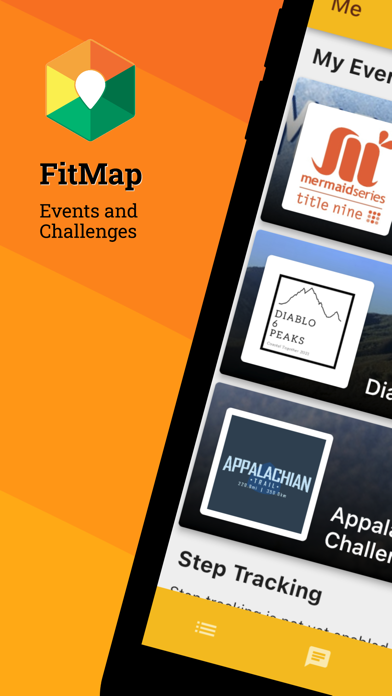




Description by corporatefitness.app Written by the developer, not by AppBrain. Click to read.
* Integrations with Apple Health app and all popular apps and trackers *
Connect your Apple Watch using our Health app integration to automatically sync your steps, runs, walks, and rides from your Apple Watch to your profile.
Connect your Garmin, Polar, Suunto, COROS, Fitbit, Strava, MapMyRun, or other GPS app or tracker to automatically sync your activities. Don't have a GPS tracker? No worries! Either use the integrated tracker in our app, or do manual entry.
* Leaderboards *
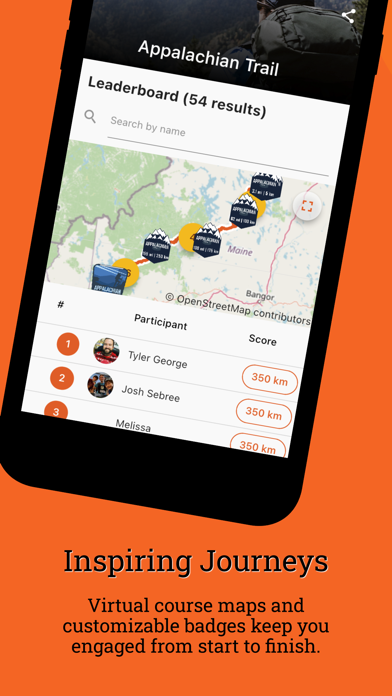
The searchable and customizable leaderboards show the real-time progress of each challenge. As organizer you are in control of the formatting of each leaderboard.
* Virtual Maps *
Show the progress of all participants on a virtual course map where participants move from start to finish based on their real-time progress.
* Event Feed *
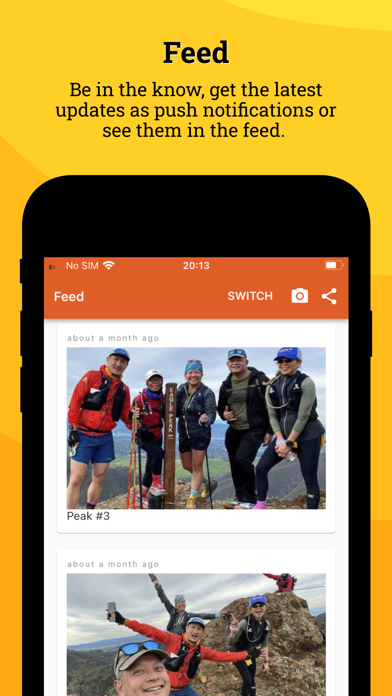
Check the progress and latest updates on the event feed. Updates can be sent as push notifications to ensure all participants of the event are aware of the latest updates. The feed can display updates, photos, selfies, results, and other relevant information during the event.
* Step Tracking *
Use our app to automatically sync your daily steps to any step challenges you participate in! Once step tracking is enabled it will work in the background (without impacting the battery life!) and the app will regularly sync your progress in the background. Keep those steps coming!
* Activity Tracking *
You can track any distance-based or time-based activity using the app. Use the integrated GPS tracker to accurately track your runs, walks, and rides.
* Event Dashboard *
As event organizer you can use our powerful self-service dashboard to quickly create a new challenge or view the progress of your challenges. Use the wizard to launch your own challenge within a few minutes!
---
Note on Health app integration: use the Health app integration to connect and sync your Apple Watch. We request permission to read your daily steps and workout information to sync this with your profile and update your challenge progress automatically.
Note on location data: When you decide to use this app for activity tracking, we will collect location data to enable activity tracking. We do this even when the app is in the background to ensure we can track your activities when you lock your phone or switch to another app. Once you are finished with your activity, we stop tracking your location.