
Flash Cards GO - Flashcards
Flash Cards GO - Flashcards is made and published by This Century Software. AppBrain is an independent app data site and isn't affiliated with This Century Software. The app name, icon, screenshots and description belong to This Century Software and are shown as published on the App Store.
AppBrain's verdict
EstablishedWell rated- Rating on App Store
- 4.33
- 1,137 ratings
- Last updated
- December 11, 2021
Users rate it well: 4.3 stars from 1,137 ratings.
Rankings
App Store top chartsApp Store Rankings for Flash Cards GO - Flashcards
Competitors
Similar apps and more from This Century SoftwareAlternatives to Flash Cards GO - Flashcards





More from This Century Software



Releases
Updates seen on the App Store- Version
- 1.7.0
- Launched
- July 2017
No changelog data
User feedback
Ratings and reviews on the App StoreComments on Flash Cards GO - Flashcards for iOS
We don't have enough comments to show example comments. Please check back later.
Technology
Found in the app by AppBrain- Price
- Free
- App size
- 2.25 MB
- Content rating
- Everyone
Technologies used by Flash Cards GO - Flashcards
About the app and developer
About Flash Cards GO - Flashcards
Flash Cards GO - Flashcards is an education app developed by This Century Software.
What is the rating of Flash Cards GO - Flashcards?
Flash Cards GO - Flashcards is rated 4.33 out of 5 stars, based on 1.1 thousand ratings.
Is Flash Cards GO - Flashcards free?
Flash Cards GO - Flashcards is free. The app size is 2.25 MB. The latest version available is 1.7.0. The last update was on December 11, 2021.
What are the requirements for Flash Cards GO - Flashcards?
The app has a content rating of Everyone. The app has been available on the App Store since July 2017.
Developer information for This Century Software
Address:
Frequently asked questions about Flash Cards GO - Flashcards
Is Flash Cards GO - Flashcards free?
Yes. Flash Cards GO - Flashcards is free on the App Store.
Is Flash Cards GO - Flashcards still available?
Yes. Flash Cards GO - Flashcards is on the App Store, and the last update we saw was on December 11, 2021.
How large is Flash Cards GO - Flashcards?
Flash Cards GO - Flashcards is 2.25 MB.
Is Flash Cards GO - Flashcards suitable for children?
App Store rates the content of Flash Cards GO - Flashcards as suitable for everyone.
How do people rate Flash Cards GO - Flashcards?
Flash Cards GO - Flashcards scores 4.33 out of 5 stars, from 1,137 ratings on the App Store.
Who made Flash Cards GO - Flashcards?
Flash Cards GO - Flashcards was developed by This Century Software. It is listed in the education category on the App Store.
What are the best alternatives to Flash Cards GO - Flashcards?
People looking at Flash Cards GO - Flashcards also look at these education apps: Flashcards Maker, Flash Cards Flashcards Maker, Flashcards maker - AI generate, Spaced Repetition SmartCards+, FlashCards - study flash cards.
Store listing
By This Century Software, from the App Store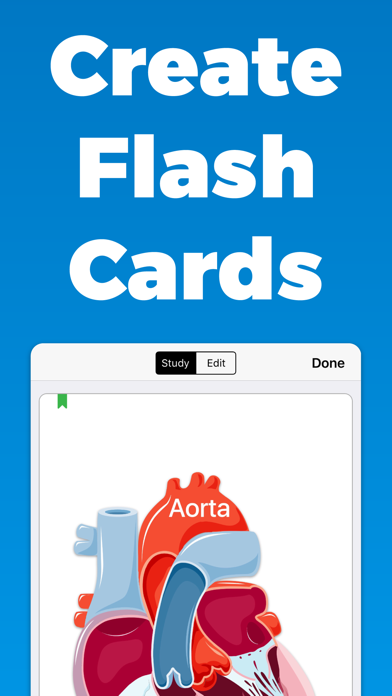
Description by This Century Software Written by the developer, not by AppBrain. Click to read.
Key Features
• Create custom flash cards
• Organize with decks
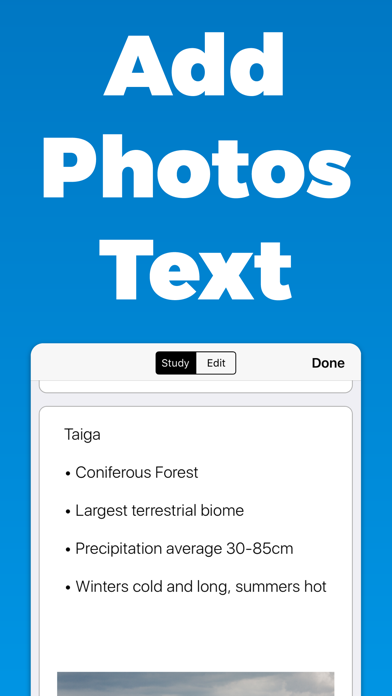
• Add photos and text to both sides
• Track your progress
• Sync & Save with iCloud
• Import & Export Decks to a File for Sharing & Backup
• Offline, study and create anywhere at anytime
• Also available on App Store for Mac
Optimized for Every Device
• Text and images adjust for optimal readability based on your device and which direction it is being held
• Landscape and portrait for every view
Diagram Mode
• Import your diagrams, conceal terms by drawing over them, tap terms to reveal them
• Zoom and Pan allows you to to focus in on the details
• Conceal tool size selection ensures that terms of all sizes are covered
iCloud Sync & Save
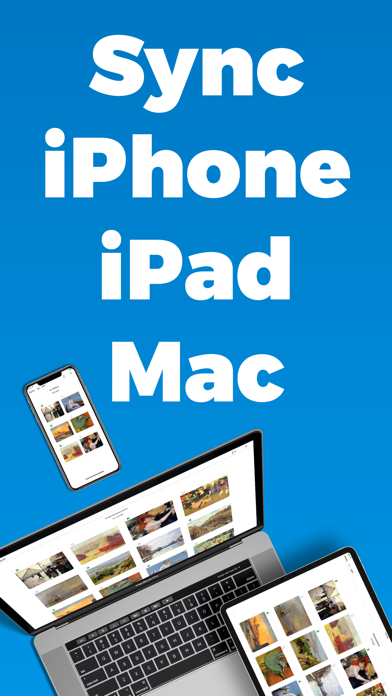
• Sync your flash cards between iPhone, iPad, and Mac
• Your study materials are stored safely with iCloud
Offline
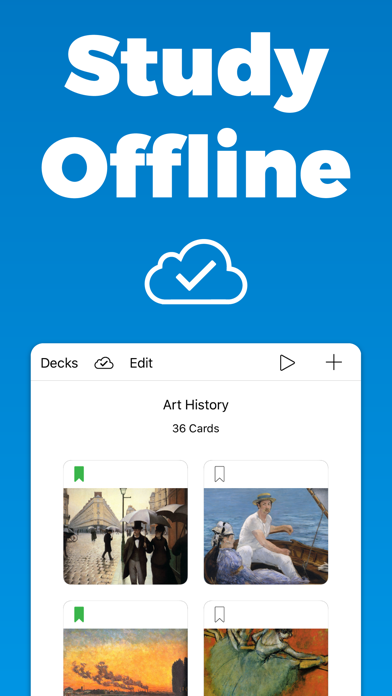
• Study and create flash cards anywhere at anytime
• Connection to the internet is NOT required
Efficiency
• Drag & Drop text and images from other apps for fast creation & importing
• Split-view enables you to create flash cards while you research, read notes, or view lecture slides
• Keyboard shortcuts allow you to type, create, and study without leaving the keyboard
———
Some images with modification in the screenshots were made by Servier Servier.com/Powerpoint-image-bank under CC BY 3.0
Privacy Policy
https://thiscenturysoftware.com/flashcard-maker-go-privacy-policy.html
Terms of Use
https://thiscenturysoftware.com/flashcard-maker-go-terms-of-use.html
Contact
Support@ThisCenturySoftware.com
If you choose to start a 7 day free trial for the Full Access Subscription, you will not be charged until after your free trial ends. Upon completion of your free trial, payment will be charged to your iTunes account, and your account will be charged for renewal 24-hours prior to the end of the current period. The subscription automatically renews unless auto-renew is turned off at least 24 hours before the end of the current period. Auto-renewal may be turned off at any time by going to your App Store account settings in the settings app on your device. Any unused portion of a free trial period will be forfeited when a subscription is purchased. Current prices for the subscription are $5.99 USD / Month or $29.49 USD / Year and may vary from country to country.