

Flashcard Lab
Flashcard Lab is made and published by Tidis Ventures LLC. AppBrain is an independent app data site and isn't affiliated with Tidis Ventures LLC. The app name, icon, screenshots and description belong to Tidis Ventures LLC and are shown as published on the App Store.
AppBrain's verdict
- Rating on App Store
- 4.80
- 5 ratings
- Last updated
- May 5, 2026
It doesn't have enough ratings yet to judge what users think.
Rankings
App Store top chartsApp Store Rankings for Flashcard Lab
Competitors
Similar apps and more from Tidis Ventures LLCAlternatives to Flashcard Lab



Also available on Google Play

Releases
Updates seen on the App Store- Version
- 2.7.1
- Launched
- November 2023
No changelog data
User feedback
Ratings and reviews on the App StoreComments on Flashcard Lab for iOS
We don't have enough comments to show example comments. Please check back later.
Technology
Found in the app by AppBrain- Price
- Free
- App size
- 34.5 MB
- Content rating
- Everyone
Technologies used by Flashcard Lab
About the app and developer
About Flashcard Lab
Flashcard Lab is an education app developed by Tidis Ventures LLC.
What is the rating of Flashcard Lab?
Flashcard Lab is rated 4.80 out of 5 stars, based on 5 ratings.
Is Flashcard Lab free?
Flashcard Lab is free. The app size is 34.52 MB. The latest version available is 2.7.1. The last update was on May 5, 2026.
What are the requirements for Flashcard Lab?
The app has a content rating of Everyone. The app has been available on the App Store since November 2023.
Developer information for Tidis Ventures LLC
Address:
Store listing
By Tidis Ventures LLC, from the App Store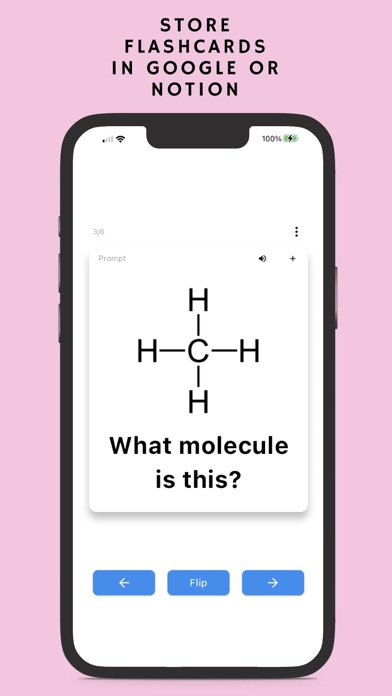

Description by Tidis Ventures LLC Written by the developer, not by AppBrain. Click to read.
**How To Use:**
Google Sheets:
First, create a new spreadsheet in the Flashcard Lab mobile app. Use your computer or phone and list your "prompts" (front of the card) in the first column, "answers" (or whatever you want on the "back of the card") in the second column. Optionally, You can also populate the 3rd and 4th columns with synonyms and mnemonics respectively. The first row of the sheet is always the headers. This row is omitted.
Then, open up the Flashcard Lab mobile app, sign in with your Google™ account, select the spreadsheet you just made, and start reviewing!
**Core Features:**
- Study with randomized virtual flashcard testing using Google Sheets™
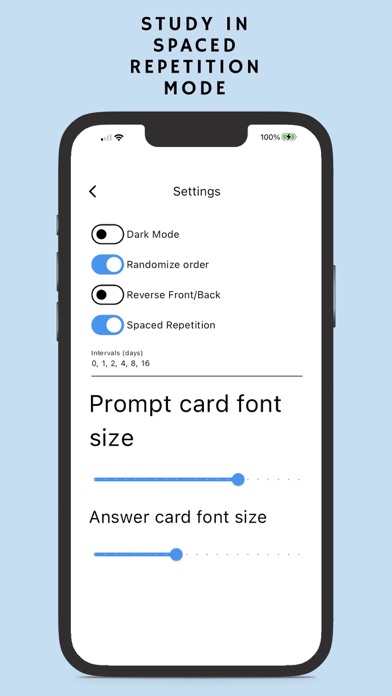
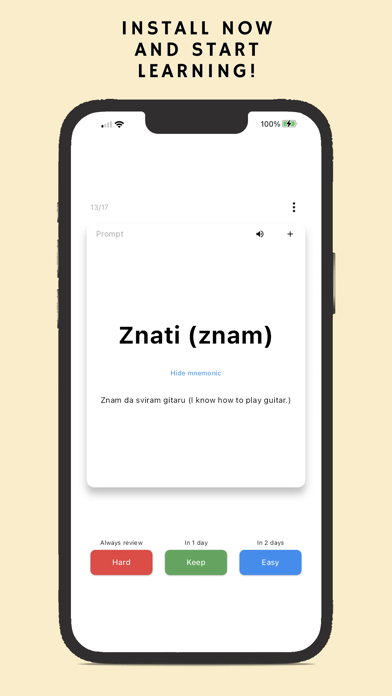
- Spaced repetition study mode (much easier to use than Anki)
- Reverse flashcard study mode (Answer/Prompt)
- Audio hyperlinked prompts/answers
- See your test results to track your progress
- English pronunciation
- Create and add your own custom lists
- Add words to a "Forgotten Words" list for re-testing
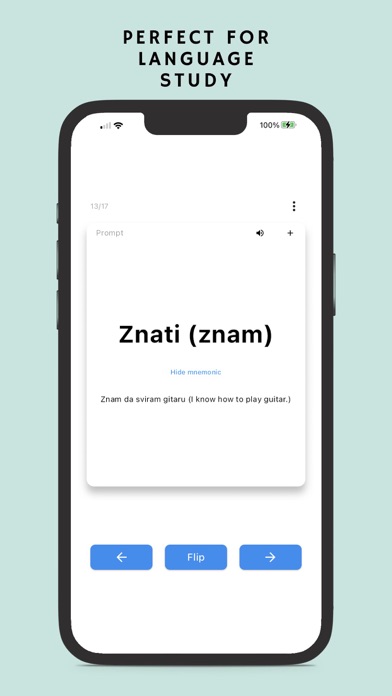
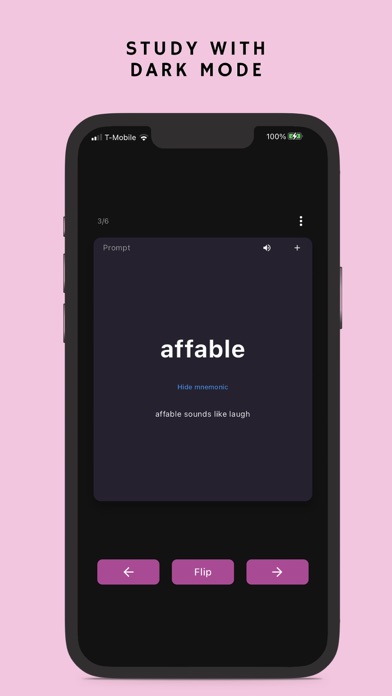
- Add synonyms and mnemonics to help memorization
- Super easy to use interface
Additional features with the Flashcard Lab Google Sheets™ add-on:
- Add images to flashcards for reviewing
- Print out physical flashcards to Google Docs™
- Audio pronunciation with various language support
- Play and test audio links for prompts and answers
Free Flashcard Lab Google Sheets™ add-on: https://workspace.google.com/marketplace/app/flashcard_lab/934660656831
Free Chrome Extension: https://chrome.google.com/webstore/detail/flashcard-lab/fomgbfkcdcnconmkcppfhakhoagmndkp
**Pricing:**
Use of the Flashcard Lab add-on is completely free but premium features require a one time payment. Click on the "Upgrade to Pro" button to check the pricing of the add-on and what comes with the premium version!
For non-profit organizations and teachers: discount offered for bulk purchases. Email support@flashcardlab.co for more information.
For more information, please visit https://flashcardlab.co
**Change log:**
4/3/2025: Improve UIUX, bug fixes
3/26/2025: Improve UIUX for larger screens, add audio hyperlink feature for audio testing (prompt & answer), improve analytics
2/24/2025: Fix purchase button position, improve load speed
11/23/2024: Support images on the back of cards
9/9/2024: Improve backend communication
8/29/2024: Sunset Notion integration functionality :(
3/19/2024: Settings update (toggle randomization, text alignment)
3/11/2024: Implement English pronunciation, small UIUX improvements
2/27/2024: Dark mode and Notion page empty row bug fix
2/14/2024: Minor bug fixes
2/7/2024: Improve syncing with Flashcard Lab Google Sheets add-on
1/20/2024: Google permissions updates (less access required)
1/7/2024: Integrate with Notion
12/16/2023: Fix minor bug for reading numbers from sheets.
10/31/2023: Initial publish