

Forms for Google Docs & Form
Forms for Google Docs & Form is made and published by Jaiminkumar Patel. AppBrain is an independent app data site and isn't affiliated with Jaiminkumar Patel. The app name, icon, screenshots and description belong to Jaiminkumar Patel and are shown as published on the App Store.
AppBrain's verdict
- Rating on App Store
- 5.00
- 24 ratings
- Last updated
- September 22, 2026
- Size
- 59.5 MB
It doesn't have enough ratings yet to judge what users think.
User feedback
Ratings and reviews on the App StoreComments on Forms for Google Docs & Form for iOS
We don't have enough comments to show example comments. Please check back later.
Store listing
By Jaiminkumar Patel, from the App Store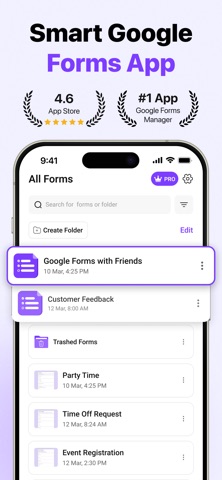

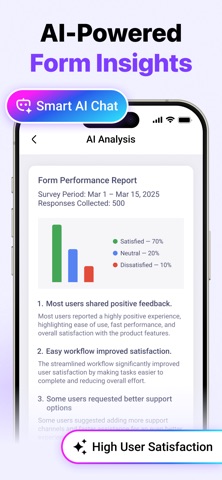


Description by Jaiminkumar Patel Written by the developer, not by AppBrain. Click to read.
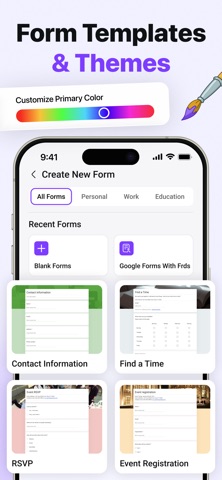
Create professional Google Forms directly from your iPhone or iPad. Whether you're collecting feedback, creating quizzes, planning events, or managing surveys, Formly makes working with Google Forms simple and fast.
Create Forms Easily
- Build surveys and questionnaires
- Create quizzes and tests
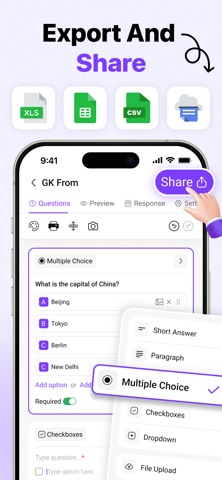
- Add multiple question types
- Organize forms in Google Drive
Edit Existing Forms
- Update titles and questions
- Add or remove sections
- Modify answers anytime
- Sync instantly with your Google account
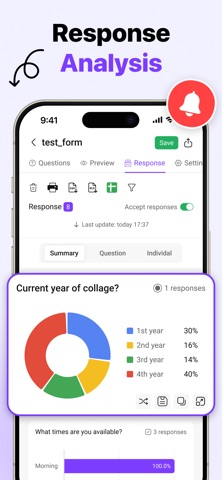
View Responses
- Check submissions in real time
- Review answers from anywhere
- Monitor survey results
- Stay organized on the go
Perfect For
- Teachers
- Students
- Businesses
- Event organizers
- Researchers
- HR teams
- Customer feedback
- Online forms
Why Choose Formly?
- Easy-to-use interface
- Secure Google Sign-In
- Fast synchronization
- Live preview
- Access forms anytime
- Manage responses effortlessly
Whether you're creating a quick survey, classroom quiz, customer feedback form, registration form, or business questionnaire, Formly helps you stay productive wherever you are.
Terms of Use (EULA):
https://www.apple.com/legal/internet-services/itunes/dev/stdeula/
Safety and technology
Found in the app by AppBrain- Price
- Free
- App size
- 59.5 MB
- Content rating
- Everyone
Technologies used by Forms for Google Docs & Form
Releases
Updates seen on the App Store- Version
- 2.8
- Launched
- May 2025
No changelog data
Alternatives
Similar apps and more from Jaiminkumar PatelMore from Jaiminkumar Patel


Rankings
App Store top chartsApp Store Rankings for Forms for Google Docs & Form
About the app and developer
About Forms for Google Docs & Form
Forms for Google Docs & Form is a productivity app developed by Jaiminkumar Patel.
User Ratings
Forms for Google Docs & Form is rated 5.00 out of 5 stars. The rating is based on 24 ratings.
App Information
Forms for Google Docs & Form is freely available from the App Store. The app size is 59.47 MB. The latest version available is 2.8. The last update was on September 22, 2026.
Technical Requirements
The app has a content rating of Everyone. The app has been available on the App Store since May 2025.
Developer information for Jaiminkumar Patel
Address: