

ForPassword - Password Manager
ForPassword - Password Manager is made and published by Elyware S.R.L. AppBrain is an independent app data site and isn't affiliated with Elyware S.R.L. The app name, icon, screenshots and description belong to Elyware S.R.L and are shown as published on the App Store.
AppBrain's verdict
- Rating on App Store
- 1.00
- 1 ratings
- Last updated
- June 20, 2024
It doesn't have enough ratings yet to judge what users think.
Rankings
App Store top chartsApp Store Rankings for ForPassword - Password Manager
Competitors
Similar apps and more from Elyware S.R.LAlternatives to ForPassword - Password Manager







More from Elyware S.R.L

Releases
Updates seen on the App Store- Version
- 24.5.502
- Launched
- June 2022
No changelog data
User feedback
Ratings and reviews on the App StoreComments on ForPassword - Password Manager for iOS
We don't have enough comments to show example comments. Please check back later.
Technology
Found in the app by AppBrain- Price
- Free
- App size
- 16.1 MB
- Content rating
- Everyone
Technologies used by ForPassword - Password Manager
About the app and developer
About ForPassword - Password Manager
ForPassword - Password Manager is a productivity app developed by Elyware S.R.L.
User Ratings
ForPassword - Password Manager is rated 1.00 out of 5 stars. The rating is based on one rating ratings.
App Information
ForPassword - Password Manager is freely available from the App Store. The app size is 16.11 MB. The latest version available is 24.5.502. The last update was on June 20, 2024.
Technical Requirements
The app has a content rating of Everyone. The app has been available on the App Store since June 2022.
Developer information for Elyware S.R.L
Address:
Store listing
By Elyware S.R.L, from the App Store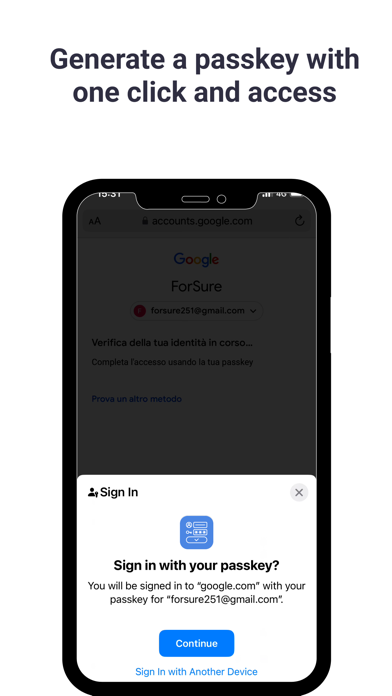



Description by Elyware S.R.L Written by the developer, not by AppBrain. Click to read.
In the cybersecurity sector, ForPassword defends thousands of individuals and businesses worldwide.
With the ForPassword app, you can automatically generate complex passwords, store them in a secure digital vault, access them from any device, share passwords, and automatically fill them in on all your sites and apps. ForPassword's powerful encryption protects passwords and sensitive information from ransomware, and other cyber attacks.
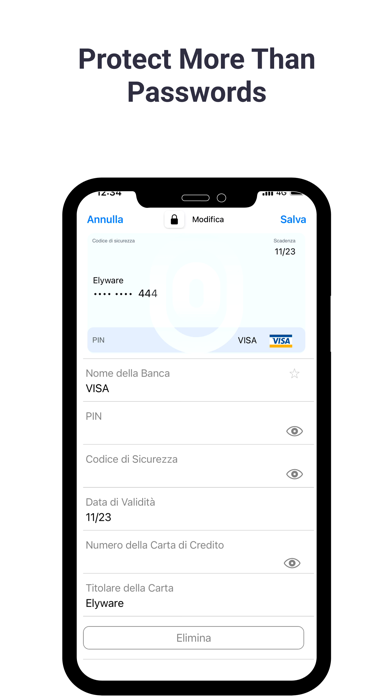
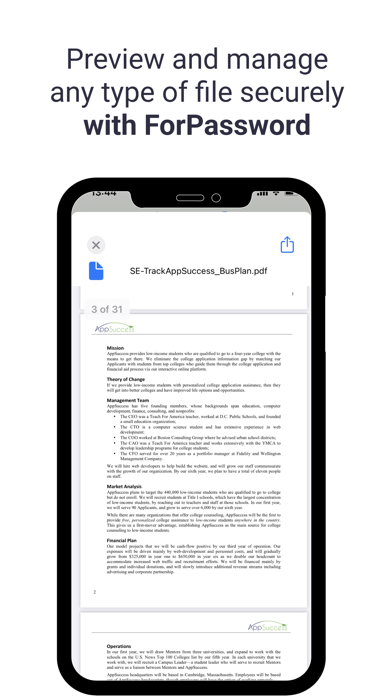
The ForPassword Manager app allows you to securely store an unlimited number of passwords, confidential files, payment cards, and more in your encrypted digital vault. Access your password vault from mobile devices, tablets, and computers. Maximize your security by enabling FaceID or TouchID security systems for instant and secure access. Share passwords with other ForPassword users using our "End-to-End Encrypted Messaging" feature to share records with family, friends, and colleagues.
The ForPassword app includes Passkey support to stay safe online and simplify multi-factor authentication, maintaining security and protecting against phishing.
ForPassword, the world's most secure password manager:
• Proprietary security architecture ensures that your ForPassword Vault and all data within it are fully encrypted and accessible only by the user.
• Uses AES-256 bit encryption.
ForPassword automatically fills in forms, payment details, and logins on websites and apps. Save important documents such as passports and ID cards, protect software licenses and medical records, and securely store private notes.
Information stored in ForPassword is end-to-end encrypted, and only you have the keys to decrypt it. We do not have access to items stored in your account or browsing history.
Protect your company's most vulnerable assets: your data. 90% of data breaches can be traced back to weak, reused, or shared credentials. ForPassword seamlessly integrates with your company's infrastructure, allowing you to protect your team without slowing down workflow.
• Using iCloud, you can sync and manage all your logins, files, etc., on iPad, iPhone, iPod.
• Store all your passwords, credit cards, banking details, files, photos, videos, and other private information securely in one place.
• Generate strong and secure passwords and enjoy the security of having unique passwords for all your logins.
• Simply launch your apps, and ForPassword will fill in your username and password.
• Unlock ForPassword using Touch ID or Face ID.
• End-to-end encryption: securely share passwords and messages. Messaging features are end-to-end encrypted, meaning that when a device sends a message, it is encrypted, and only the recipient can decrypt it.
For more information, please refer to our Privacy Policy (https://www.ForPasswordpass.com/privacy-policy) and Terms of Service (https://www.ForPasswordpass.com/terms-conditions). Free Password Manager.