

FrameMagic - Collage Maker
FrameMagic - Collage Maker is made and published by Dongwook Cho. AppBrain is an independent app data site and isn't affiliated with Dongwook Cho. The app name, icon, screenshots and description belong to Dongwook Cho and are shown as published on the App Store.
AppBrain's verdict
EstablishedWell rated- Rating on App Store
- 4.45
- 890 ratings
- Last updated
- October 6, 2026
Users rate it well: 4.5 stars from 890 ratings.
Rankings
App Store top chartsApp Store Rankings for FrameMagic - Collage Maker
Competitors
Similar apps and more from Dongwook ChoAlternatives to FrameMagic - Collage Maker





More from Dongwook Cho







Releases
Updates seen on the App Store- Version
- 14.1.2
- Launched
- October 2011
No changelog data
User feedback
Ratings and reviews on the App StoreComments on FrameMagic - Collage Maker for iOS
We don't have enough comments to show example comments. Please check back later.
Technology
Found in the app by AppBrain- Price
- Free
- App size
- 163.8 MB
- Content rating
- Everyone
Technologies used by FrameMagic - Collage Maker
About the app and developer
About FrameMagic - Collage Maker
FrameMagic - Collage Maker is a photo & video app developed by Dongwook Cho.
User Ratings
FrameMagic - Collage Maker is rated 4.45 out of 5 stars. The rating is based on 890 ratings.
App Information
FrameMagic - Collage Maker is freely available from the App Store. The app size is 163.80 MB. The latest version available is 14.1.2. The last update was on October 6, 2026.
Technical Requirements
The app has a content rating of Everyone. The app has been available on the App Store since October 2011.
Developer information for Dongwook Cho
Address:
Frequently asked questions about FrameMagic - Collage Maker
Is FrameMagic - Collage Maker free?
Yes. FrameMagic - Collage Maker is free on the App Store.
Is FrameMagic - Collage Maker still available?
Yes. FrameMagic - Collage Maker is on the App Store, and the last update we saw was on October 6, 2026.
How large is FrameMagic - Collage Maker?
FrameMagic - Collage Maker is 163.80 MB.
Is FrameMagic - Collage Maker suitable for children?
App Store rates the content of FrameMagic - Collage Maker as suitable for everyone.
How do people rate FrameMagic - Collage Maker?
FrameMagic - Collage Maker scores 4.45 out of 5 stars, from 890 ratings on the App Store.
Who made FrameMagic - Collage Maker?
FrameMagic - Collage Maker was developed by Dongwook Cho. It is listed in the photo & video category on the App Store.
What are the best alternatives to FrameMagic - Collage Maker?
People looking at FrameMagic - Collage Maker also look at these photo & video apps: Easy Photo Merge, PicFrame - Photo Collage, PIP Magic - Selfie Camera App, Picture Collage Maker - Frames, PhotoFrame Simple.
Store listing
By Dongwook Cho, from the App Store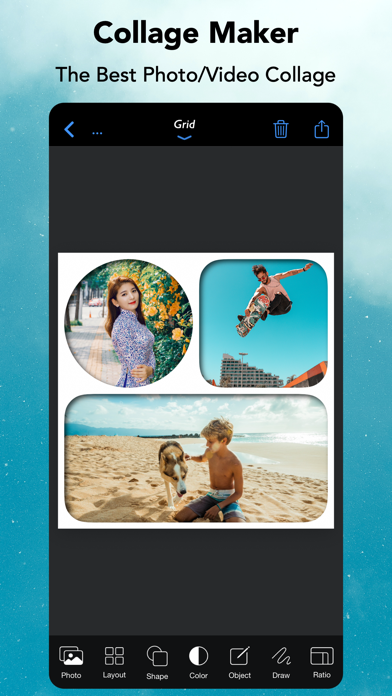


Description by Dongwook Cho Written by the developer, not by AppBrain. Click to read.
[FrameMagic] also supports powerful and intelligent photo editors including object removal, soft skin, dark light, bokeh, sticker, silhouette, outline, hole, background blur, motion blur and color splash.
[FrameMagic] also supports magical funny photo editors including face morphing, crystal(refracted) text and pic warping effect.
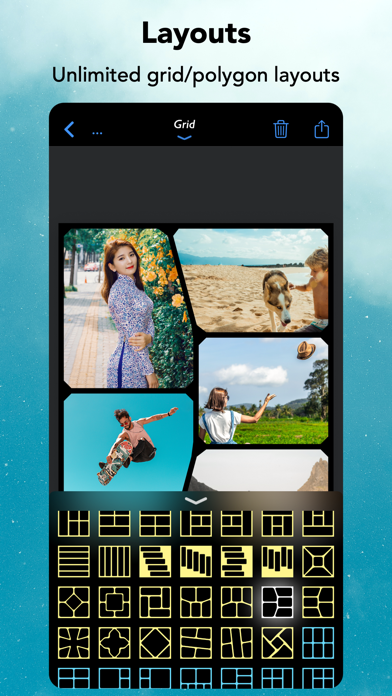
[Photo Collage]
• The ultimate photo collage layouts.
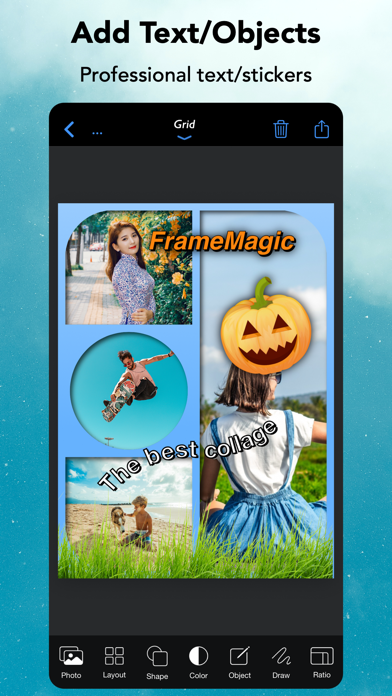
- Grid : Combine multiple photos with hundreds of rectangular and polygonal layouts.
- Auto : Create fully automatic collage with a single tap.
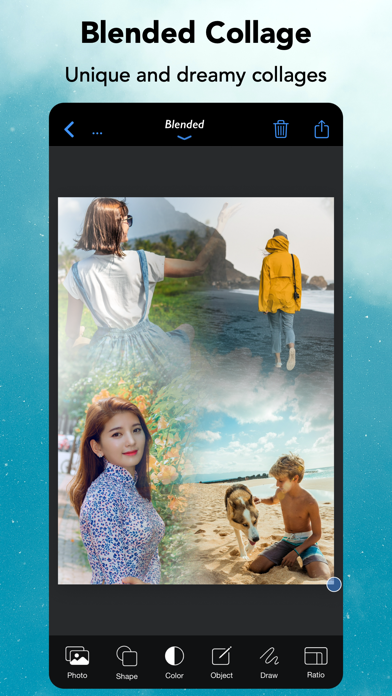
- Blended : Blend multiple photos and create stunning collage.
- Free Style : No limitation on how you add and arrange your photos.
- Vertical Stitch : Combine multiple photos into one long. storytelling collage.
- Squared : Create squared photo and video optimized for Instagram.
- Montage: Create montage photo collage with powerful object masking tool.
- 3D Free Style : Free style collage with 3D perspective layouts.
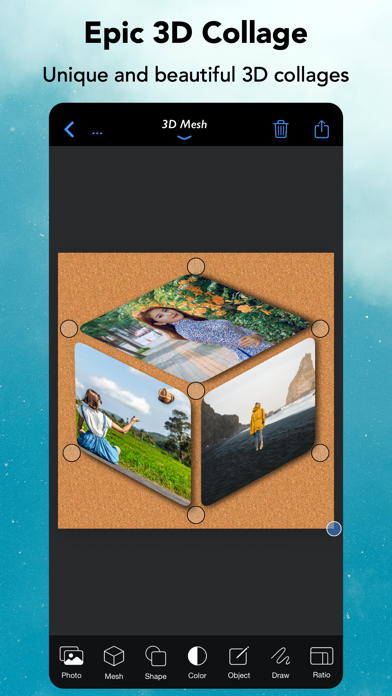
- 3D Mesh : 3D meshed collage with beautiful mesh layouts.
• Load multiple photos at once.
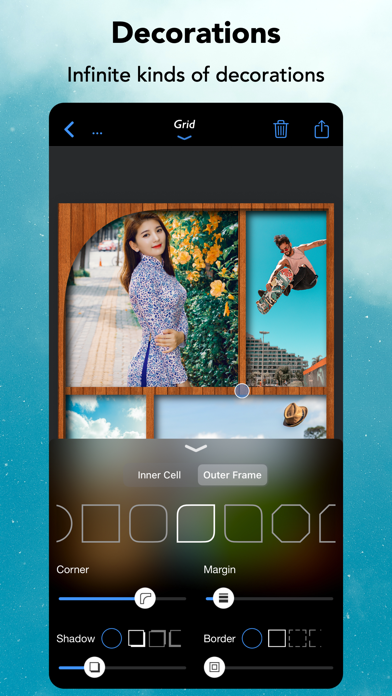
• Unique decoration with rounded corner, margin, border, shadow.
• Background colors and patterns.
• Gradient and shape background color.
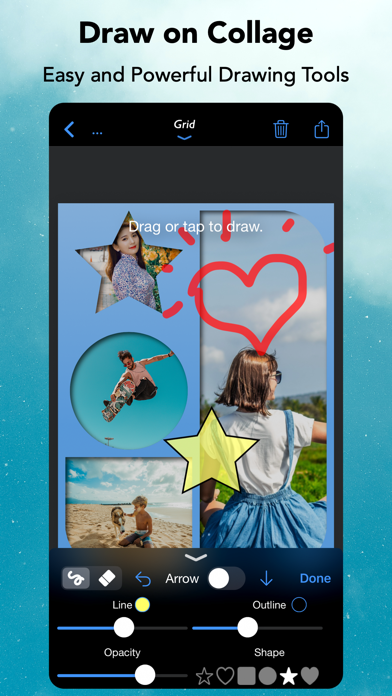
• Powerful text editor and beautiful stickers.
• Download and install custom fonts from free font servers.
• Edit photo with aviary photo editor.
• Easy width and height ratio.
• Portrait and landscape mode.
• Save and share in HD (up to 3600x3600).
[Intelligent Photo Editor]
• Object Removal : Remove unncessary objects from your photo in single step.
• Sticker Generation : Create sticker and montage with powerful object masking tool.
• Silhouette Effect : Create beautiful silhouette effect.
• Outline Effect : Create beautiful outline and edge effect.
• Hole Generation : Create holed image and montage.
• Background Blur : Create manual depth blur effect. (aka portrait photo)
• Motion Blur : Create manual panning photography.
• Color Splash : Create selective color and greyscale effect.
• Soft Skin : Create soft skin effect.
• Bokeh : Create circular and hexagonal background bokeh effect.
• Dark light : Create selective light and darkness effect.
[Video Collage & Slideshow]
• 101 rectangular layouts with up to 9 videos
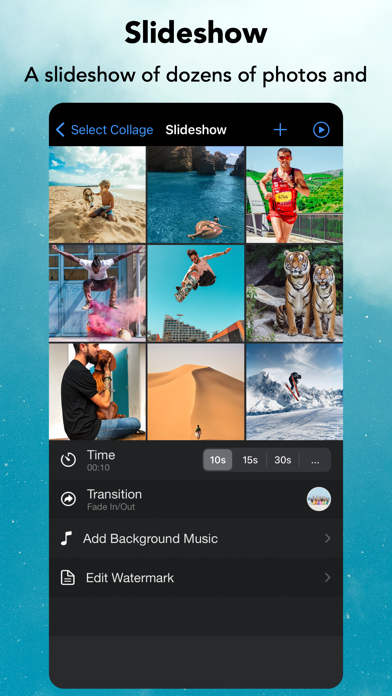
• Photo slides with your own photos
• Video in video with up to 5 videos (PIP)
• Load multiple videos at once
• Trim each video at any time and size
• Apply beautiful filters to each video
• Adjust audio volume of each video
• Add your own song as background music
• Adjust audio volume and start/end time of background music
• Unique decoration with rounded corner, margin, border, shadow
• Background colors and patterns
• Gradient and shape background color
• Powerful text editor and stickers
• Easy width and height ratio
• Portrait and landscape mode
• Save and share in HD (up to 1080x1080)
[Fun Photo Editors]
• Create face morphing effect.
• Add refracted text effect.
• Create warp in/out effect.
[Subscription for Unlocking all features]
- You can subscribe for unlimited access to all features offered for purchase within FrameMagic.
- Subscriptions are billed monthly or annually. Alternatively, you can purchase each item for the life time access.
- Terms of Use: https://sites.google.com/site/mobilabios/terms-of-use
- Privacy Policy: https://sites.google.com/site/mobilabios/privacy-policy