

FS Nucleus is made and published by Fountainhead School. AppBrain is an independent app data site and isn't affiliated with Fountainhead School. The app name, icon, screenshots and description belong to Fountainhead School and are shown as published on the App Store.
AppBrain's verdict
- Last updated
- August 25, 2025
Rankings
App Store top chartsApp Store Rankings for FS Nucleus
Competitors
Similar apps and more from Fountainhead SchoolAlternatives to FS Nucleus






Releases
Updates seen on the App Store- Version
- 1.5
- Launched
- May 2022
No changelog data
User feedback
Ratings and reviews on the App StoreComments on FS Nucleus for iOS
We don't have enough comments to show example comments. Please check back later.
Technology
Found in the app by AppBrain- Price
- Free
- App size
- 33.0 MB
- Content rating
- Everyone
Technologies used by FS Nucleus
About the app and developer
About FS Nucleus
FS Nucleus is an education app developed by Fountainhead School.
User Ratings
The app has no ratings yet.
App Information
FS Nucleus is freely available from the App Store. The app size is 33.05 MB. The latest version available is 1.5. The last update was on August 25, 2025.
Technical Requirements
The app has a content rating of Everyone. The app has been available on the App Store since May 2022.
Developer information for Fountainhead School
Address:
Store listing
By Fountainhead School, from the App Store


Description by Fountainhead School Written by the developer, not by AppBrain. Click to read.
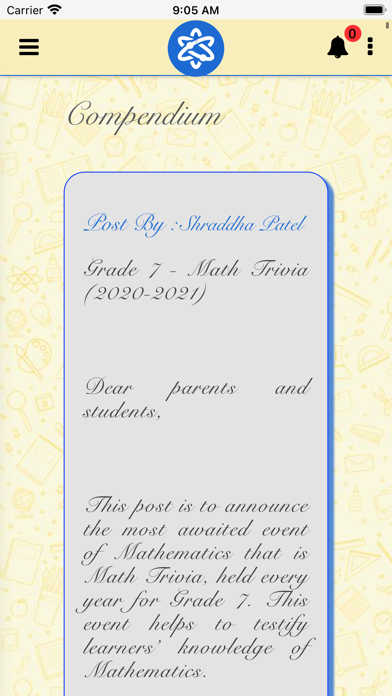
Here parents can view their Child's profile details, Portfolio, School Announcements, Homework, Fee Details, Student's Academic Records, Student Observation, Student Goals etc. Parents can also do one-to-one communication with FS-Staff.
Steps:
Login into FS Nucleus App through your parent id (p.firstname.lastname@fountainheadschools.org)
There are following Menu Items / Icons:
- Profile - will show Student's Profile related data e.g. Student ID, House, email-id, address, HRT/Mentor Teacher, Subject Teachers, Class Buddies etc.
- Portfolio - Teachers will post a collection of student work and other assessment records in the student Portfolio. Parents can view, Like and Comment on the post.
- Fees Details – This section features Year-wise Fee Details and Imprest Ledger.
- My Class - Communication to the whole section from teachers.
- Bulletin - Must Know and Good to Know information for parents will be posted here.
- Diary - Diary is a one-to-one Parent Teacher Chat. If a teacher has initiated the Chat, parents can reply on the same. Parents can also initiate a new Chat with a Teacher by selecting the Teacher whom they wish to chat with.
- Menu – This section displays Menu of the Month (current month).
- Homework - Homework added by Teachers will be displayed.
- Observation - Student's Observations added by teachers will be displayed.
- Goal - Student's Goals added by teachers and students themselves will be displayed.
- Tasks - Student's Task added by teachers and students themselves will be displayed.
- Academic Results - Student's Year-wise Academic Result will be displayed here.
- Request Form - This section features a list of Request Forms like Student Leaving Certificate, Personal Details Update Form.
- Calendar - Student's Calendar will be displayed.
- Timetable - Student's Timetable will be displayed.
Parents can return to the main Homepage by clicking the App logo on top.
Parents will receive notification if a teacher adds Portfolio piece, Diary message, Homework, Observation, Goal.