

Fuel Check Manager
Fuel Check Manager is made and published by FLYT TOOLS LLC. AppBrain is an independent app data site and isn't affiliated with FLYT TOOLS LLC. The app name, icon, screenshots and description belong to FLYT TOOLS LLC and are shown as published on the App Store.
AppBrain's verdict
Established- Rating on App Store
- 3.57
- 7 ratings
- Last updated
- November 25, 2022
- Size
- 12.1 MB
It doesn't have enough ratings yet to judge what users think.
User feedback
Ratings and reviews on the App StoreComments on Fuel Check Manager for iOS
We don't have enough comments to show example comments. Please check back later.
Store listing
By FLYT TOOLS LLC, from the App Store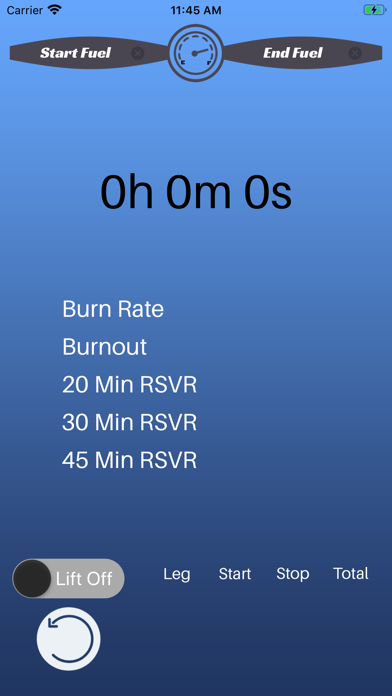
Description by FLYT TOOLS LLC Written by the developer, not by AppBrain. Click to read.
Three functions in one app.
Fuel Check Calculator
- Large print stopwatch for quick glances on lapsed time
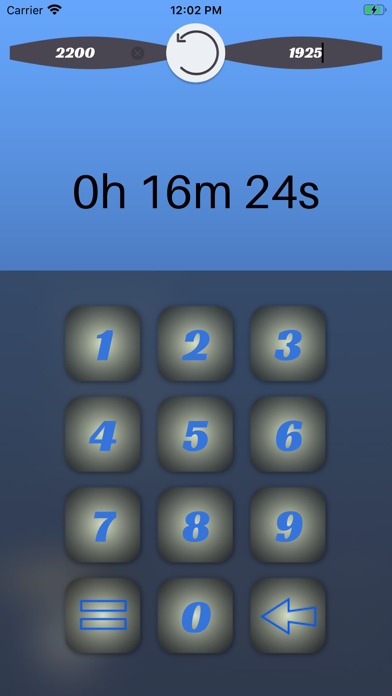
- Custom large numeric keypad for quick fuel entry
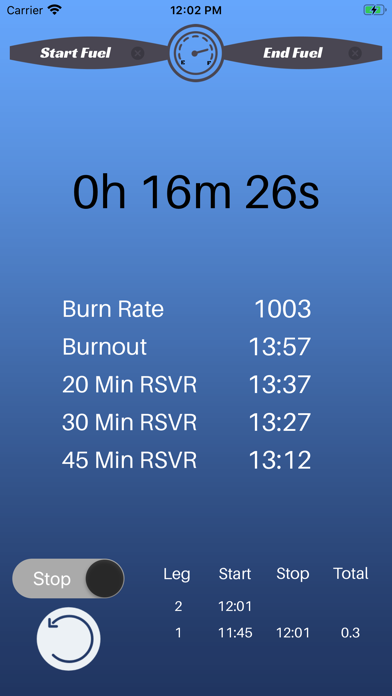
- Calculates Burn Rate and Burnout time.
- Calculates 3 Fuel Reserve times for Rotary & Fixed Wing IFR/VFR flights
- 15-minute fuel check reminder notifications
- Supports Landscape and Portrait mode for iPad devices
Flight Time Calculator
- Keep track of flight leg times in 10ths of an hour
FLYT Time for Apple Watch
- Minimally designed with single button action
- Apple watch version of the Flight Time Calculator
- Includes 15-minute fuel check notifications
The Details
Fuel Check Calculator
Start by entering your beginning fuel number. Then, press the triangle button to start the timer. Once you are ready to calculate your Burn Rate and Reserve times, enter the ending fuel number then hit the "=" button to see the results. If you forget to close out your fuel check, no worries, the app will send a notification to your device (iPad, iPhone, or Apple Watch) after 15 minutes of starting your fuel check.
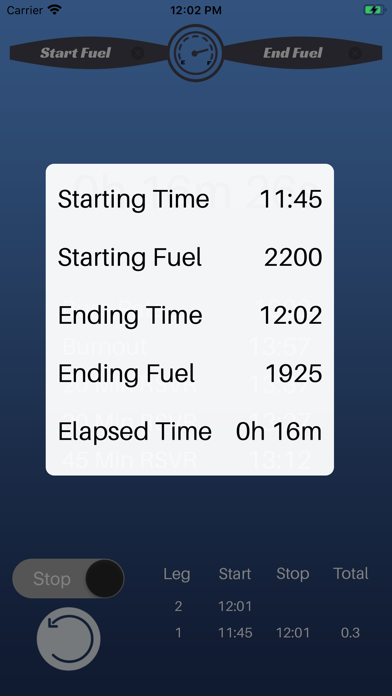
To see the details of the calculation, tap on the center of the screen to display the detail window. Press the center of the display window to return to the main screen.
To use the Flight Time calculator, press the "Lift Off" toggle switch to start and press it once more when you want to stop the clock and calculate the time in tenths of an hour. For example, 2.5 will mean two and a half hours.
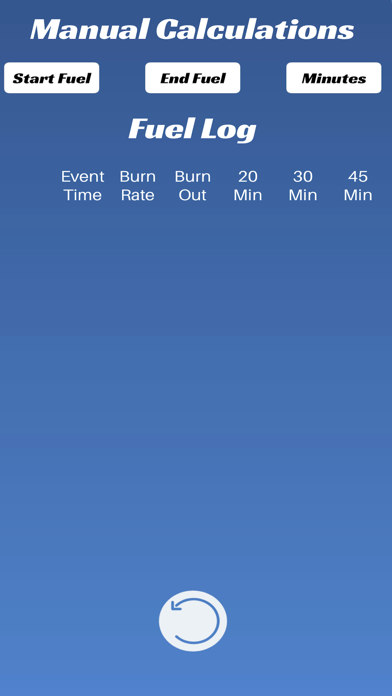
Swipe the sides of the app upward to view the manual calculation page.
FLYT Time for Apple Watch
Click the "Start" button to start the timer. When you're ready, press "Stop". FLYT Time will automatically calculate and display your flight time in tenths of an hour. For example, 1.5 means an hour and a half.
Safety and technology
Found in the app by AppBrain- Price
- $1.99
- App size
- 12.1 MB
- Content rating
- Everyone
Technologies used by Fuel Check Manager
Releases
Updates seen on the App Store- Version
- 2.1
- Launched
- September 2020
No changelog data
Alternatives
Similar apps and more from FLYT TOOLS LLCAlternatives to Fuel Check Manager







Rankings
App Store top chartsApp Store Rankings for Fuel Check Manager
About the app and developer
About Fuel Check Manager
Fuel Check Manager is a productivity app developed by FLYT TOOLS LLC.
User Ratings
Fuel Check Manager is rated 3.57 out of 5 stars. The rating is based on 7 ratings.
App Information
Fuel Check Manager costs $1.99. The app size is 12.05 MB. The latest version available is 2.1. The last update was on November 25, 2022.
Technical Requirements
The app has a content rating of Everyone. The app has been available on the App Store since September 2020.
Developer information for FLYT TOOLS LLC
Address:
Frequently asked questions about Fuel Check Manager
Is Fuel Check Manager free?
No. Fuel Check Manager costs $1.99 on the App Store.
Is Fuel Check Manager still available?
Yes. Fuel Check Manager is on the App Store, and the last update we saw was on November 25, 2022.
How large is Fuel Check Manager?
Fuel Check Manager is 12.05 MB.
Is Fuel Check Manager suitable for children?
App Store rates the content of Fuel Check Manager as suitable for everyone.
How do people rate Fuel Check Manager?
Fuel Check Manager scores 3.57 out of 5 stars, from 7 ratings on the App Store.
Who made Fuel Check Manager?
Fuel Check Manager was developed by FLYT TOOLS LLC. It is listed in the productivity category on the App Store.
What are the best alternatives to Fuel Check Manager?
People looking at Fuel Check Manager also look at these productivity apps: Army Aviation Flight Log, Pilot Log, GoodReader PDF Editor & Viewer, NDT Work Log, Smart Logbook.