
gDraw is made and published by Jirou Fukuda. AppBrain is an independent app data site and isn't affiliated with Jirou Fukuda. The app name, icon, screenshots and description belong to Jirou Fukuda and are shown as published on the App Store.
AppBrain's verdict
- Last updated
- October 24, 2023
Rankings
App Store top chartsApp Store Rankings for gDraw
Competitors
Similar apps and more from Jirou FukudaAlternatives to gDraw





More from Jirou Fukuda




Releases
Updates seen on the App Store- Version
- 3.4
- Launched
- September 2013
No changelog data
User feedback
Ratings and reviews on the App StoreComments on gDraw for iOS
We don't have enough comments to show example comments. Please check back later.
Technology
Found in the app by AppBrain- Price
- $1.99
- App size
- 7.35 MB
- Content rating
- Everyone
Technologies used by gDraw
About the app and developer
About gDraw
gDraw is an education app developed by Jirou Fukuda.
User Ratings
The app has no ratings yet.
App Information
gDraw costs $1.99. The app size is 7.35 MB. The latest version available is 3.4. The last update was on October 24, 2023.
Technical Requirements
The app has a content rating of Everyone. The app has been available on the App Store since September 2013.
Developer information for Jirou Fukuda
Address:
Frequently asked questions about gDraw
Is gDraw free?
No. gDraw costs $1.99 on the App Store.
Is gDraw still available?
Yes. gDraw is on the App Store, and the last update we saw was on October 24, 2023.
How large is gDraw?
gDraw is 7.35 MB.
Is gDraw suitable for children?
App Store rates the content of gDraw as suitable for everyone.
Who made gDraw?
gDraw was developed by Jirou Fukuda. It is listed in the education category on the App Store.
What are the best alternatives to gDraw?
People looking at gDraw also look at these education apps: 積分ガチャ, 有機化学の構造式, CafeEnglish-英会話フレーズ/日常英会話/英単語, Organic Chemistry Reactions, パンシェルジュ検定 過去問100問.
Store listing
By Jirou Fukuda, from the App Store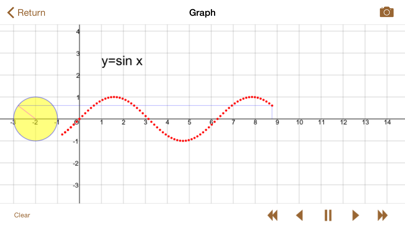
Description by Jirou Fukuda Written by the developer, not by AppBrain. Click to read.
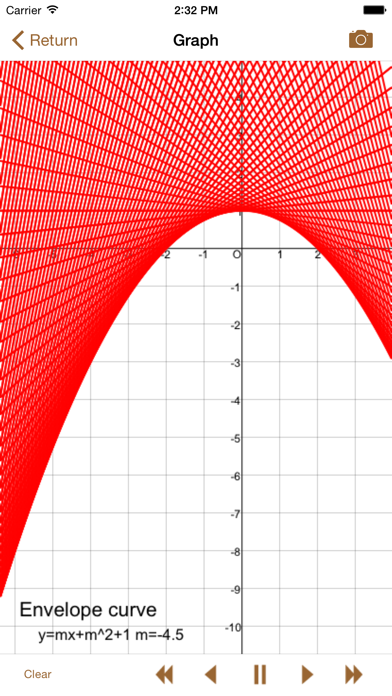
AMAZINGLY MANY KINDS OF GRAPHS! You can draw many kinds of graphs by setting function such as y=f(x), x=f(y), x=f(t) and y=g(t), f(x,y)=0, pole equation.
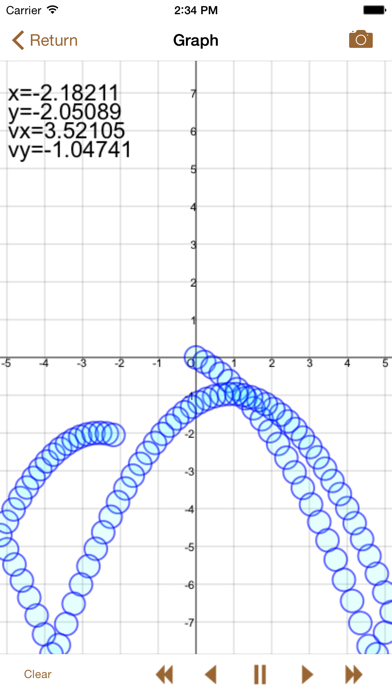
MOVE GRAPHS! This is the greatest feature of this app! We prepared "m" as an invariable. You can change the value continuously and see the graph moving. Using this feature, you can see many interesting moves, such as simple oscillation, cycloid curve, synthesis of waves.
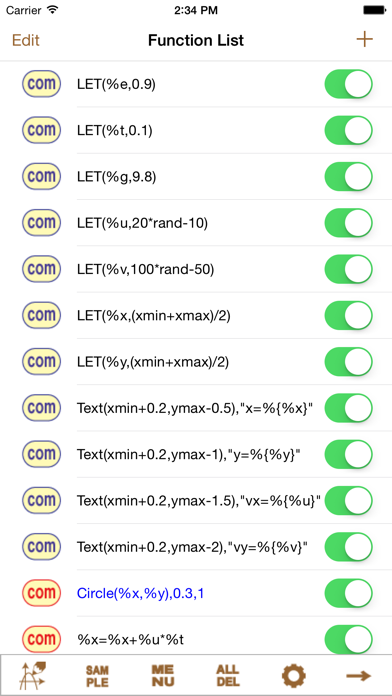
ORIGINAL KEYBOARD! We prepared the original keyboard specialized for mathematical formulas. You can type mathematical formulas very easily.
SEE MANY GRAPHS SIMULTANEOUSLY! You can set unlimited number of graphs and see them simultaneously.
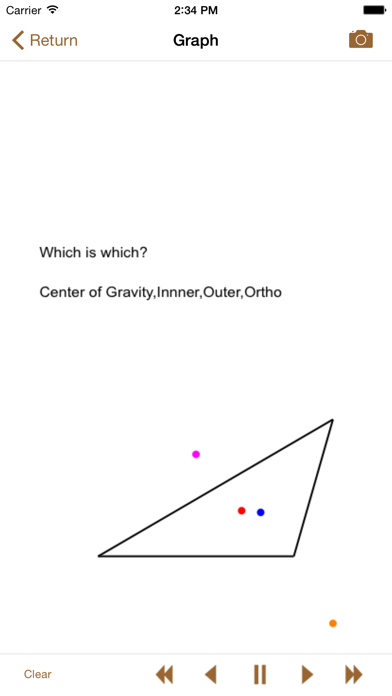
VERY CONVENIENT TOOL "com". By using this, you can draw line segments, circles, points and texts very easily. For example, you can draw a line segments by setting the starting point and the end point.
MANY INTERESTING SAMPLES! You can load many interesting samples from “Load SampleCom”. They are not only interesting, but also help you to master this app.
SAVE AND LOAD GRAPHS! You can save and load your original graphs!
TAKE A PHOTO OF YOUR GRAPH! You easily take a photo of your graph by pushing “photo button”.