

Gemini 2: The Duplicate Finder
Gemini 2: The Duplicate Finder is made and published by MacPaw Way Ltd. AppBrain is an independent app data site and isn't affiliated with MacPaw Way Ltd. The app name, icon, screenshots and description belong to MacPaw Way Ltd and are shown as published on the App Store.
AppBrain's verdict
- Last updated
- September 7, 2026
Rankings
App Store top chartsApp Store Rankings for Gemini 2: The Duplicate Finder
Competitors
Similar apps and more from MacPaw Way LtdMore from MacPaw Way Ltd


Releases
Updates seen on the App Store- Version
- 2.10.2
- Launched
- May 2016
No changelog data
User feedback
Ratings and reviews on the App StoreComments on Gemini 2: The Duplicate Finder for iOS
We don't have enough comments to show example comments. Please check back later.
Technology
Found in the app by AppBrain- Price
- Free
- App size
- 36.8 MB
- Content rating
- Everyone
Technologies used by Gemini 2: The Duplicate Finder
About the app and developer
About Gemini 2: The Duplicate Finder
Gemini 2: The Duplicate Finder is an utilities app developed by MacPaw Way Ltd.
What is the rating of Gemini 2: The Duplicate Finder?
Gemini 2: The Duplicate Finder has no ratings yet.
Is Gemini 2: The Duplicate Finder free?
Gemini 2: The Duplicate Finder is free. The app size is 36.82 MB. The latest version available is 2.10.2. The last update was on September 7, 2026.
What are the requirements for Gemini 2: The Duplicate Finder?
The app has a content rating of Everyone. The app has been available on the App Store since May 2016.
Developer information for MacPaw Way Ltd
Address:
Store listing
By MacPaw Way Ltd, from the App Store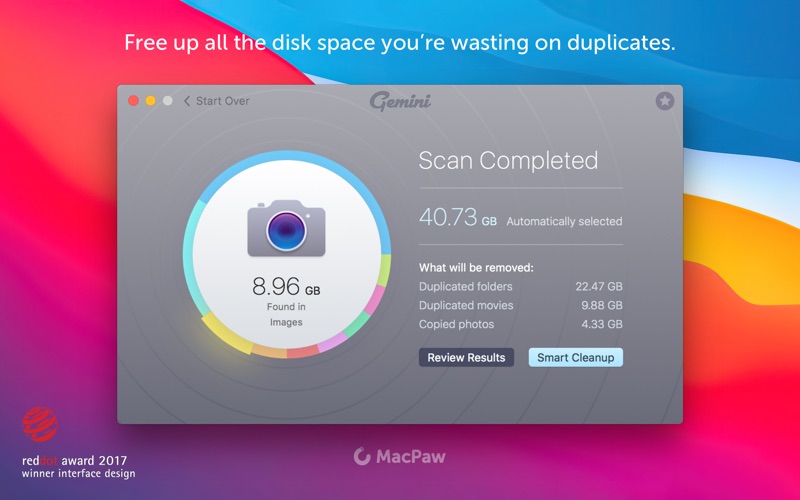
Description by MacPaw Way Ltd Written by the developer, not by AppBrain. Click to read.
Gemini 2 detects duplicate and similar files in every corner of your Mac, including Photos, Music, and even external drives. And helps you free up tons of disk space.
Gemini 2: The Duplicate File Finder is brought to you by the team behind CleanMyMac X. Removing clutter and recovering disk space are our specialty, so we made a duplicate cleaner that does both like a pro.
KEY FEATURES
Free up gigabytes of storage space:
- Find duplicate files of any kind: pics, music, docs, you name it
- Identify duplicate folders, too
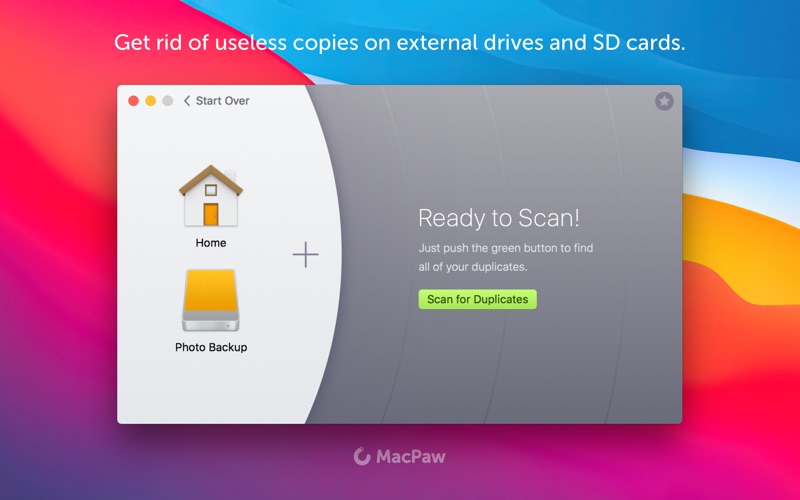
- Delete duplicates on external drives and network volumes
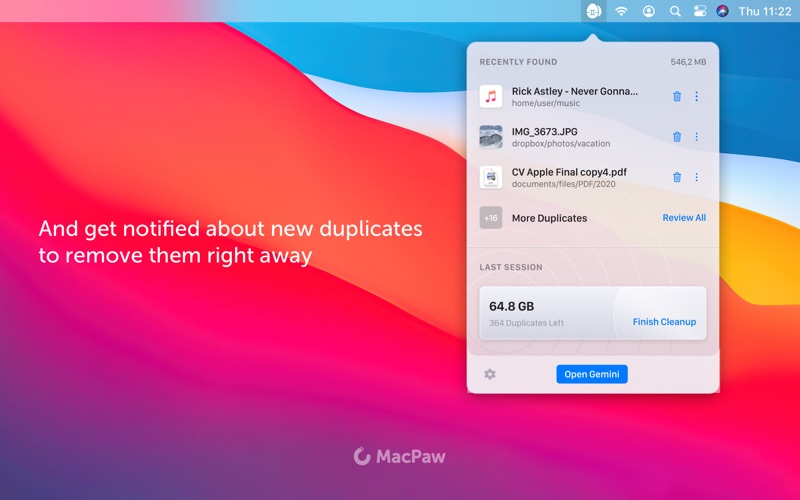
- Monitor your Mac or separate folders for new duplicates and delete them right away
Organize your photos and music:
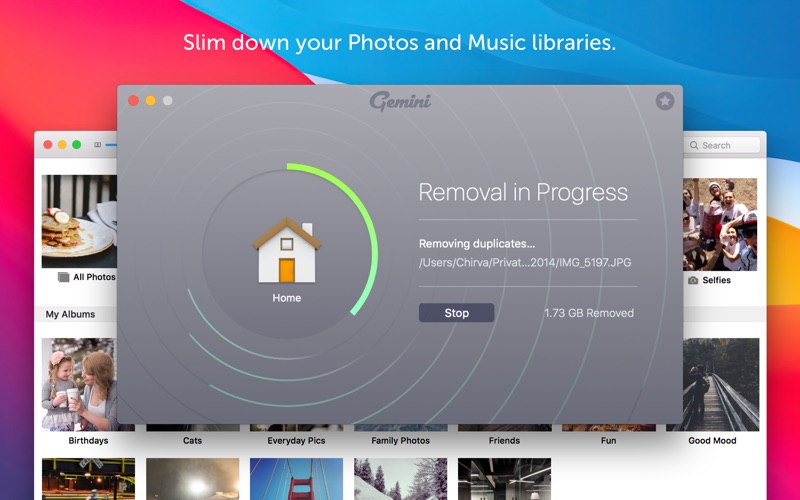
- Find duplicate photos in your Photos library
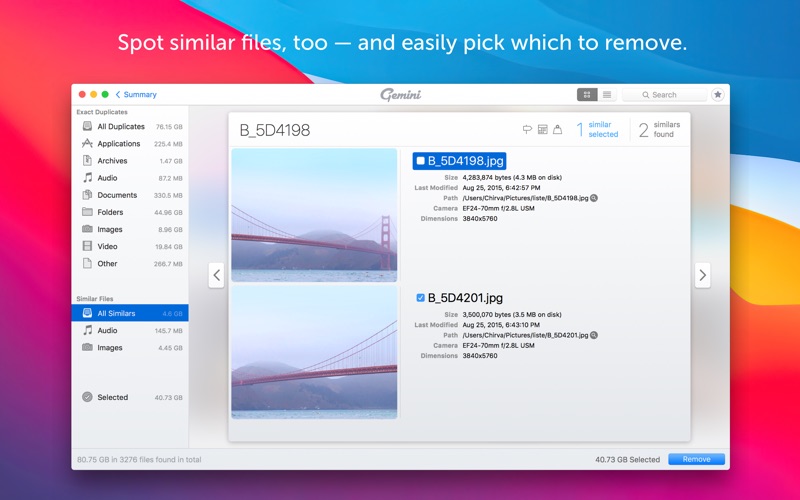
- Detect pictures that are similar, but not identical
- Spot iTunes and Music library duplicates
- Find similar music in iTunes and Music library (files that differ only by format or bit rate)
Save time picking out duplicate files:
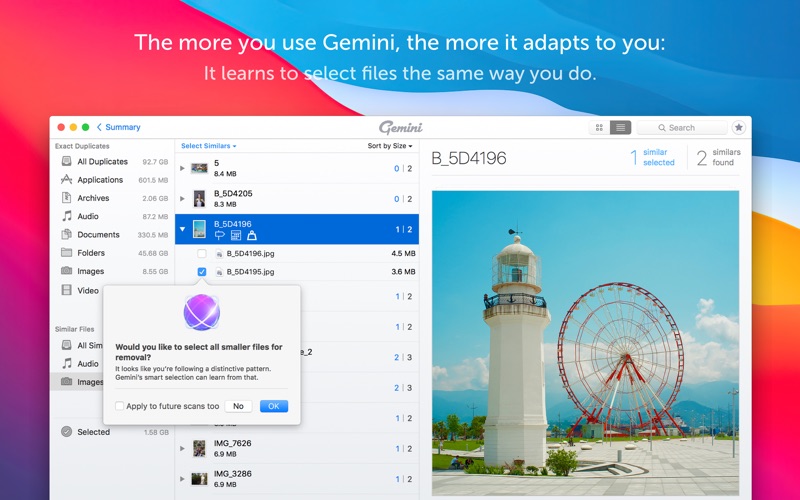
- Trust Gemini to autoselect the copies and keep the originals intact
- See how similar files differ with the help of handy icons
- Add your own Smart Selection rules, like deleting the duplicates that are older
Never lose an important file by mistake:
- If you removed the wrong duplicate, put it back in a click
- Exclude certain files and folders from scan
- Move duplicates to a separate folder or onto a USB drive
- Replace copies with hardlinks to save space without deleting the files
Make finding duplicates less of a drag:
- Enjoy the sleek space-themed design
- Have fun with wacky achievements and ranks
- See if you can spot the Easter Egg!
And if you’re wondering what tech reviews say about Gemini 2, wonder no more: we’ve gathered some of them below.
WHAT MAC EXPERTS SAY
“I’ve been an active user of MacPaw’s Gemini software since its inception, and Gemini 2’s release today has made me fall in love with it all over again. In just the initial scan, Gemini 2 found more files and more places where I could intelligently clear and save space on my Mac.”
- 9to5mac
“If you want to clean up your Mac, but are trepidatious about digging around in your files and accidentally deleting something important, Gemini 2 has a lot to offer and makes the whole process very simple.”
- iMore
“With Gemini 2 there’s little reason to fear duplicates. It has a polished, intuitive user interface and the brains to differentiate copies from originals by testing them against nearly a dozen different parameters. It’s also much faster, especially compared to digging through thousands of files and folders the old-fashioned way.”
- MacWorld
SUBSCRIPTION AND PRICING
Some features are only partially available for non-paying users and can be unlocked with a Yearly Access plan. For example, the non-paying users can delete found duplicates only manually via Reveal in Finder feature and don’t have access to Smart Cleanup.
See the pricing details in the Information section under In-App Purchases.
Have questions? We are always here to help. Please message our support using the contact below.
https://macpaw.com/support/contact