It doesn't have enough ratings yet to judge what users think.
GK Trident is made and published by
Untethered Labs, Inc.
AppBrain is an independent app data site and isn't affiliated with Untethered Labs, Inc.
The app name, icon, screenshots and description belong to Untethered Labs, Inc. and are shown as
published on the App Store.
About GK Trident
GK Trident is a productivity app developed by Untethered Labs, Inc.
User Ratings
GK Trident is rated 3.33 out of 5 stars. The rating is based on 9 ratings.
App Information
GK Trident is freely available from the App Store. The app size is 40.55 MB. The latest version available is 1.7. The last update was on January 24, 2019.
Technical Requirements
The app has a content rating of Everyone. The app has been available on the App Store since July 2018.
Description by Untethered Labs, Inc.(from the App Store)
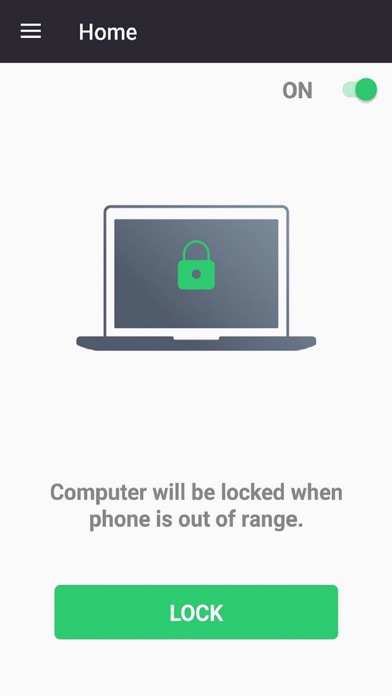
GateKeeper Trident allows you to lock and unlock your computer with your phone.
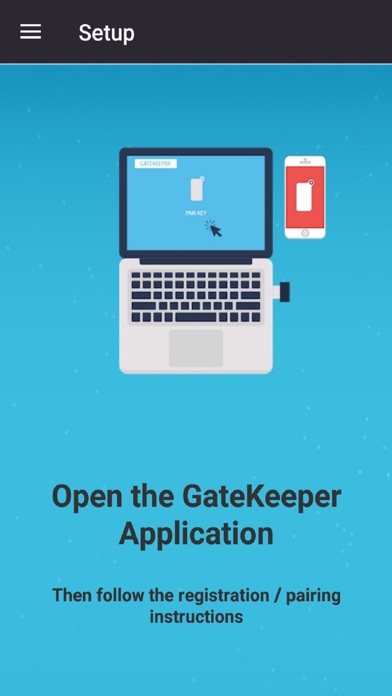
Secure your computer with keyless entry. After installing GateKeeper Trident on your phone, pair it to your computer using the GateKeeper desktop application. The Trident app can automatically lock your computer when you walk away and unlock it when you walk back - no need to manually lock your computer or enter your password to log in. We also provide 2-factor authentication for unlocking.
Trident uses Bluetooth Low Energy technology to estimate your proximity to your computer. All secure information is stored locally on your computer and nothing is transmitted over the air.
IMPORTANT REQUIREMENTS:
* Your phone must support Bluetooth Low Energy advertising
* Your computer must be running Windows 7, 8, 10 or OS X High Sierra / Mojave
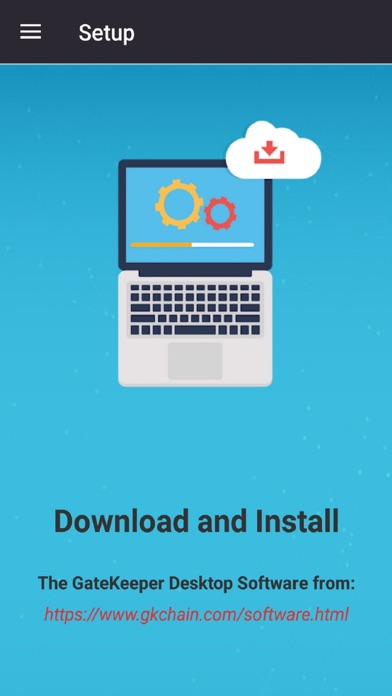
* You must install the GateKeeper desktop software (version 3.5.x and up) available from: https://gkaccess.com/software.html
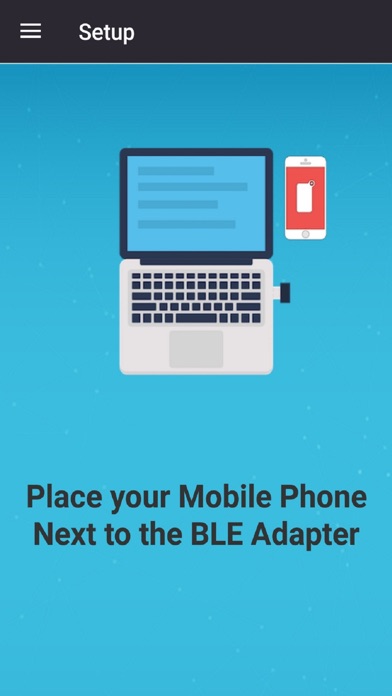
* Your computer must have the GateKeeper USB dongle. These can be purchased from: https://gkaccess.com/store.html
If running Windows 10, you may also use your computer’s internal BLE or an external BLE dongle.
For any questions or comments, please email us at info@gkaccess.com.
Each subscription will automatically renew 3 days before the expiration date for
the same time period. Subscriptions can be cancelled at any time before the renewal.