It doesn't have enough ratings yet to judge what users think. Its best ranking is #52 in Top Paid, Music in Indonesia.
Gridplay is made and published by
Peta Vision.
AppBrain is an independent app data site and isn't affiliated with Peta Vision.
The app name, icon, screenshots and description belong to Peta Vision and are shown as
published on the App Store.
About Gridplay
Gridplay is a music app developed by Peta Vision.
User Ratings
Gridplay is rated 2.43 out of 5 stars. The rating is based on 77 ratings.
App Information
Gridplay costs $1.99. The app size is 13.92 MB. The latest version available is 1.6.0. The last update was on April 28, 2020.
Technical Requirements
The app has a content rating of Everyone. The app has been available on the App Store since May 2014.
Description by Peta Vision(from the App Store)
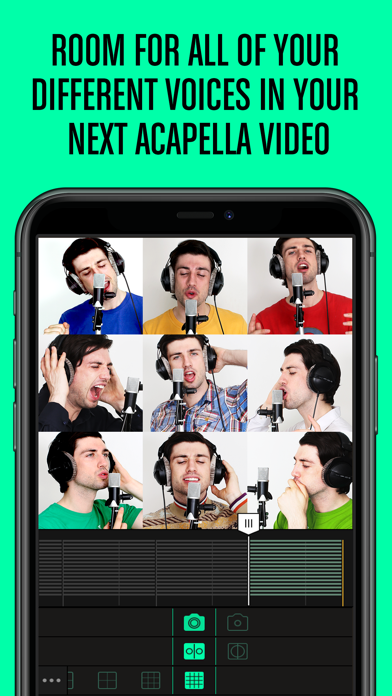
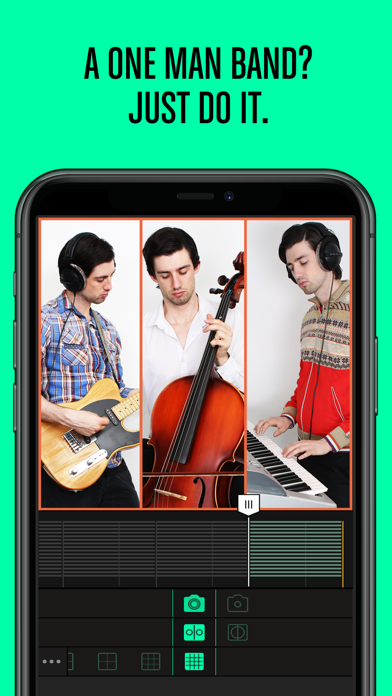
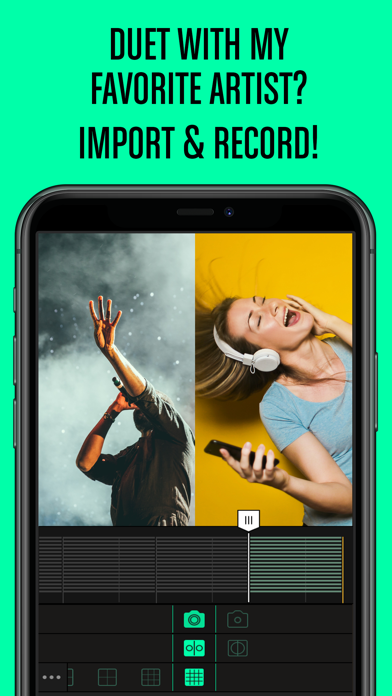
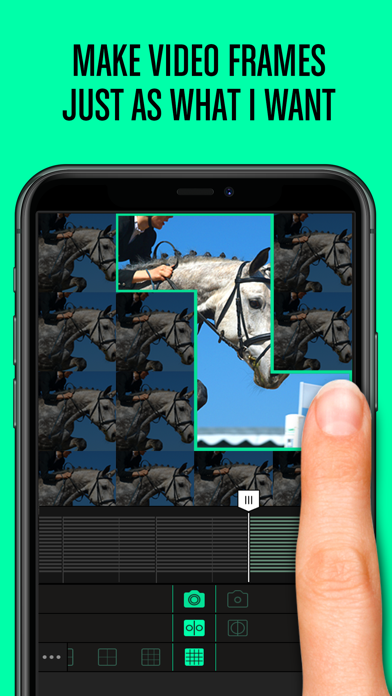
Make quality quick-cut style music videos straight from your phone with Gridplay. Giving even the most experienced filmmakers a new experience, the innovative grid screen allows users to combine and divide cells at will in order to create dynamic videos.
Add a song, trim clips, and adjust and scale each cell for extra flair. Turn your inspirational moments into the movie of your life with Gridplay.
Features: 1. Takes up to 16 4x4 videoclips (These can be recorded or uploaded.) 2. Swipe to combine or divide the cells 3. Create and edit a timeline with multiple frames 4. Optimized for low-resolution (640p) on Instagram 5. Records up to 15 seconds. (5 minutes with extension) 6. Self-timer 7. Each clip has an independent sound control 8. Ability to save video to camera roll 9. Frame thickness and color settings 10. Automatically saves rough draft 11. Rotate, adjust, scale, and mirror each clip 12. Share to Vine
Instructions: 1. Pick a cell and choose the camera mode. (Full screen vs. split screen, and back camera vs. front camera) 2. Swipe to combine cells, and swipe again to divide. 3. Press the "Film" button. 4. Set the timer up to 15 seconds. (If you have unlocked the extension, you can set the timer up to 5 minutes.) 5. When you finish with one frame, it will go to the next automatically. You need to set the timer for each frame. 6. If you don't like what you have recorded, tap to delete. If you don't want to fill up the other cells? No problem, just go to the next step. 7. Adjust the volume and position of each clip. 8. Trim the clips and add background music. 9. Save and share on Vine, Instagram, Facebook, Youtube, Tumblr, and email.
Subscribe to see full ranking history in this country
AppBrain offers valuable information about your app and those of your competitors. Join AppBrain for free and claim this app to view more ranking data, view history etc.
Each subscription will automatically renew 3 days before the expiration date for
the same time period. Subscriptions can be cancelled at any time before the renewal.