GTWorld UK is an overall app developed by Guaranty Trust Bank UK.
Download Statistics
User Ratings
GTWorld UK is rated 5.00 out of 5 stars. The rating is based on one rating ratings.
App Information
GTWorld UK is FREE to download. The APK download size is 28.04 MB. The latest version available is 2.0.11. The last update was on May 22, 2025.
Technical Requirements
The app has a content rating of Everyone. The app has been available on Google Play September 2019.
Description
Designed especially for our personal customers holding individual and/or joint accounts, Guaranty Trust Bank (UK) Limited is pleased to offer GTWorld UK, a mobile banking app to help you stay on top of your money with the convenience of your smartphone or tablet anytime and anywhere. The app is free of any charge and is an optional service for all our existing customers.
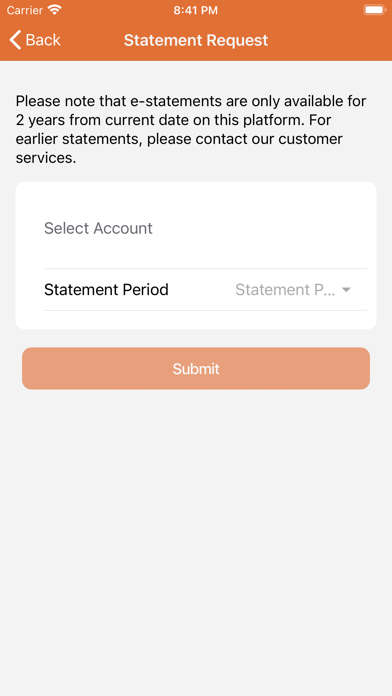
What you can do • View your savings and current accounts in one place • Make payments in GBP, EURO and USD to GTBank UK customers/payees • Make Sterling payments to other UK banks • Transfer money between your own bank accounts of same currency • Authenticate your payment instructions using transaction PIN set by you • Check account balances and transaction history • Download account statements.
Who can use the GTWorld UK app? • You must be an individual account holder or a joint account holder • You must have a profile on our PIB platform to be able to sign-up for the app.
How to Sing-up? Once you have successfully downloaded the app, follow these steps below:
a. Tap on the sign-up function available on the login page and provide your user ID (Personal Internet Banking ID) and date of birth b. You will now be required to generate a login code from your GTBank UK token and supply on the screen provided ( it’s the same token you use to login to your Personal Internet Banking profile) c. You will receive an email on your registered email address containing a six digit registration password. Receipt of the password means that you have successfully signed up.
First-time use/Initial Set-up d. Once you have signed up successfully, login with your user ID and the registration password sent to your registered email address when you signed up e. Authorise your device(smartphone or tablet) to be locked down to your mobile banking profile f. Read and accept our Terms and Conditions g. Set-up your transaction authentication PIN and enter the six digit registration password sent to your registered email address when you signed-up h. You will be taken back to the log in screen. Once again login with the PIB user ID or login ID and registration password sent to your registered email address at the time of sign-up i. You will now be asked to change your password to the one of your choice. This must be numerical only j. You have now successfully logged into your mobile banking profile.
Guaranty Trust Bank (UK) Limited is Authorised by the Prudential Regulation Authority and regulated by the Financial Conduct Authority and the Prudential Regulation Authority being entered in their Register under Ref. No. 466611.
Each subscription will automatically renew 3 days before the expiration date for
the same time period. Subscriptions can be cancelled at any time before the renewal.