

Hanover Community School Corp.
Hanover Community School Corp. is made and published by Hanover Community School Corp. AppBrain is an independent app data site and isn't affiliated with Hanover Community School Corp. The app name, icon, screenshots and description belong to Hanover Community School Corp and are shown as published on the App Store.
AppBrain's verdict
Established- Rating on App Store
- 3.00
- 2 ratings
- Last updated
- January 4, 2024
It doesn't have enough ratings yet to judge what users think.
Rankings
App Store top chartsApp Store Rankings for Hanover Community School Corp.
Competitors
Similar apps and more from Hanover Community School CorpAlternatives to Hanover Community School Corp.




Also available on Google Play

Releases
Updates seen on the App Store- Version
- 5.6.27001
- Launched
- March 2017
No changelog data
User feedback
Ratings and reviews on the App StoreComments on Hanover Community School Corp. for iOS
We don't have enough comments to show example comments. Please check back later.
Technology
Found in the app by AppBrain- Price
- Free
- App size
- 36.7 MB
- Content rating
- Everyone
Technologies used by Hanover Community School Corp.
About the app and developer
About Hanover Community School Corp.
Hanover Community School Corp. is an education app developed by Hanover Community School Corp.
What is the rating of Hanover Community School Corp.?
Hanover Community School Corp. is rated 3.00 out of 5 stars, based on 2 ratings.
Is Hanover Community School Corp. free?
Hanover Community School Corp. is free. The app size is 36.70 MB. The latest version available is 5.6.27001. The last update was on January 4, 2024.
What are the requirements for Hanover Community School Corp.?
The app has a content rating of Everyone. The app has been available on the App Store since March 2017.
Developer information for Hanover Community School Corp
Address:
Store listing
By Hanover Community School Corp, from the App Store


Description by Hanover Community School Corp Written by the developer, not by AppBrain. Click to read.
Anyone can:
-View District and school news
-Use the district tip line
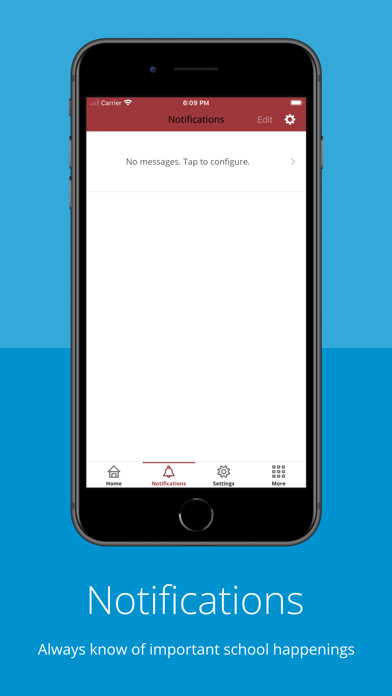
-Receive notifications from the district and schools
-Access the district directory
-Display information personalized to your interests
Parents and students can:
-View grades, assignments, and attendance
-View and add contact information