

HELLO-DATA LINK
HELLO-DATA LINK is made and published by TADANO Ltd. AppBrain is an independent app data site and isn't affiliated with TADANO Ltd. The app name, icon, screenshots and description belong to TADANO Ltd. and are shown as published on the App Store.
AppBrain's verdict
- Last updated
- September 1, 2026
Rankings
App Store top chartsApp Store Rankings for HELLO-DATA LINK
Competitors
Similar apps and more from TADANO Ltd.




Releases
Updates seen on the App Store- Version
- 1.8.1
- Launched
- February 2020
No changelog data
User feedback
Ratings and reviews on the App StoreComments on HELLO-DATA LINK for iOS
We don't have enough comments to show example comments. Please check back later.
Technology
Found in the app by AppBrain- Price
- Free
- App size
- 32.5 MB
- Content rating
- Everyone
Technologies used by HELLO-DATA LINK
About the app and developer
About HELLO-DATA LINK
HELLO-DATA LINK is a productivity app developed by TADANO Ltd.
User Ratings
The app has no ratings yet.
App Information
HELLO-DATA LINK is freely available from the App Store. The app size is 32.55 MB. The latest version available is 1.8.1. The last update was on September 1, 2026.
Technical Requirements
The app has a content rating of Everyone. The app has been available on the App Store since February 2020.
Developer information for TADANO Ltd.
Address:
Store listing
By TADANO Ltd., from the App Store
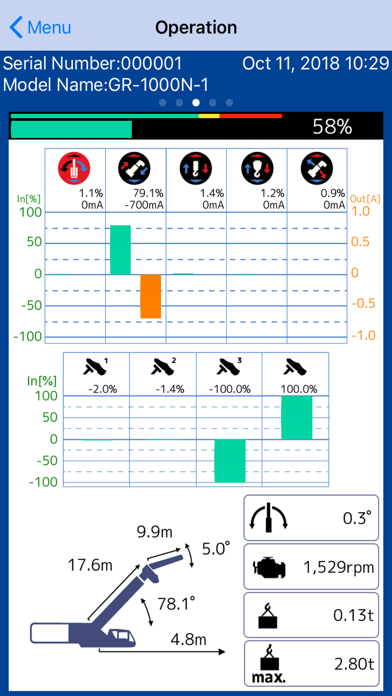
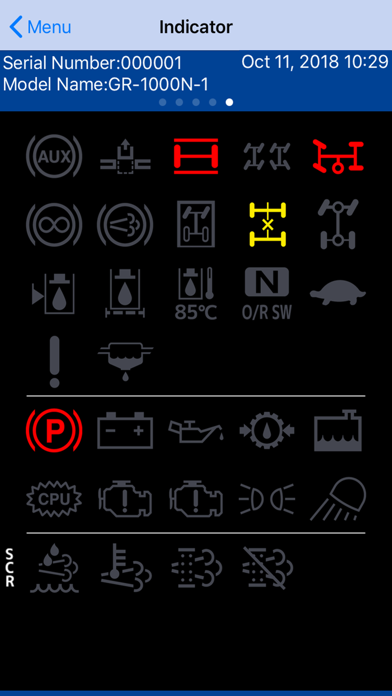
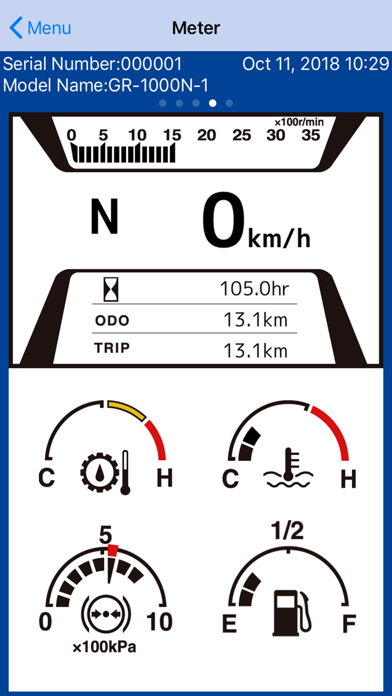
Description by TADANO Ltd. Written by the developer, not by AppBrain. Click to read.
Supported Model
GR-1000N-1
GR-600N-3
GR-130N(2W)-2/GR-130NL(2W)-2
GR-1000XL-4/GR-1000XLL-4
GR-800XL-4
GR-1300XL-4
GR-250N-5
GR-700N-3
GR-160N-5
GT-1200XL-2
GT-800XL-2
AT-530CG-1
AT-400CG-2
eGR-250N-1
eGR-1000XL-1
---Caution---
HELLO-NET account is required to use the application.
Please do not operate only by looking at the screen of the application.The actual situation may differ from the image shown on the screen of the application.
In the following cases, communications may be disabled or communication speed may be slow.
Extremely remote from the machine and use behind the machine.
There is an obstacle including rebar, metal, concrete between the machine and the terminal.
There are many wireless LAN access points around the machine.
There is a machine that uses the same radio frequency band as near the wireless LAN device.
You can not connect with other wireless LAN devices while using the application.
---How to use---
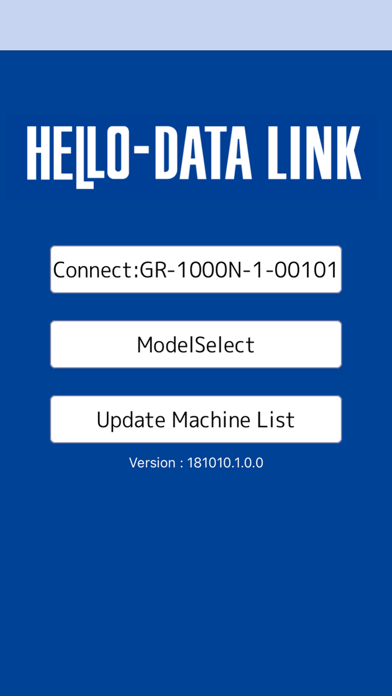
1.Enter HELLO-NET's account and authentication code.
*Please perform authentication in the environment where the Internet can be used.
2.Connect with the machine by wireless communication.
3.Select the model of the connected machine.
4.Tap the "connection" button to start communication with the machine.
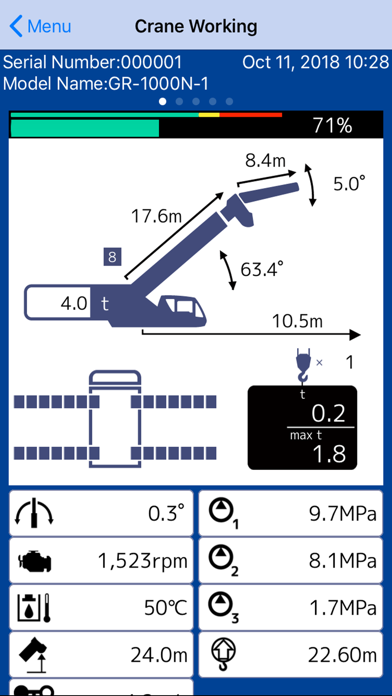
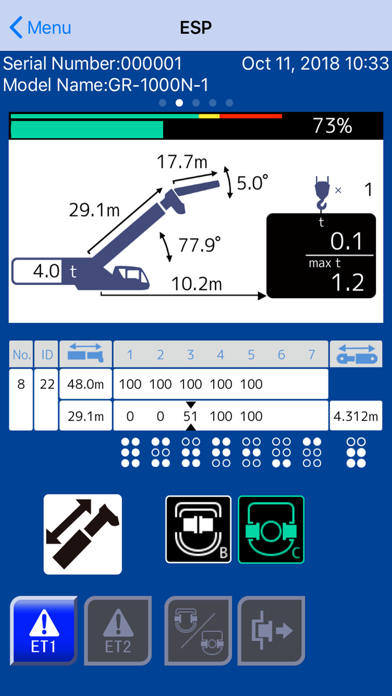
You can check crane information on the application.
For details, please contact your local Tadano representative.