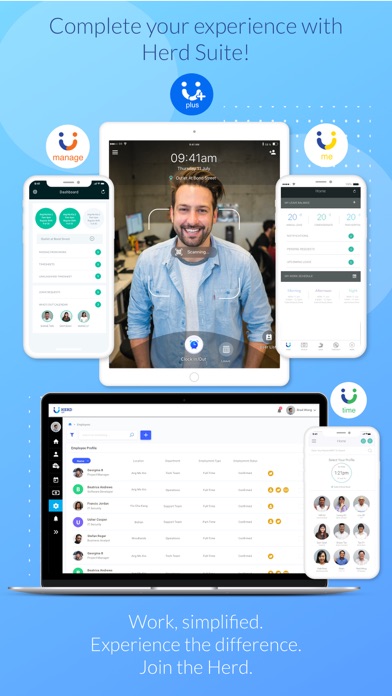
Herd+ : Easy Attendance! is an overall app developed by HerdHR Private Limited.
Download Statistics
User Ratings
The app has no ratings yet.
App Information
Herd+ : Easy Attendance! is FREE to download. The APK download size is 46.11 MB. The latest version available is 1.4.4. The last update was on June 16, 2026.
Technical Requirements
The app has a content rating of Everyone. The app has been available on Google Play October 2019.
Description
Herd+ : Easy Attendance! Transform your device into both a Time attendance and a Leave application Kiosk. Capturing attendance is now fast and simple with QR code scanning. Simply Scan, Tap and Go. Leave applications can also be submitted by scanning your QR code to reach your profile, select leave type, leave date and submit. All attendance data captured is available on Herd Web for payroll processing. Leave application is also sent to Herd Manage for approval from the manager.
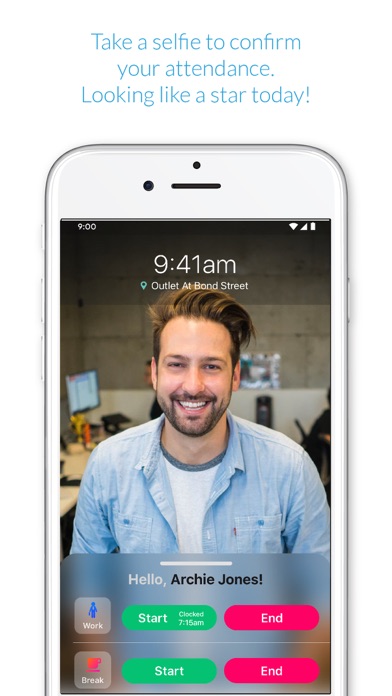
What can Herd+ do for me? Capturing Time attendance • QR code scanning for quick identification • Adding new employees on the go • Facial recognition for accurate attendance management • Quicker attendance taking process
Leave application • Application of leave through QR code scanning • Uploading of supporting documents such as medical certification
Getting Started: To start using Herd+, you must be an authorised user to access the app and have an account with HerdHR.
Download the app now to experience what we can do for you. Why spend time when you can save it for us to do the work?
We welcome comments, feedback and suggestions. Contact us at help.ios@herdhr.com
To restrict your iOS device to run Herd+ solely as a time clocking device, please follow the instructions below to set up Guided Access:
How to Set Up Guided Access To set up Guided Access, follow these steps: 1. Tap on Settings > General Accessibility 2. Look for Guided Access under LEARNING 3. Enable Guided Access 4. Tap on Passcode Settings to Set Guided Access Passcode to prevent anyone from leaving an active session.
How to Start a Guided Access Session
To start a Guided Access session, follow these steps: 1. Open the Herd+ App 2. Triple-click on the Home button 3. Guided Access started
How to End a Guided Access Session
To end a Guided Access session, follow these steps: 1. Triple-click on the Home button 2. Enter the Guided Access Passcode 3. Tap on End 4. Guided Access ended
Each subscription will automatically renew 3 days before the expiration date for
the same time period. Subscriptions can be cancelled at any time before the renewal.