

HighAmp : MP3 Music Player
HighAmp : MP3 Music Player is made and published by Neointro. AppBrain is an independent app data site and isn't affiliated with Neointro. The app name, icon, screenshots and description belong to Neointro and are shown as published on the App Store.
AppBrain's verdict
Established- Rating on App Store
- 4.07
- 27 ratings
- Last updated
- April 14, 2020
It doesn't have enough ratings yet to judge what users think.
Rankings
App Store top chartsApp Store Rankings for HighAmp : MP3 Music Player
Competitors
Similar apps and more from NeointroAlternatives to HighAmp : MP3 Music Player








More from Neointro





Releases
Updates seen on the App Store- Version
- 1.8
- Launched
- July 2018
No changelog data
User feedback
Ratings and reviews on the App StoreComments on HighAmp : MP3 Music Player for iOS
We don't have enough comments to show example comments. Please check back later.
Technology
Found in the app by AppBrain- Price
- $1.99
- App size
- 69.3 MB
- Content rating
- Medium
Technologies used by HighAmp : MP3 Music Player
About the app and developer
About HighAmp : MP3 Music Player
HighAmp : MP3 Music Player is a music app developed by Neointro.
User Ratings
HighAmp : MP3 Music Player is rated 4.07 out of 5 stars. The rating is based on 27 ratings.
App Information
HighAmp : MP3 Music Player costs $1.99. The app size is 69.29 MB. The latest version available is 1.8. The last update was on April 14, 2020.
Technical Requirements
The app has a content rating of Medium Maturity. The app has been available on the App Store since July 2018.
Developer information for Neointro
Address:
Store listing
By Neointro, from the App Store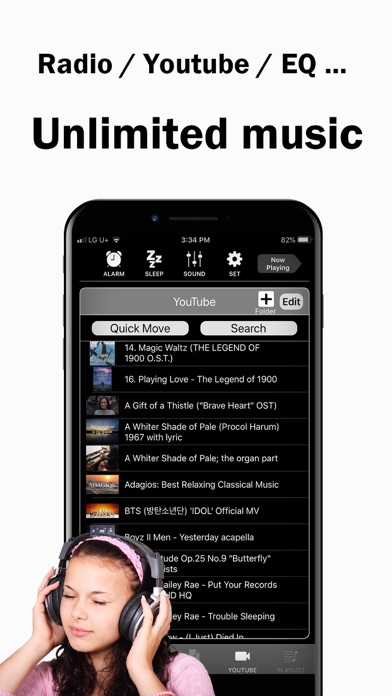


Description by Neointro Written by the developer, not by AppBrain. Click to read.
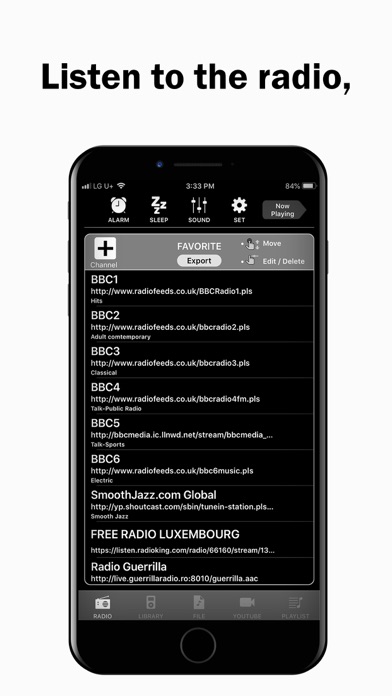
- Better sounds quality with Bass, Treble and Equalizer
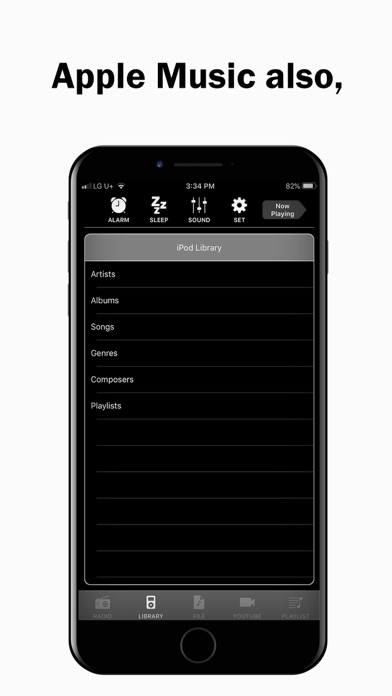
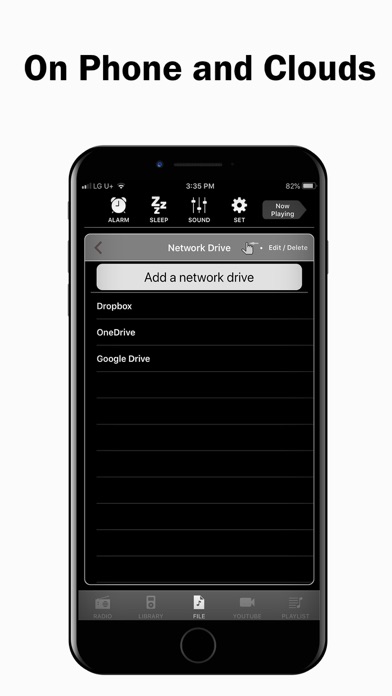
- All music collections including Youtube, Apple Music, iPod library, files in your PC and files in Clouds.
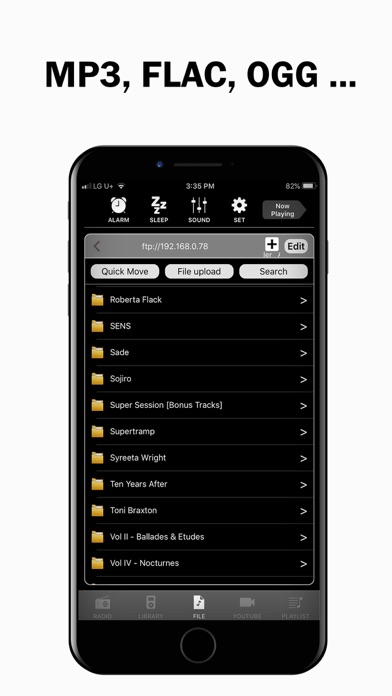
- Supports various audio formats such as mp3, flac, ape, opus, ogg etc.
- 100K radio stations.
- Sleeping with music.
- Waking up with music.
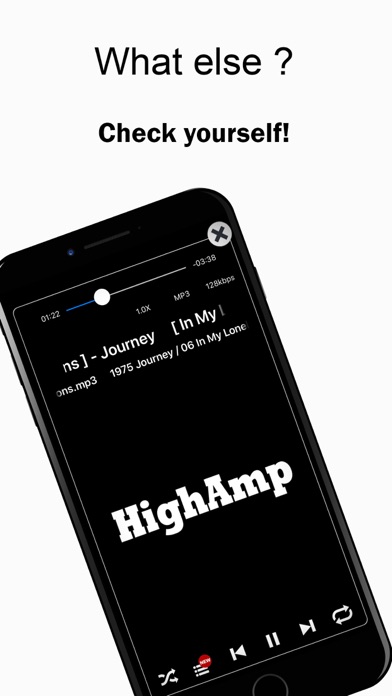
With all your music collections and better sound quality, you can easily start a playing queue and add, delete songs, and change play order whenever, while you're listening.
[Usage Help]
- swipe left in the play view : play next song
- swipe right in the play view : play previous song
- long press on 'Alarm' button : Alarm on/off toggle
- long press on 'Sleep' button : Sleep on/off toggle
- long press on a directory/playlist : shuffle play for the directory/playlist selected
[Note]
- YTPlayer is used for Youtube playback.
- Bass, Treble and Equalizer do not work while Youtube and Apple Music playback.