

HomeSim
HomeSim is made and published by Kingswell Productions. AppBrain is an independent app data site and isn't affiliated with Kingswell Productions. The app name, icon, screenshots and description belong to Kingswell Productions and are shown as published on the App Store.
AppBrain's verdict
- Rating on App Store
- 5.00
- 1 ratings
- Last updated
- November 17, 2025
It doesn't have enough ratings yet to judge what users think.
Rankings
App Store top chartsApp Store Rankings for HomeSim
Competitors
Similar apps and more from Kingswell ProductionsMore from Kingswell Productions




Releases
Updates seen on the App Store- Version
- 1.04
- Launched
- July 2024
No changelog data
User feedback
Ratings and reviews on the App StoreComments on HomeSim for iOS
We don't have enough comments to show example comments. Please check back later.
Technology
Found in the app by AppBrain- Price
- $19.99
- App size
- 5.33 MB
- Content rating
- Low
Technologies used by HomeSim
About the app and developer
About HomeSim
HomeSim is an entertainment app developed by Kingswell Productions.
User Ratings
HomeSim is rated 5.00 out of 5 stars. The rating is based on one rating ratings.
App Information
HomeSim costs $19.99. The app size is 5.33 MB. The latest version available is 1.04. The last update was on November 17, 2025.
Technical Requirements
The app has a content rating of Low Maturity. The app has been available on the App Store since July 2024.
Developer information for Kingswell Productions
Address:
Store listing
By Kingswell Productions, from the App Store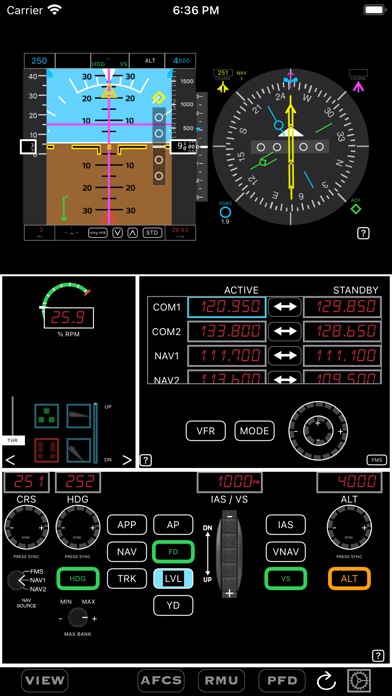
Description by Kingswell Productions Written by the developer, not by AppBrain. Click to read.
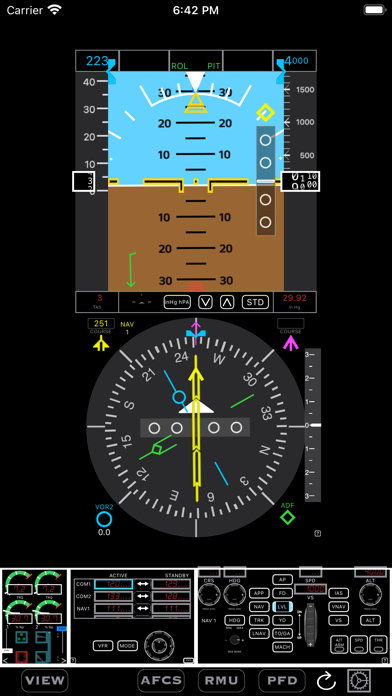
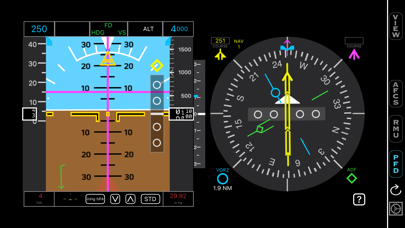
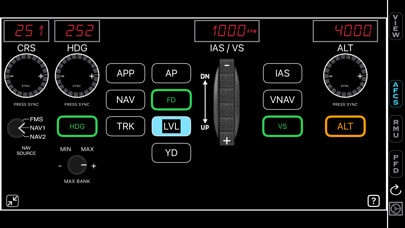
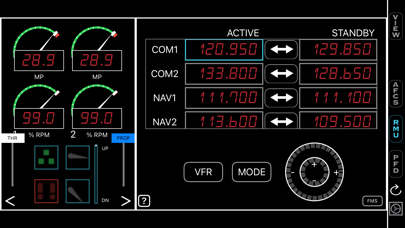
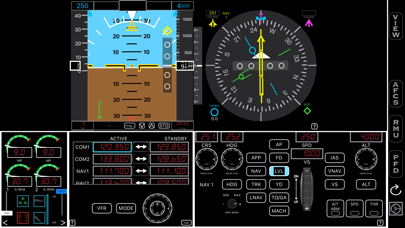
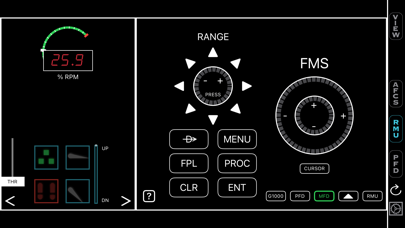
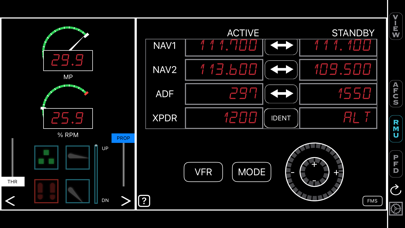
HomeSim provides a way of using an iPad, iPhone, or both to control most of the functions that would normally require the use of a keyboard and mouse, custom button assignments, or dedicated hardware to control.
HomeSim includes:
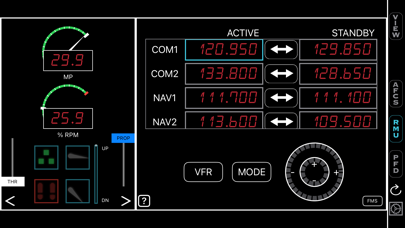
An RMU (Radio Management Unit),
An AFCS (Automatic Flight Control Sysytem, or autopilot),
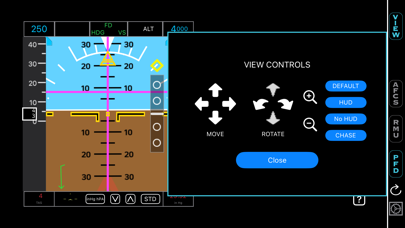
A PFD (Primary Flight Display),
Landing Gear, Flaps, and Parking Brake controls,
Basic Engine Instruments,
A VIEW management window for changing the main display of the X-Plane,
and an interface to simplify data entry for flight plans on G1000 equipped aircraft.
All of the controls use the typical gestures of a touchscreen to make changing frequencies, identifiers, autopilot modes, and navigation displays much quicker, allowing you the ability to practice procedures, like instrument approaches, while devoting little thought to how to properly set things up - the controls generally mimic the devices in real planes, while adding functionality that will increase your situational awareness.
More than one iOS device can be connected to X-Plane at a time so that you can have different devices act as dedicated hardware.
Free your main visual from the internal cockpit view by using your iOS device for the Flight Instruments, Navigation, and Engine Instruments.
Practice using autopilot functions that you are unfamiliar with, and get aquainted with more sophisticated airplanes without having to look around the cockpit for the new controls. Using controls that will work with any aircraft (as long as the aircraft has an autopilot and radios) will free you from thinking about the differences between aircraft, and start to find more similarities - making you a better pilot.
Enjoy flying X-Plane more by paying less attention to how to operate the simulation, and more attention to operating your flight!
Kingswell Productions, and HomeSim are not affiliated with Laminar Research (the makers of X-Plane).