Hubbell AR is made and published by
Hubbell Power Systems, Inc..
AppBrain is an independent app data site and isn't affiliated with Hubbell Power Systems, Inc..
The app name, icon, screenshots and description belong to Hubbell Power Systems, Inc. and are shown as
published on the App Store.
About Hubbell AR
Hubbell AR is a reference app developed by Hubbell Power Systems, Inc..
User Ratings
The app has no ratings yet.
App Information
Hubbell AR is freely available from the App Store. The app size is 124.14 MB. The latest version available is 5.1.1. The last update was on February 28, 2023.
Technical Requirements
The app has a content rating of Everyone. The app has been available on the App Store since June 2014.
Description by Hubbell Power Systems, Inc.(from the App Store)
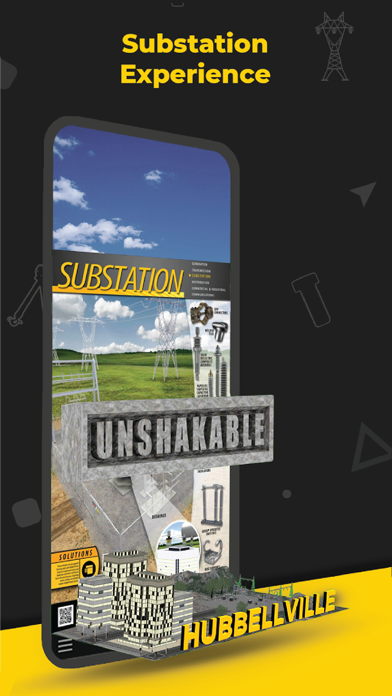
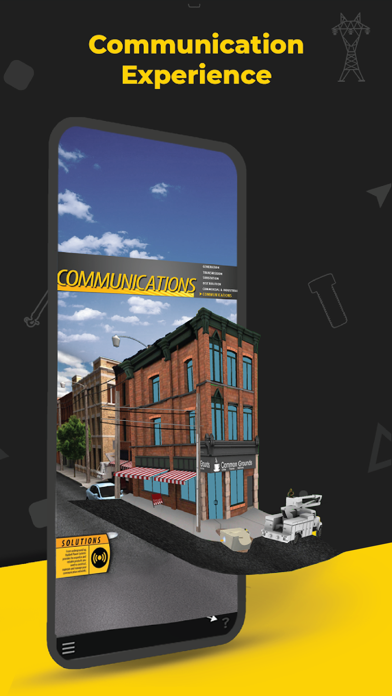
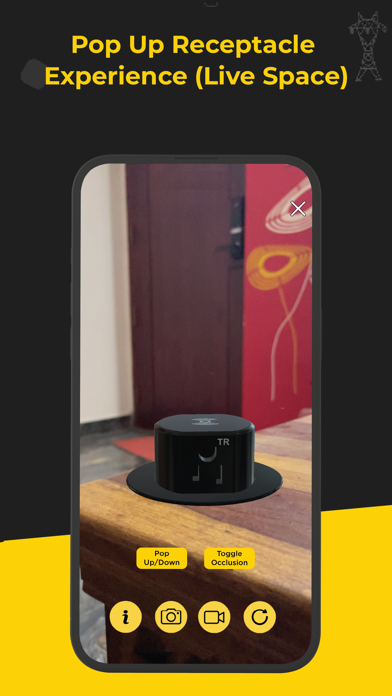
The Hubbell AR app allows you to experience augmented reality in 2 distinct ways.
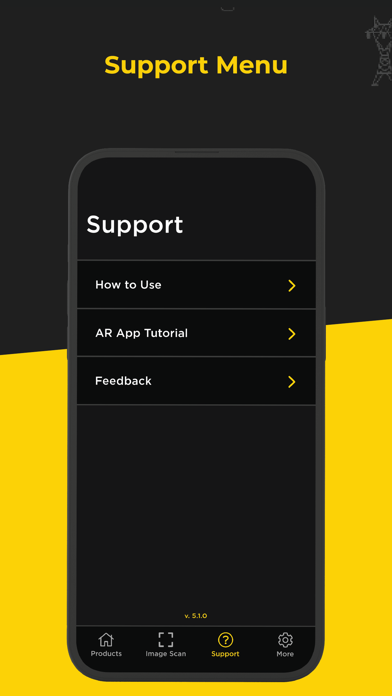
Click the question mark icon in the lower right to see tutorial overlays throughout the app. Adding an Experience The HubbellAR app will allow you to place an experience directly into your environment.
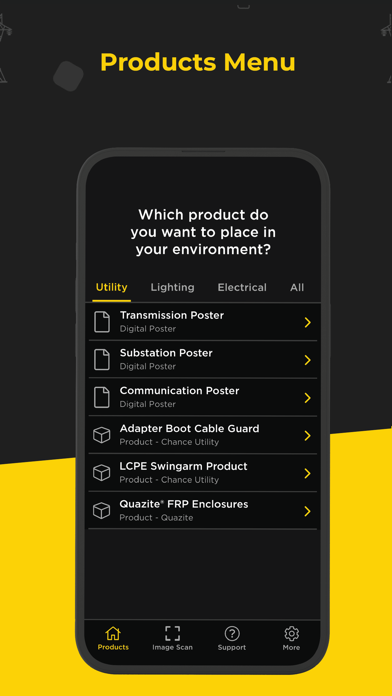
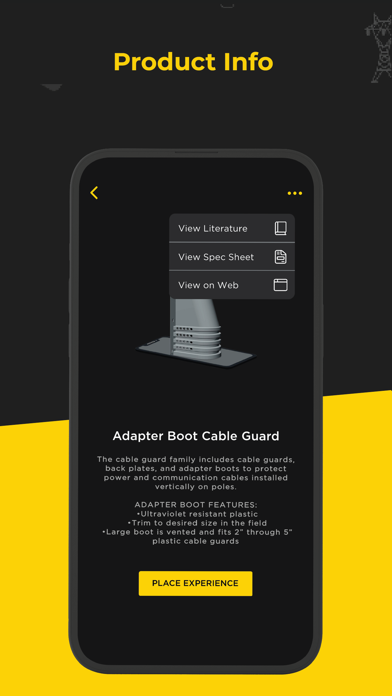
1. Open the HubbellAR app and allow the app to use your camera. 2. Click the “+” icon at the bottom center of your screen. 3. A list will appear arranged by markets. Select a market and click an experience in the submenu or click the information button next to it for details. 4. Once the experience has been downloaded, move your device around to scan your environment. Scanning flat surfaces will help the app detect the placement area(s) faster. Tabletops, floors, streets, walkways are examples of surfaces you can scan. 5. Tap anywhere on the discovered surface (yellow highlighted area) to place your experience. 6. Move around and closer to the experience to see more details. 7. Click any yellow buttons at the bottom of the experience to play animations. Not all experiences have these. 8. Click the information icon in the lower left for more information about that experience and to access other related assets. 9. Click the replay button in the lower right if you’d like to experience the animation again.
Scanning an Image
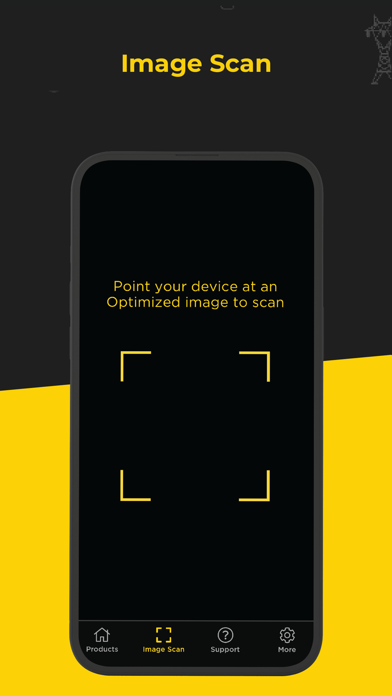
Whenever you see the HubbellAR app logo, or a reference to the app, on a printed image/poster/flyer/postcard, you can use the app to scan the image and reveal an AR experience. 1. Open the HubbellAR app and allow the app to use your camera. 2. Click the Image Scan icon in the lower left of the screen. 3. Point your device at the HubbellAR optimized image so that it is completely in view. 4. Keep the image in view as you walk around or move in closer to the experience. 5. Click the information icon in the lower left for more information about that experience and to access other related assets. 6. Click the replay button in the lower right if you’d like to experience the animation again. 7. Simply point your device at another optimized image to begin a new experience. 8. Click the “X” in the upper right to close the Image Scan functionality an return to the main screen.
To view these 3D experiences, please download and print any of the Hubbell Power Systems posters here: https://www.dropbox.com/sh/ukyttxqe5fxe1xf/AAC8IdxcXXrQ0zv1xvViWCe1a
Each subscription will automatically renew 3 days before the expiration date for
the same time period. Subscriptions can be cancelled at any time before the renewal.