

iCam Scanner with OCR - PDF CS
iCam Scanner with OCR - PDF CS is made and published by BoltQ Media. AppBrain is an independent app data site and isn't affiliated with BoltQ Media. The app name, icon, screenshots and description belong to BoltQ Media and are shown as published on the App Store.
AppBrain's verdict
Established- Rating on App Store
- 4.14
- 7 ratings
- Last updated
- May 2, 2024
It doesn't have enough ratings yet to judge what users think.
Rankings
App Store top chartsApp Store Rankings for iCam Scanner with OCR - PDF CS
Competitors
Similar apps and more from BoltQ MediaAlternatives to iCam Scanner with OCR - PDF CS







More from BoltQ Media





Releases
Updates seen on the App Store- Version
- 1.0.6
- Launched
- April 2021
No changelog data
User feedback
Ratings and reviews on the App StoreComments on iCam Scanner with OCR - PDF CS for iOS
We don't have enough comments to show example comments. Please check back later.
Technology
Found in the app by AppBrain- Price
- Free
- App size
- 42.8 MB
- Content rating
- Low
Technologies used by iCam Scanner with OCR - PDF CS
About the app and developer
About iCam Scanner with OCR - PDF CS
iCam Scanner with OCR - PDF CS is an utilities app developed by BoltQ Media.
User Ratings
iCam Scanner with OCR - PDF CS is rated 4.14 out of 5 stars. The rating is based on 7 ratings.
App Information
iCam Scanner with OCR - PDF CS is freely available from the App Store. The app size is 42.80 MB. The latest version available is 1.0.6. The last update was on May 2, 2024.
Technical Requirements
The app has a content rating of Low Maturity. The app has been available on the App Store since April 2021.
Developer information for BoltQ Media
Address:
Store listing
By BoltQ Media, from the App Store


Description by BoltQ Media Written by the developer, not by AppBrain. Click to read.
App Features of fast scanner app :
◆ OCR: Optical character recognition (Image to text converter)
◆ Scanner◆ Scanner: For scanning the document and share
◆ Convert scan Document to pdf
◆ ID Scanner allows you to scan any of your ID proof like passport, driving license, Government id
◆ QR code Scanner
◆ Barcode Scanner
◆ History of your activity in the app.
OCR Features :
◆ You can choose language for the input characters
◆ You can choose image either from gallery or camera
◆ You can copy the output texts of document scan
◆ You can share the text of social media like WhatsApp, facebook etc.
◆ Using Text to speech you can listen to the output text
◆ Export pdf of output text and Free PDF Scan
◆ Translate on google for various language
Free Scanner app Features :
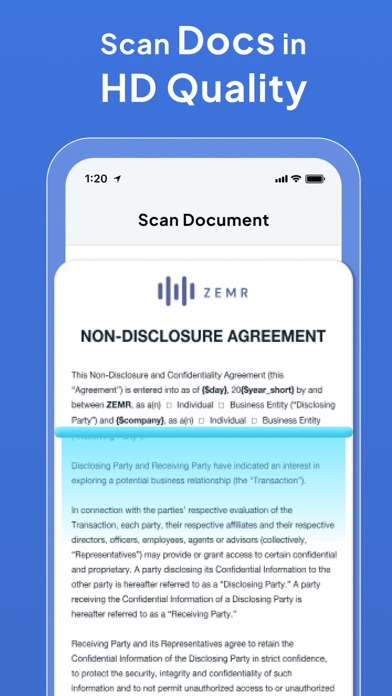
◆ You can scan documents using camera for faster scan
◆ You can crop the not needed edges for doc scan
◆ There are various effects like scan, Gray and Black and white (B/W) document.
◆ Export scanned document in PDF
Barcode / QR code scanner Features :
◆ Scan barcode instantly
◆ Scan QRcode instantly
◆ Copy scanned code
◆ Search for the scanned code on google.
Other features:
◆ The easiest way to create phone PDF Creator by cs.
◆ easy to convert photo to pdf or picture to pdf.
◆ choose a path for output pdf.
◆ You can easily convert an image to text.
◆ All in one scanner app and album scanner.
◆ Best pdf scanner for Phone PDF Creator.
◆ Image Scanner / Image to PDF Converter / Photo Scanner / Image to text converter / Camera to PDF / HD Scanner / Document Manager / Camera scanner Pro
This app is the best Text Scanner in the App store.[OCR]!
From all, this is the Highest Speed & Highest Quality & Tiny Scanner & Pocket scanner app. The app is using only camera and storage permission.
Payment models for Premium subscription:
• Weekly Subscription: $0.99 per week,
• Monthly Subscription: $2.99 per month,
• Yearly Subscription: $13.99 lifetime.
• Payment will be charged to iTunes Account at confirmation of purchase.
• Account will be charged for renewal within 24-hours prior to the end of the current subscription period.
• Subscriptions may be managed by the user and auto-renewal may be turned off by going to the user's Account Settings after purchase.
For Terms of Use, please visit https://zerones.biz/product/Icam/icam_terms_condition.html
For Privacy Policy, please visit https://zerones.biz/product/Icam/icam_privacy_policy.html