
iCrosss is made and published by Oleh Yudin. AppBrain is an independent app data site and isn't affiliated with Oleh Yudin. The app name, icon, screenshots and description belong to Oleh Yudin and are shown as published on the App Store.
AppBrain's verdict
Established- Best rank
- #90
- Top Paid, Russia
- Rating on App Store
- 4.70
- 30 ratings
- Last updated
- December 11, 2014
It doesn't have enough ratings yet to judge what users think. Its best ranking is #90 in Top Paid, Education in Russia.
Rankings
App Store top charts- Highest rank
- #90
- Chart
- Top Paid
- Education
- Country
- Russia
App Store Rankings for iCrosss
Top rankings
| Rank | Country | Category | List |
|---|---|---|---|
| 90 | Russia | Education | Top Paid |
Ranking history in Russia
Competitors
Similar apps and more from Oleh YudinAlternatives to iCrosss






More from Oleh Yudin


Releases
Updates seen on the App Store- Version
- 1.5
- Launched
- April 2011
No changelog data
User feedback
Ratings and reviews on the App StoreComments on iCrosss for iOS
We don't have enough comments to show example comments. Please check back later.
Technology
Found in the app by AppBrain- Price
- $0.99
- App size
- 9.16 MB
- Content rating
- Everyone
Technologies used by iCrosss
About the app and developer
About iCrosss
iCrosss is an education app developed by Oleh Yudin.
What is the rating of iCrosss?
iCrosss is rated 4.70 out of 5 stars, based on 30 ratings.
Is iCrosss free?
iCrosss costs $0.99. The app size is 9.16 MB. The latest version available is 1.5. The last update was on December 11, 2014.
What are the requirements for iCrosss?
The app has a content rating of Everyone. The app has been available on the App Store since April 2011.
Developer information for Oleh Yudin
Address:
Store listing
By Oleh Yudin, from the App Store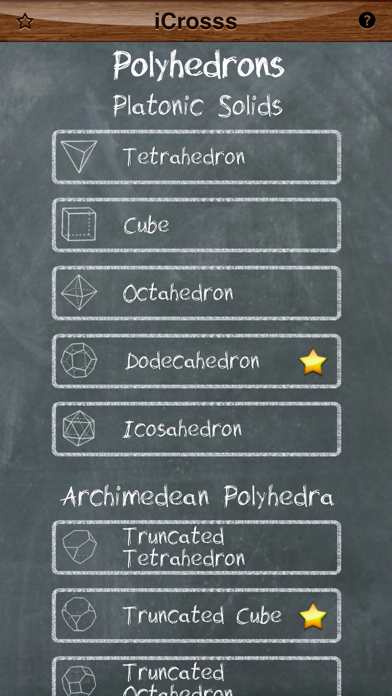
Description by Oleh Yudin Written by the developer, not by AppBrain. Click to read.
"It is an extremely well-done interactive encyclopedia of polyhedra" - Kurt Schmucker (Parallels Senior Product Manager)
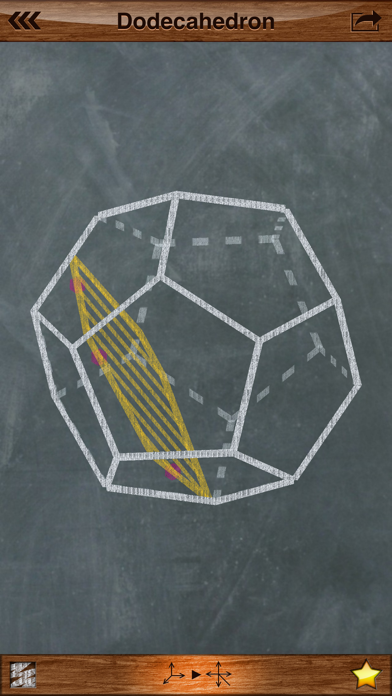
iCrosss allows you to build a cross-section of each available polyhedra by your defined plane. The plane can be defined by three points (taps) on polyhedron faces. The application supports such kinds of polyhedra as regular polyhedra (Platonic solids), Pyramids, Prisms, Anti-prisms and Archimedean solids and duals. Polyhedrons are displayed in 3D representation, which allows you to rotate it in any direction. Cool chalkboard drawing style and fonts were used for awesome look’n’feel. To build a cross-section you have to put three points on polyhedron faces in order to define a section plane.
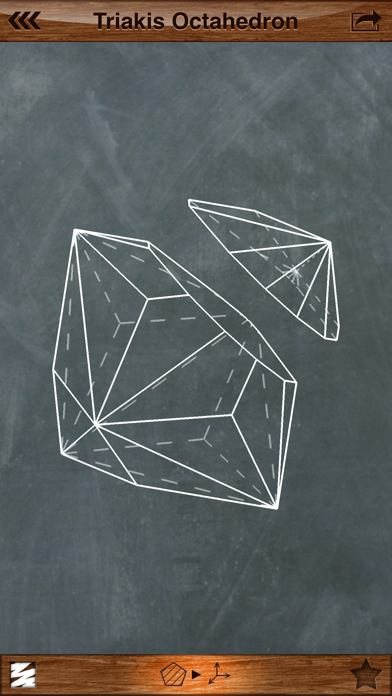
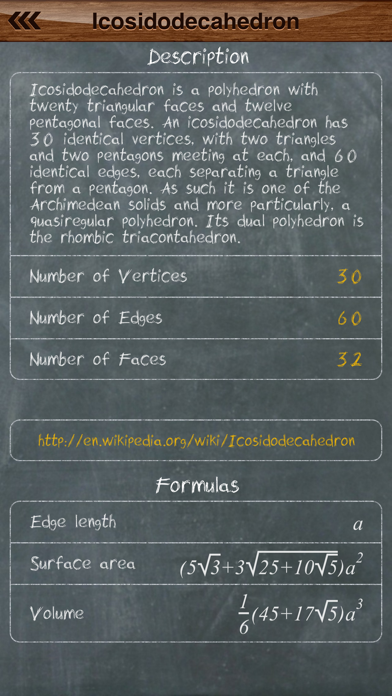
There is several view modes that you can use for better cross-section experience: 3D mode, Épure (3 projections mode), 3D cut mode. 3D cut mode is available only when you have already built cross-section. In this mode you can choose one of two solid pieces of initial polyhedron to continue work with. Available menu for printing and sending via e-mail of the polyhedron or its section. You can access information regarding selected solid, which includes short description, number of faces, vertices, edges, web-link for more information and useful formulas. Polyhedra are organized in simple list divided by categories. Moreover, you can put polyhedrons you like into favorites list. Favorite solids are marked by a golden star and can be rapidly accessed.
A tutorial mode was designed for quick understanding. It will take you through the general application features.
To display formulas custom rendering engine was developed. It visualizes a LaTeX formula format.