

ID Photo KR is made and published by SANGSU PARK. AppBrain is an independent app data site and isn't affiliated with SANGSU PARK. The app name, icon, screenshots and description belong to SANGSU PARK and are shown as published on the App Store.
AppBrain's verdict
- Last updated
- March 17, 2026
Rankings
App Store top chartsApp Store Rankings for ID Photo KR
Competitors
Similar apps and more from SANGSU PARKAlternatives to ID Photo KR




More from SANGSU PARK


Releases
Updates seen on the App Store- Version
- 1.4.0
- Launched
- March 2026
No changelog data
User feedback
Ratings and reviews on the App StoreComments on ID Photo KR for iOS
We don't have enough comments to show example comments. Please check back later.
Technology
Found in the app by AppBrain- Price
- Free
- App size
- 105.3 MB
- Content rating
- Everyone
Technologies used by ID Photo KR
About the app and developer
About ID Photo KR
ID Photo KR is a photo & video app developed by SANGSU PARK.
User Ratings
The app has no ratings yet.
App Information
ID Photo KR is freely available from the App Store. The app size is 105.33 MB. The latest version available is 1.4.0. The last update was on March 17, 2026.
Technical Requirements
The app has a content rating of Everyone. The app has been available on the App Store since March 2026.
Developer information for SANGSU PARK
Address:
Store listing
By SANGSU PARK, from the App Store




Description by SANGSU PARK Written by the developer, not by AppBrain. Click to read.
This is not a beauty filter app. It is a utility app built to help you make submission-ready photos faster for passports, visas, student IDs, certifications, and other document flows where size and layout matter.
Key Features
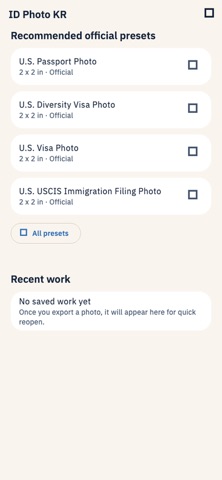
- Korea and U.S. source-backed photo types
- Auto face alignment with eye-line and head-size guides
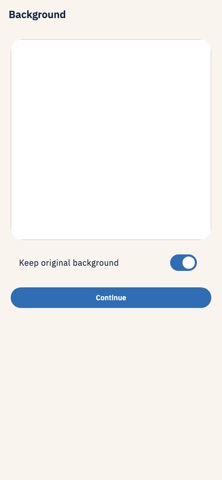
- Background removal and allowed background color changes
- Crop, rotation, and brightness adjustments
- 4x6 print sheet preview
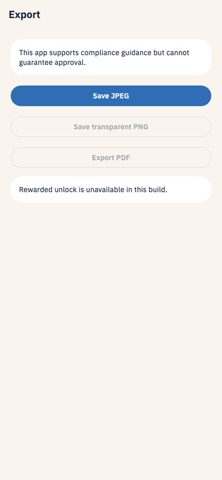
- JPEG, PNG, and PDF export
- Recent photo types and recent work
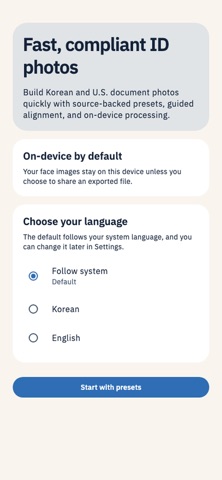
- Korean and English support
Privacy
- Photo and camera access are used only to edit and save the images you choose.
- Photos are processed on device by default without server upload.
- The app helps you follow the spec, but final approval still depends on the receiving organization.