

IHL
IHL is made and published by Le Comite International de la Croix-Rouge (CICR). AppBrain is an independent app data site and isn't affiliated with Le Comite International de la Croix-Rouge (CICR). The app name, icon, screenshots and description belong to Le Comite International de la Croix-Rouge (CICR) and are shown as published on the App Store.
AppBrain's verdict
Established- Rating on App Store
- 5.00
- 4 ratings
- Last updated
- September 24, 2026
It doesn't have enough ratings yet to judge what users think.
Rankings
App Store top chartsApp Store Rankings for IHL
Competitors
Similar apps and more from Le Comite International de la Croix-Rouge (CICR)Alternatives to IHL










Releases
Updates seen on the App Store- Version
- 3.2.0
- Launched
- July 2019
No changelog data
User feedback
Ratings and reviews on the App StoreComments on IHL for iOS
We don't have enough comments to show example comments. Please check back later.
Technology
Found in the app by AppBrain- Price
- Free
- App size
- 27.3 MB
- Content rating
- Everyone
Technologies used by IHL
About the app and developer
About IHL
IHL is a reference app developed by Le Comite International de la Croix-Rouge (CICR).
What is the rating of IHL?
IHL is rated 5.00 out of 5 stars, based on 4 ratings.
Is IHL free?
IHL is free. The app size is 27.32 MB. The latest version available is 3.2.0. The last update was on September 24, 2026.
What are the requirements for IHL?
The app has a content rating of Everyone. The app has been available on the App Store since July 2019.
Developer information for Le Comite International de la Croix-Rouge (CICR)
Store listing
By Le Comite International de la Croix-Rouge (CICR), from the App Store
Description by Le Comite International de la Croix-Rouge (CICR) Written by the developer, not by AppBrain. Click to read.
Installation and updates
Once downloaded, the app works fully offline. When you first open “IHL”, we recommend you allow the app to complete the following processes: “Fetching IHL Treaties data”, “Fetching customary IHL data” and “Fetching PDF data”. This should take between 1 and 3 minutes. If it takes longer or if the app crashes, we recommend you complete the following steps:
1. Make sure your device is fully up to date with the latest version of your operating system.
2. Make sure your device is connected to a Wi-Fi network.
3. Open the app and wait for all data to be fetched (IHL treaties, study on customary IHL and PDFs). This should take no more than 3 minutes.
4. If steps 1–3 do not work, uninstall the app.
5. Carry out steps 1 and 2 again.
6. Download and re-install the app.
7. Carry out step 3 again.
IHL treaties
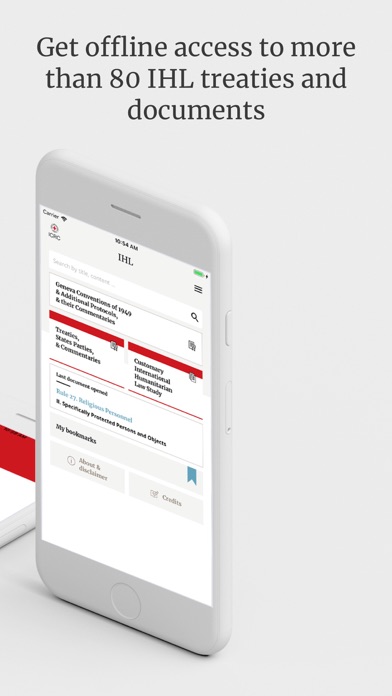
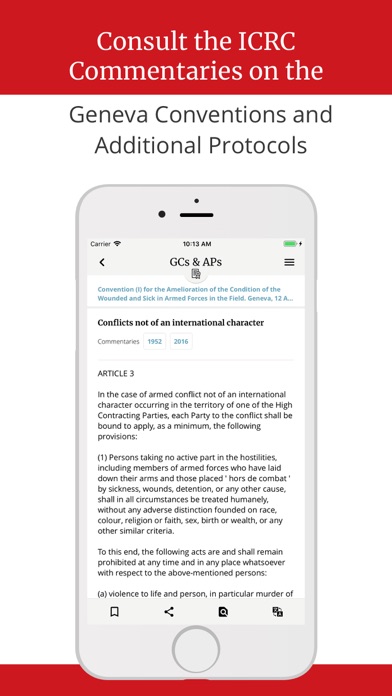
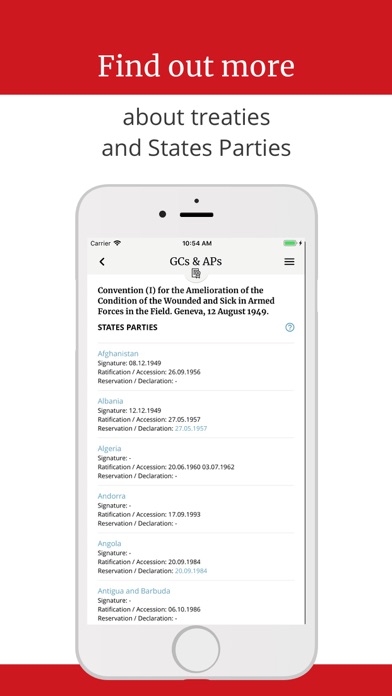
The section on IHL treaties is organized by topic, states parties and date. You can download the list of ratifications in PDF or Excel formats by tapping on “States party to the main treaties” at the bottom of the page. Each treaty has a homepage with an introduction; specific articles can be accessed from this page. The Geneva Conventions and their Additional Protocols are accompanied by the ICRC’s original and updated commentaries. Tapping on “About this text” provides general information about a treaty. If you tap on the name of a state in “State parties”, you are redirected to a list of all the treaties in force for that state.
Customary IHL
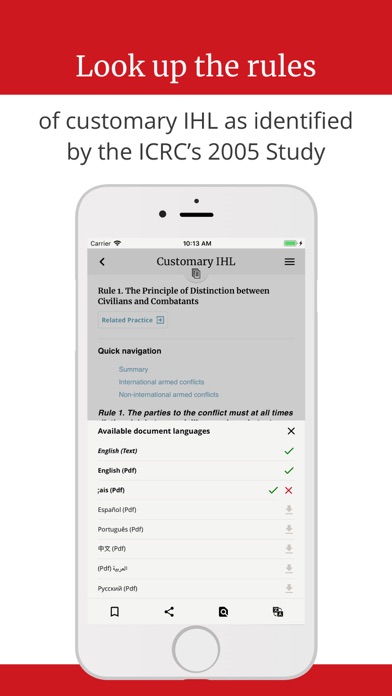
The section on customary IHL is organized by topic and then by rule (in English only). Each rule comes with an explanation. Related practice for each rule can be found online by tapping “Related practice” at the top of the page; your device must be connected to the internet to access related practice.
Law and policy documents
The section on law and policy documents brings together public documents and links from the ICRC and the International Red Cross and Crescent Movement (Movement) that present or clarify various IHL notions and related issues. It is organized by type of document. All documents are available as PDFs in various languages.
PDFs
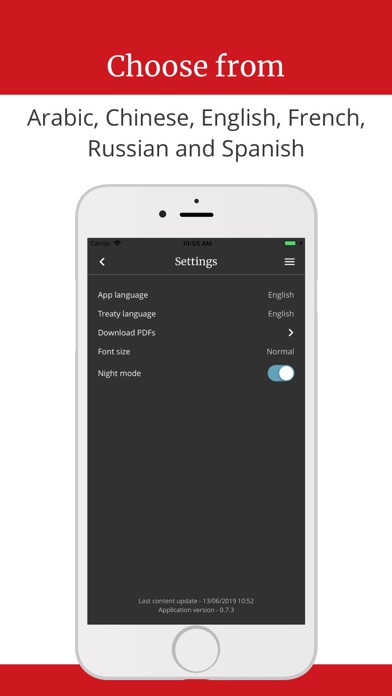
PDF versions of treaties and documents, and of volume I (rules) of the ICRC’s 2005 study, can be downloaded in any of the eight languages – provided the text in question has been translated – by tapping the bottom-right icon when in the document. All available PDFs in your device’s language are automatically downloaded when the app is first installed. We recommend installing a separate PDF reader to view files.
Search and Find in page
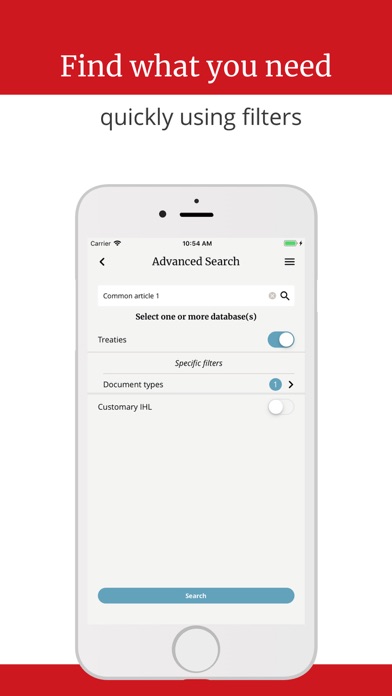
The app has an overall search function. There is also a “Find in page” feature for every document.
Bookmarks
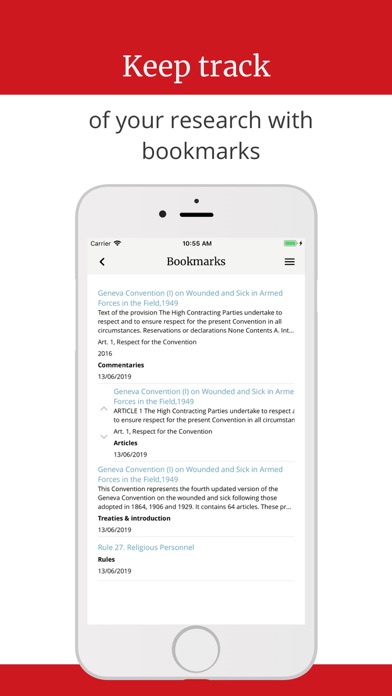
You can bookmark documents or parts of documents by tapping the icon at the bottom of the page. You can organize your bookmarks by moving them up or down in the list, which can be accessed from the homepage or the side menu. Bookmarks can also be grouped into folders that you can create and name yourself.
Share
A share button – at the bottom of the page of every document –¬ allows you to share content through email and social media.
Feedback
You are encouraged to rate apps on different stores and to send suggestions or observations to this address: ihl_tools@icrc.org.