

ImageFramer
ImageFramer is made and published by Apparent Software Inc. AppBrain is an independent app data site and isn't affiliated with Apparent Software Inc. The app name, icon, screenshots and description belong to Apparent Software Inc. and are shown as published on the App Store.
AppBrain's verdict
- Last updated
- May 1, 2026
- Size
- 28.6 MB
User feedback
Ratings and reviews on the App StoreComments on ImageFramer for iOS
We don't have enough comments to show example comments. Please check back later.
Store listing
By Apparent Software Inc., from the App Store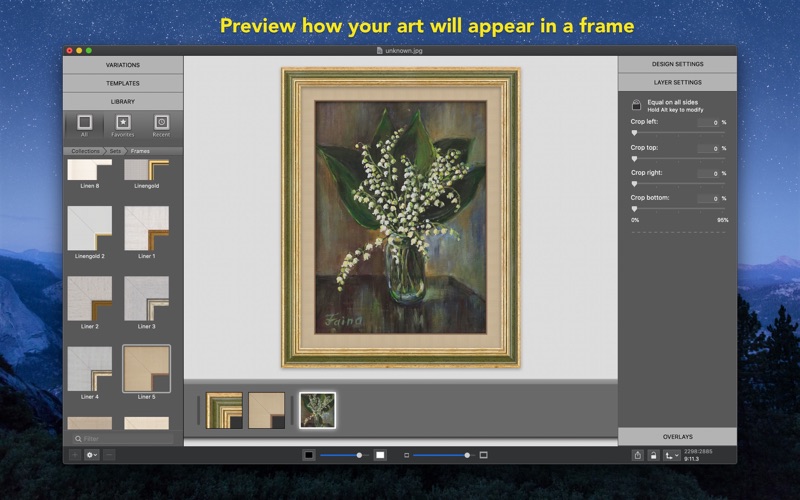

Description by Apparent Software Inc. Written by the developer, not by AppBrain. Click to read.
ImageFramer is used by artists, professional and amateur photographers, scrapbookers, framers, and people who just want their family photos to look better.
ImageFramer helps you to:
* Present your pictures and paintings in life-like frames
* Add artistic frames and effects for photographers
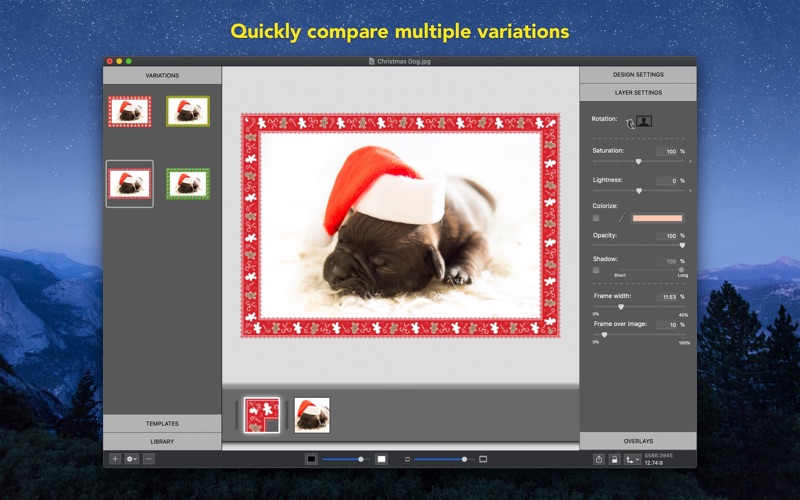
* Decide how to best frame your art by comparing multiple designs!
* Make your artwork stand out with life-like frames for a professional look.
* Create holiday cards
* Spice up your family, travel or holiday photos
Over 100 frames and mats in the free version with over 800 beautiful frame designs available in the standard collection (unlocked with "Standard Features" in-app purchase) with over 400 more in the Pro collection (unlocked with "Pro Features" in-app purchase), with more frames being added constantly.
Note: The free version exports with an ImageFramer watermark. Watermark will be removed with the purchase of either the "Standard" or "Pro Features" features.
Learn more about ImageFramer at https://imageframer.net
Features include:
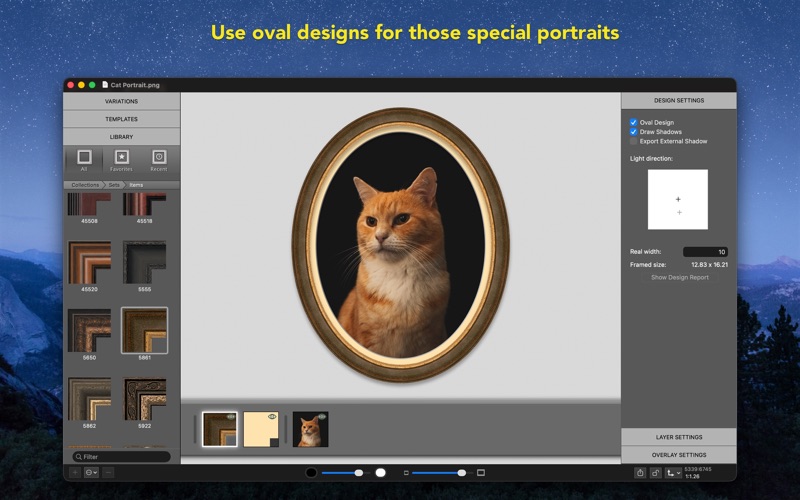
* Oval or rectangular frame designs
* Photo.app extension
* Batch Processing
* Lightroom Plugin
* Share Extension to share photos to ImageFramer
* Create multiple variations of the frame by adjusting brightness, saturation, or colorizing it
* Add multiple colored mats with bevels for photo-realistic look
* Add shadows below the frames and control light source direction
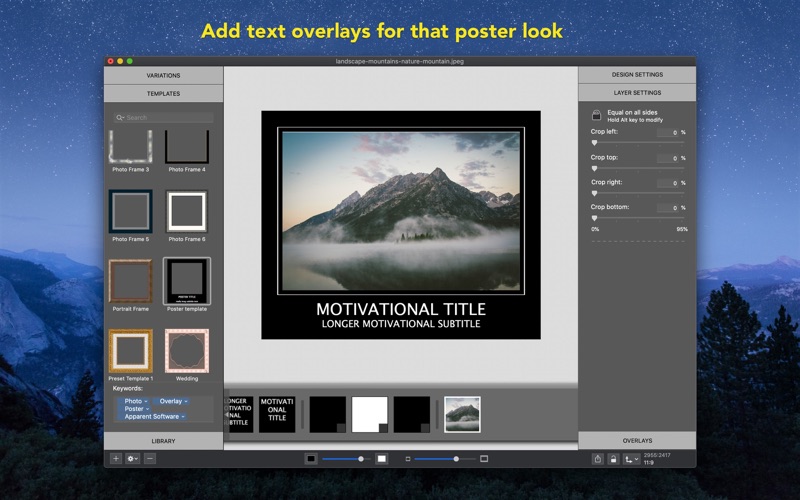
* Add image or text overlays with easy but powerful controls (needs to be unlocked with "Standard Features" in-app purchase)
* Export images quickly by dragging and dropping to Finder or to the desktop.
* Export images in different sizes and multiple formats
* Select background color to visualize your complete framed image on the wall in your room
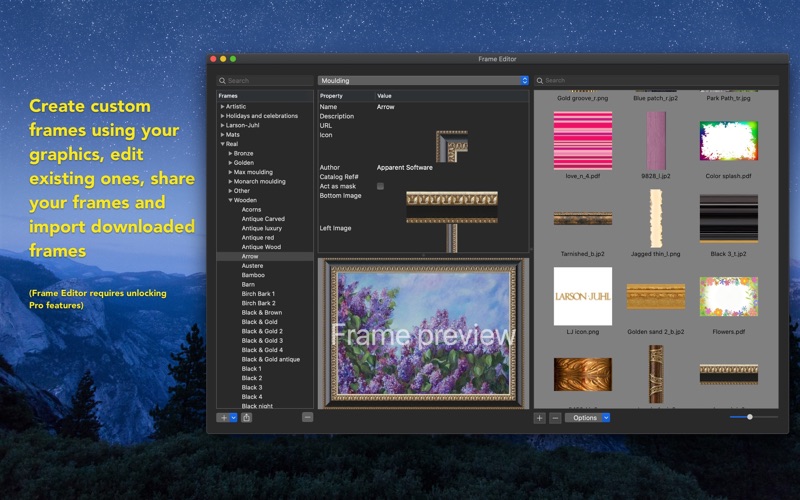
* Frame editor to create your own raster or vector frames (needs to be unlocked with "Pro Features" in-app purchase)
* Frame design report with real-world sizes. Great to prepare for real frames. (needs to be unlocked with "Pro Features" in-app purchase)
* Importing and exporting of frames and designs for sharing and backup (Exporting frames requires "Pro Features")
* Print or share your designs
THEME FRAMES
Frame Easter, Halloween, Thanksgiving, Christmas, Mother's Day, and Love photos of your family with the new Holiday collection of original vector frames. More to follow for free.
A comprehensive user manual is included through the Help menu.
Safety and technology
Found in the app by AppBrain- Price
- Free
- App size
- 28.6 MB
- Content rating
- Everyone
Technologies used by ImageFramer
Releases
Updates seen on the App Store- Version
- 4.9.1
- Launched
- September 2011
No changelog data
Alternatives
Similar apps and more from Apparent Software Inc.More from Apparent Software Inc.







Rankings
App Store top chartsApp Store Rankings for ImageFramer
About the app and developer
About ImageFramer
ImageFramer is a photo & video app developed by Apparent Software Inc.
User Ratings
The app has no ratings yet.
App Information
ImageFramer is freely available from the App Store. The app size is 28.60 MB. The latest version available is 4.9.1. The last update was on May 1, 2026.
Technical Requirements
The app has a content rating of Everyone. The app has been available on the App Store since September 2011.
Developer information for Apparent Software Inc.
Address: