

Industrial Door Sensor Setup
Industrial Door Sensor Setup is made and published by OPTEX CO., LTD. AppBrain is an independent app data site and isn't affiliated with OPTEX CO., LTD. The app name, icon, screenshots and description belong to OPTEX CO., LTD. and are shown as published on the App Store.
AppBrain's verdict
Established- Rating on App Store
- 5.00
- 2 ratings
- Last updated
- May 22, 2026
It doesn't have enough ratings yet to judge what users think.
Rankings
App Store top chartsApp Store Rankings for Industrial Door Sensor Setup
Competitors
Similar apps and more from OPTEX CO., LTD.Alternatives to Industrial Door Sensor Setup





More from OPTEX CO., LTD.

Also available on Google Play

Releases
Updates seen on the App Store- Version
- 4.3.0
- Launched
- January 2019
No changelog data
User feedback
Ratings and reviews on the App StoreComments on Industrial Door Sensor Setup for iOS
We don't have enough comments to show example comments. Please check back later.
Technology
Found in the app by AppBrain- Price
- Free
- App size
- 17.7 MB
- Content rating
- Everyone
Technologies used by Industrial Door Sensor Setup
About the app and developer
About Industrial Door Sensor Setup
Industrial Door Sensor Setup is an utilities app developed by OPTEX CO., LTD.
User Ratings
Industrial Door Sensor Setup is rated 5.00 out of 5 stars. The rating is based on 2 ratings.
App Information
Industrial Door Sensor Setup is freely available from the App Store. The app size is 17.69 MB. The latest version available is 4.3.0. The last update was on May 22, 2026.
Technical Requirements
The app has a content rating of Everyone. The app has been available on the App Store since January 2019.
Developer information for OPTEX CO., LTD.
Address:
Frequently asked questions about Industrial Door Sensor Setup
Is Industrial Door Sensor Setup free?
Yes. Industrial Door Sensor Setup is free on the App Store.
Is Industrial Door Sensor Setup still available?
Yes. Industrial Door Sensor Setup is on the App Store, and the last update we saw was on May 22, 2026.
How large is Industrial Door Sensor Setup?
Industrial Door Sensor Setup is 17.69 MB.
Is Industrial Door Sensor Setup suitable for children?
App Store rates the content of Industrial Door Sensor Setup as suitable for everyone.
How do people rate Industrial Door Sensor Setup?
Industrial Door Sensor Setup scores 5.00 out of 5 stars, from 2 ratings on the App Store.
Who made Industrial Door Sensor Setup?
Industrial Door Sensor Setup was developed by OPTEX CO., LTD. It is listed in the utilities category on the App Store.
What are the best alternatives to Industrial Door Sensor Setup?
People looking at Industrial Door Sensor Setup also look at these utilities apps: HySecurity Installer App, Affiliate Connect, Edge Smart Keypad, MIC-Manaras Internet Control™, SSC Spring Engineering.
Store listing
By OPTEX CO., LTD., from the App Store
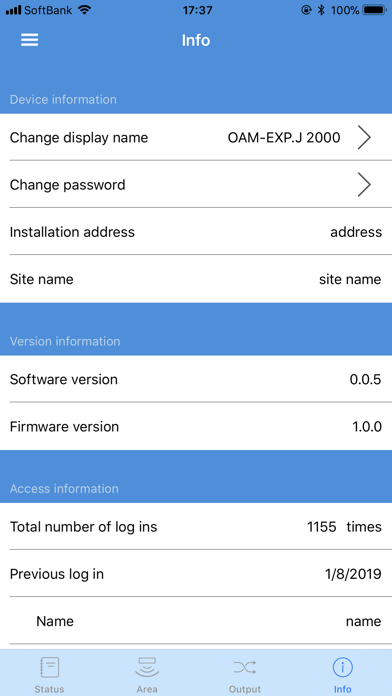
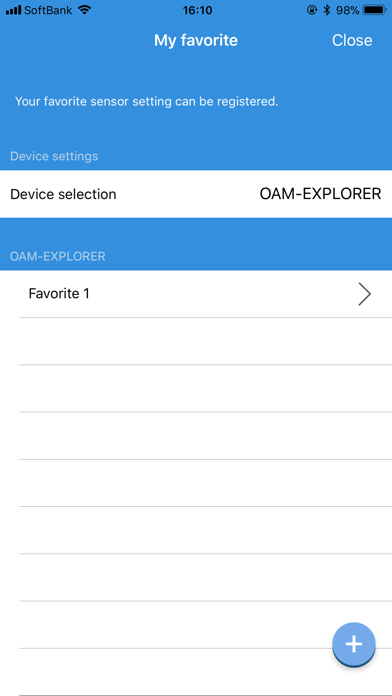
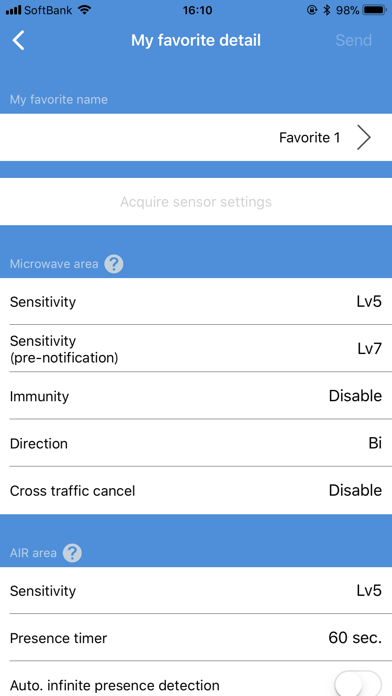
Description by OPTEX CO., LTD. Written by the developer, not by AppBrain. Click to read.
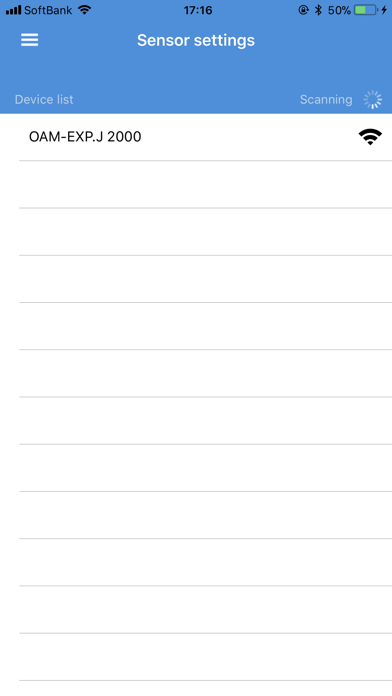
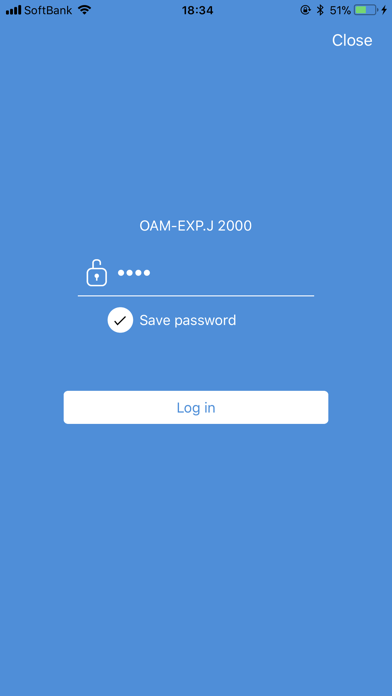
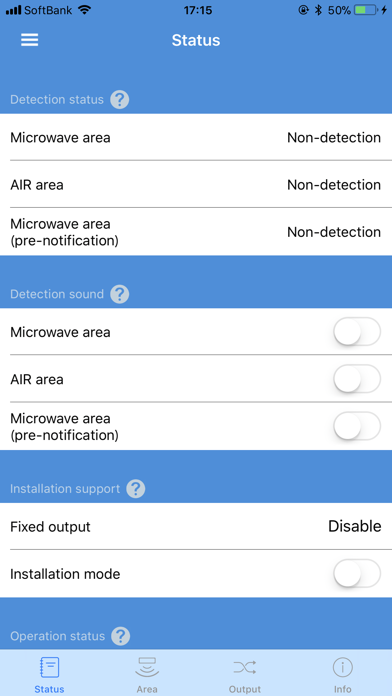
In addition to various parameter changes, setting registration to "My favorite" and multilingual descriptions (in English, Spanish, Italian, German, French, Dutch, Chinese, Thai and Japanese) make the easiest sensor configuration ever in the door sensor industry.
*OAM-EXPLORER is an activation and supplemental safety sensor for industrial door applications found in a wide variety of industrial buildings, such as warehouses, hangars, logistical buildings, etc.
Here’s a list of parameters you can change via "Industrial Door Sensor Setup".
[Microwave area]
・Sensitivity
・Sensitivity (pre-notification)
・Immunity
・Direction
・Cross traffic cancel
[AIR area]
・Sensitivity
・Presence timer
・Auto. infinite presence detection
・Frequency
・Depth adjustment
・Width adjustment
・Immunity
・Door cancel
[Wireless tag area]
・Sensitivity(J/US models with software version 4.0.0 or higher)
[Activation output]
・Microwave detection
・AIR detection
・Wireless tag detection(auto)(J/US models with software version 4.0.0 or higher)
・Wireless tag detection(manual)(J/US models with software version 4.0.0 or higher)
・Output contact
・Output hold time
・Response time
[Supplemental safety output]
・Microwave detection
・AIR detection
・Output contact
・Output hold time
[AUX output]
・Microwave detection
・AIR detection
・Microwave detection (pre-notification)
・Wireless tag detection(auto)(J/US models with software version 5.0.0 or higher)
・Wireless tag detection(manual)(J/US models with software version 5.0.0 or higher)
・Output contact
・Output hold time