

Inpaint is made and published by Maxim Gapchenko. AppBrain is an independent app data site and isn't affiliated with Maxim Gapchenko. The app name, icon, screenshots and description belong to Maxim Gapchenko and are shown as published on the App Store.
AppBrain's verdict
EstablishedWell rated- Rating on App Store
- 4.20
- 1,584 ratings
- Last updated
- October 12, 2024
Users rate it well: 4.2 stars from 1,584 ratings.
Rankings
App Store top chartsApp Store Rankings for Inpaint
Competitors
Similar apps and more from Maxim GapchenkoAlternatives to Inpaint






More from Maxim Gapchenko


Releases
Updates seen on the App Store- Version
- 3.0.1
- Launched
- July 2018
No changelog data
User feedback
Ratings and reviews on the App StoreComments on Inpaint for iOS
We don't have enough comments to show example comments. Please check back later.
Technology
Found in the app by AppBrain- Price
- Free
- App size
- 54.6 MB
- Content rating
- Everyone
Technologies used by Inpaint
About the app and developer
About Inpaint
Inpaint is a photo & video app developed by Maxim Gapchenko.
User Ratings
Inpaint is rated 4.20 out of 5 stars. The rating is based on 1.6 thousand ratings.
App Information
Inpaint is freely available from the App Store. The app size is 54.56 MB. The latest version available is 3.0.1. The last update was on October 12, 2024.
Technical Requirements
The app has a content rating of Everyone. The app has been available on the App Store since July 2018.
Developer information for Maxim Gapchenko
Address:
Store listing
By Maxim Gapchenko, from the App Store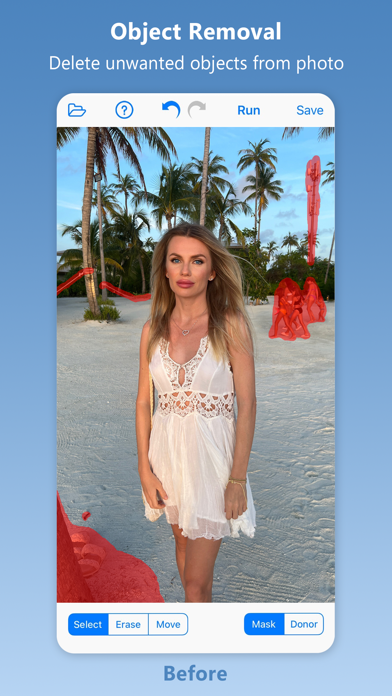
Description by Maxim Gapchenko Written by the developer, not by AppBrain. Click to read.
Top Reasons to use Inpaint
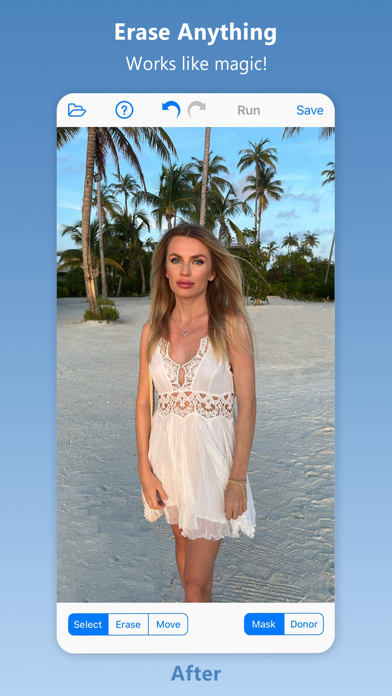
*Remove unwanted objects
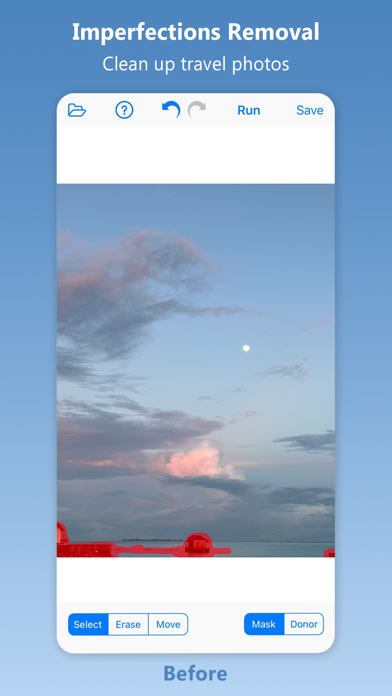
*Repair old photos
*Remove watermarks
*Delete unwanted people from photo
*Erasing wires and power lines
*Digital Facial retouching
*Remove date stamps
*Erase wrinkles and skin blemishes
*Remove tourists from travel photos
*Remove text or logo from images
*Easy to get use & started
*Completely non-technical
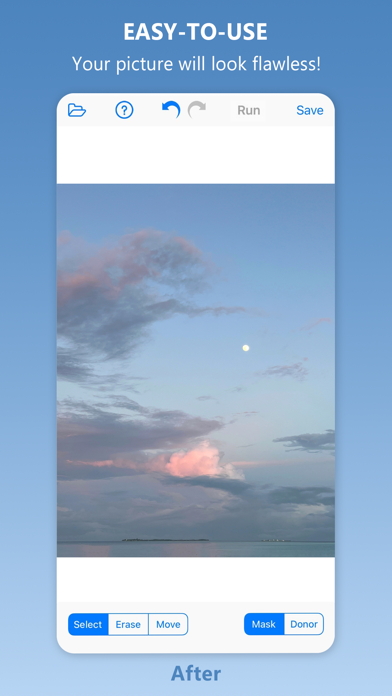
Inpaint photo restoration software reconstructs the selected image area from the pixels near the area boundary. Remove undesirable objects from your images, such as logos, watermarks, power lines, people, text or any other undesired artefacts. There's no need to manually go through messing around with your old clone tool any more! Now you can use Inpaint to easily remove all those unexpected objects that end up spoiling an otherwise really great photograph.
Aside from the information we truly want to see on our photographs, there are also many not so crucial for composition if not worse. These are camera date stamps, watermarks placed by various websites, and other objects we don't want to be on a picture. After all, if you gonna hang a photo on a wall, you want it to look eye-catching not due to various visual wreckage on it. So remove it with Inpaint! With simple and efficient tools you are able to remove any unwanted elements totally effortlessly.
PRICING
Inpaint requires a subscription: Annual for $19.99/year or Monthly for $2.99/month.
Without a subscription, Inpaint runs in trial mode, where users can process images and view the results on screen.
In the trial mode, the save option is disabled.
LEGAL
The purchase will be charged to your iTunes account. An account will be charged for renewal within 24-hours prior to the end of the current period, and identify the cost of the renewal. Manage your subscription from User Settings in iTunes after purchase. Cancel the auto-renewing subscription from there at any time. Any unused portion of a free trial period, if offered, will be forfeited when the user purchases a subscription to that publication, where applicable.
Terms of Use: https://theInpaint.com/terms-of-use
Privacy Policy: https://theinpaint.com/privacy-policy