
Inspire is made and published by snowCanoe. AppBrain is an independent app data site and isn't affiliated with snowCanoe. The app name, icon, screenshots and description belong to snowCanoe and are shown as published on the App Store.
AppBrain's verdict
Established- Rating on App Store
- 4.47
- 58 ratings
- Last updated
- February 28, 2023
It doesn't have enough ratings yet to judge what users think.
Rankings
App Store top chartsApp Store Rankings for Inspire
Competitors
Similar apps and more from snowCanoeAlternatives to Inspire








More from snowCanoe
Releases
Updates seen on the App Store- Version
- 4.8.2
- Launched
- before 2010
No changelog data
User feedback
Ratings and reviews on the App StoreComments on Inspire for iOS
We don't have enough comments to show example comments. Please check back later.
Technology
Found in the app by AppBrain- Price
- $9.99
- App size
- 317.1 MB
- Content rating
- Everyone
Technologies used by Inspire
About the app and developer
About Inspire
Inspire is a graphics & design app developed by snowCanoe.
User Ratings
Inspire is rated 4.47 out of 5 stars. The rating is based on 58 ratings.
App Information
Inspire costs $9.99. The app size is 317.08 MB. The latest version available is 4.8.2. The last update was on February 28, 2023.
Technical Requirements
The app has a content rating of Everyone. The app has been available on the App Store since before 2010.
Developer information for snowCanoe
Address:
Frequently asked questions about Inspire
Is Inspire free?
No. Inspire costs $9.99 on the App Store.
Is Inspire still available?
Yes. Inspire is on the App Store, and the last update we saw was on February 28, 2023.
How large is Inspire?
Inspire is 317.08 MB.
Is Inspire suitable for children?
App Store rates the content of Inspire as suitable for everyone.
How do people rate Inspire?
Inspire scores 4.47 out of 5 stars, from 58 ratings on the App Store.
Who made Inspire?
Inspire was developed by snowCanoe. It is listed in the graphics & design category on the App Store.
What are the best alternatives to Inspire?
People looking at Inspire also look at these graphics & design apps: Percolator: Drippy Mosaics, Azulejo, WatchSketch - Drawing, Mist., Sanzo Color Palettes.
Store listing
By snowCanoe, from the App Store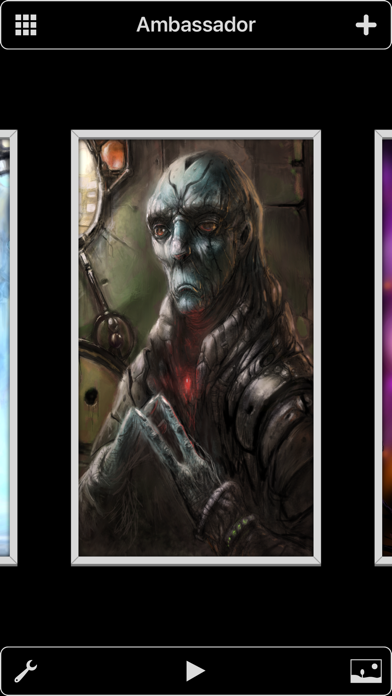

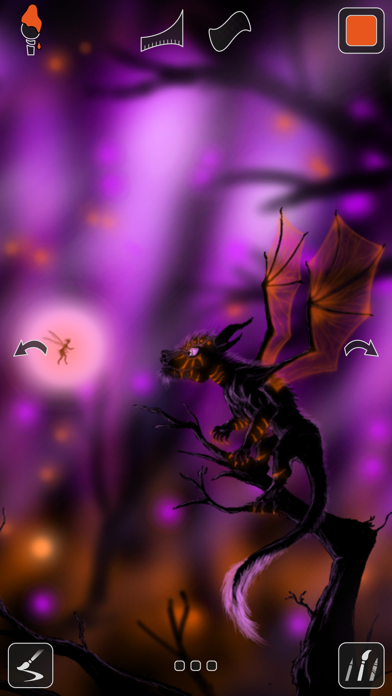

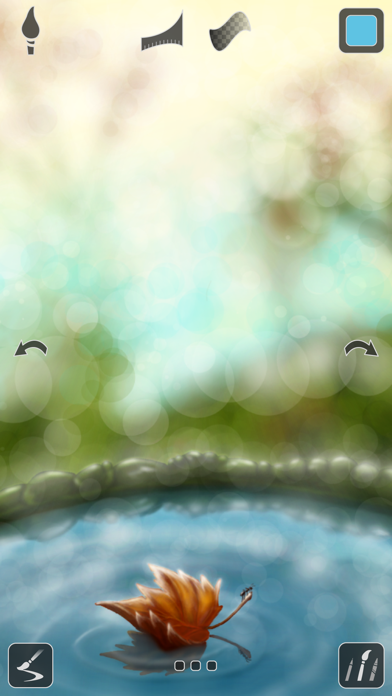
Description by snowCanoe Written by the developer, not by AppBrain. Click to read.
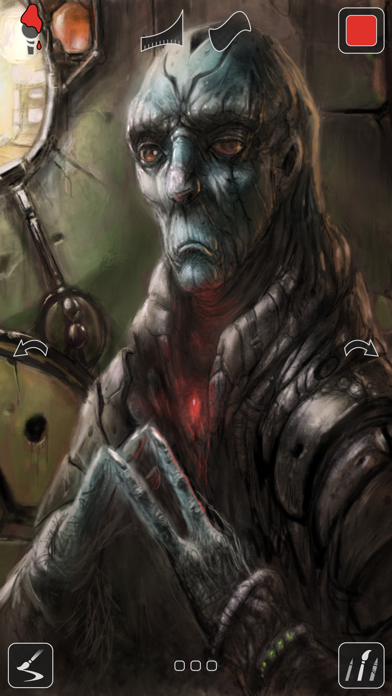
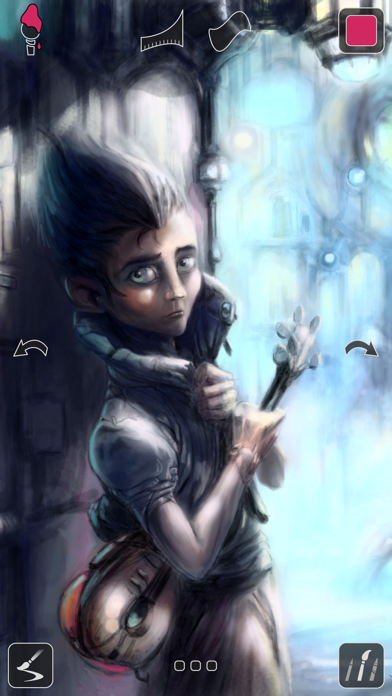
Our proprietary painting engine Sorcery™ takes full advantage of the GPU to render brush strokes with brilliant 64-bit color, laser-sharp sub-pixel precision, and insanely fast speed. While the strokes of a wet oil paint brush look beautiful on their own, the breathtaking blending effects of a dry brush will absolutely stun you. Graze the canvas with just a bit of pressure to add a subtle blur to your artwork or use stronger pressure to actually mix existing colors on the canvas together to create new ones.
Whether you are a budding artist, seasoned professional, or somewhere in-between, you will enjoy the simplicity and power of the most intuitive and compelling illustration app for iPhone, Inspire.
Amazing Brushes
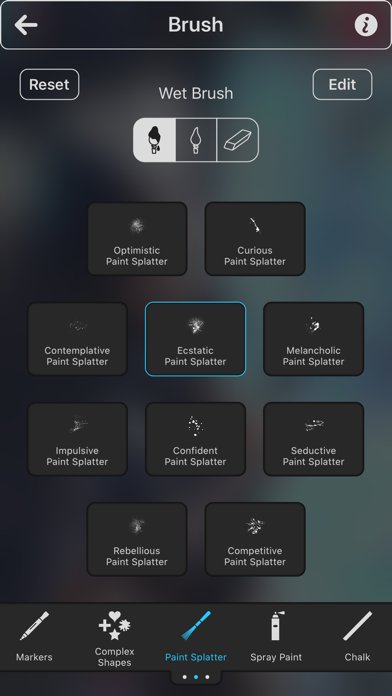
• 150 high-quality brushes to choose from, divided into 15 sets: Oil Paint, Airbrushes, Spray Paint, Paint Splatter, Graphite Pencils, Wax Crayons, Markers, Chalk, Charcoal, Pastels & Conté, Basic Shapes, Complex Shapes, Shape Outlines, Patterns, and Textures
• All brushes can be used as a Wet Brush, Dry Brush (Blending), or Eraser
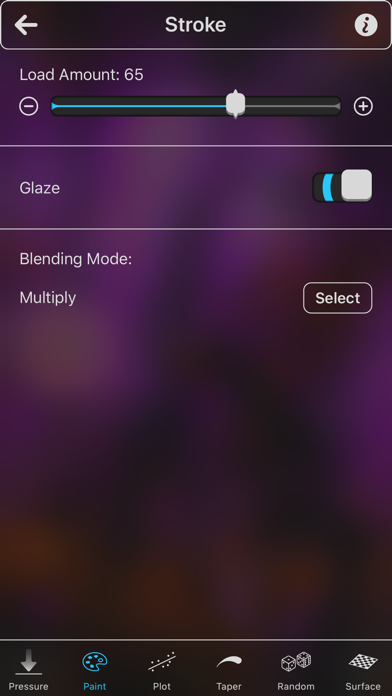
• Over 20 different settings are available to customize brush strokes with powerful versatility and variation
The Best Painting App for iPhone
• Sorcery™, the fastest 64-bit painting engine on the App Store
• Create a canvas of any size up to 16K (64MP)
• Dual-texture brushes
• 64-bit color
• All device orientations are supported all the time — switch from portrait to landscape painting with ease
• 1000 levels of undo and redo are available
• Touch and slide hotspots can be used to quickly change brush size, opacity, and pressure without opening a menu
• The eyedropper tool can be used with a touch and hold gesture to select paint colors from the canvas
• The canvas can be moved around, rotated, and zoomed in and out up to 6400%
Canvas Playback Video Recording
• Brush strokes are automatically recorded as you paint without any delay
• You can play the video of your artwork being created stroke-by-stroke directly in the gallery
• Export high-quality videos of your artwork to your Photos
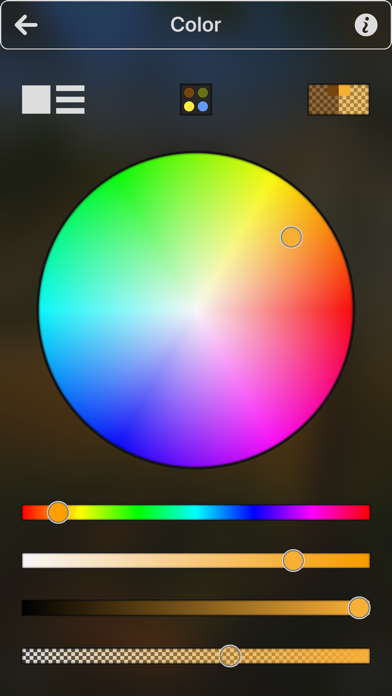
Full-Featured Color Picker
• Choose any paint color you can dream of with the intuitive color picker
• HSB and RGB sliders accompany a large color circle, color square, and opacity slider
• Your latest colors are saved to a palette automatically while you paint
• You can also save your favorite colors to a palette with drag and drop
Visit snowCanoe.com to check out more screenshots, videos, and artwork.
With no subscription fees or in-app purchases, you own Inspire and all future updates forever, with just one purchase!