

Invasion 360 is made and published by Marco De Anda. AppBrain is an independent app data site and isn't affiliated with Marco De Anda. The app name, icon, screenshots and description belong to Marco De Anda and are shown as published on the App Store.
AppBrain's verdict
Established- Rating on App Store
- 5.00
- 2 ratings
- Last updated
- October 18, 2020
It doesn't have enough ratings yet to judge what users think.
Rankings
App Store top chartsApp Store Rankings for Invasion 360
Competitors
Similar apps and more from Marco De AndaAlternatives to Invasion 360






More from Marco De Anda

Releases
Updates seen on the App Store- Version
- 1.2
- Launched
- September 2020
No changelog data
User feedback
Ratings and reviews on the App StoreComments on Invasion 360 for iOS
We don't have enough comments to show example comments. Please check back later.
Technology
Found in the app by AppBrain- Price
- Free
- App size
- 144.7 MB
- Content rating
- Medium
Technologies used by Invasion 360
About the app and developer
About Invasion 360
Invasion 360 is a games app developed by Marco De Anda.
User Ratings
Invasion 360 is rated 5.00 out of 5 stars. The rating is based on 2 ratings.
App Information
Invasion 360 is freely available from the App Store. The app size is 144.74 MB. The latest version available is 1.2. The last update was on October 18, 2020.
Technical Requirements
The app has a content rating of Medium Maturity. The app has been available on the App Store since September 2020.
Developer information for Marco De Anda
Address:
Store listing
By Marco De Anda, from the App Store


Description by Marco De Anda Written by the developer, not by AppBrain. Click to read.
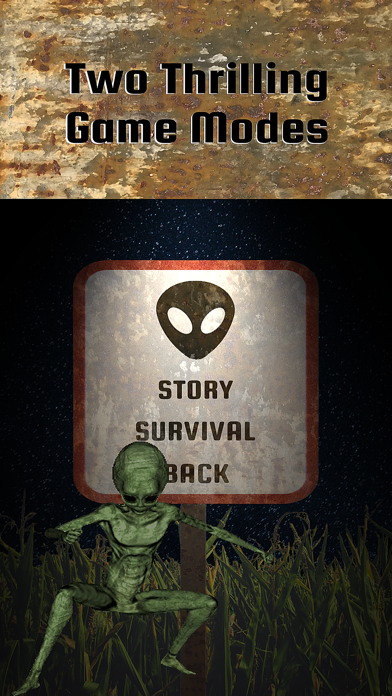
Invasion 360 is an Immersive Fast Paced Augmented Reality Game with Two Exciting Game Modes.
Story mode: Read the video journals and push through the levels to face the dreaded admiral!
Survival/Arcade mode: Fight through endless waves, choose between using human or alien weapons, and beat your high score!
Collectibles: Unlock them by reading journals, reaching certain waves in survival mode, and more.
The Shed: Here you can find all your collectibles and keep track of your high scores.
Download Invasion 360 On The App Store!
How To Play:
Stand up and hold your phone straight whenever you start a game for a better experience!
Use the crosshairs to aim and tap on the weapon to shoot.
You must look around with your phone to find aliens and flying saucers.
To progress through story mode make sure that you read the full video journals, that will unlock levels and some collectibles.
The top of the screen has three special features which will help you win games.
On the top left you will either see a ufo or an alien symbol light up green, that will show you which one you are currently fighting.
The blue bar in the top center of the screen is the cooldown bar, you can only shoot when it’s full.
Finally, on the top right you will find a warning sign, when this sign lights up that means you only have a few seconds to defeat the foe, otherwise you will lose the game.