

iQuickScan QR is made and published by Oskarina Ramos. AppBrain is an independent app data site and isn't affiliated with Oskarina Ramos. The app name, icon, screenshots and description belong to Oskarina Ramos and are shown as published on the App Store.
AppBrain's verdict
- Rating on App Store
- 4.25
- 32 ratings
- Last updated
- September 30, 2026
It doesn't have enough ratings yet to judge what users think.
Rankings
App Store top chartsApp Store Rankings for iQuickScan QR
Competitors
Similar apps and more from Oskarina RamosAlternatives to iQuickScan QR




More from Oskarina Ramos


Releases
Updates seen on the App Store- Version
- 2.0
- Launched
- March 2023
No changelog data
User feedback
Ratings and reviews on the App StoreComments on iQuickScan QR for iOS
We don't have enough comments to show example comments. Please check back later.
Technology
Found in the app by AppBrain- Price
- Free
- App size
- 80.1 MB
- Content rating
- Everyone
Technologies used by iQuickScan QR
About the app and developer
About iQuickScan QR
iQuickScan QR is an utilities app developed by Oskarina Ramos.
User Ratings
iQuickScan QR is rated 4.25 out of 5 stars. The rating is based on 32 ratings.
App Information
iQuickScan QR is freely available from the App Store. The app size is 80.13 MB. The latest version available is 2.0. The last update was on September 30, 2026.
Technical Requirements
The app has a content rating of Everyone. The app has been available on the App Store since March 2023.
Developer information for Oskarina Ramos
Address:
Frequently asked questions about iQuickScan QR
Is iQuickScan QR free?
Yes. iQuickScan QR is free on the App Store.
Is iQuickScan QR still available?
Yes. iQuickScan QR is on the App Store, and the last update we saw was on September 30, 2026.
How large is iQuickScan QR?
iQuickScan QR is 80.13 MB.
Is iQuickScan QR suitable for children?
App Store rates the content of iQuickScan QR as suitable for everyone.
How do people rate iQuickScan QR?
iQuickScan QR scores 4.25 out of 5 stars, from 32 ratings on the App Store.
Who made iQuickScan QR?
iQuickScan QR was developed by Oskarina Ramos. It is listed in the utilities category on the App Store.
What are the best alternatives to iQuickScan QR?
People looking at iQuickScan QR also look at these utilities apps: iQR Pro E, Quick QR code reader & creator, SKG Watch V9, Orange Browser, Inu Cleaner-Clean Up.
Store listing
By Oskarina Ramos, from the App Store


Description by Oskarina Ramos Written by the developer, not by AppBrain. Click to read.
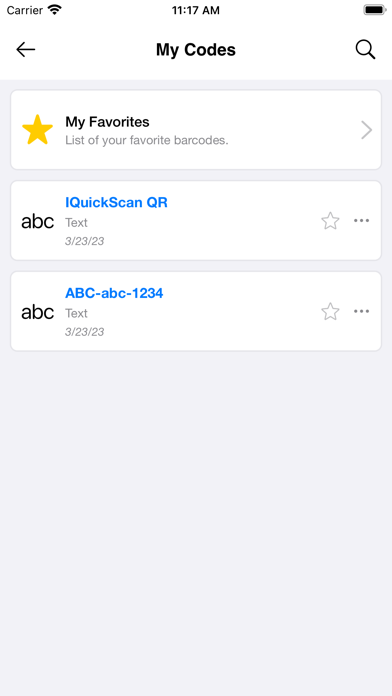
With iQuickScan QR, you can scan codes to access information instantly, including website URLs, product information, and contact details. The app supports various types of codes, including codes, EAN codes, and UPC codes. With the history functions, you can access and manage all of your scanned codes in one place with the smart filter options.
Let discover the best functions in our app:
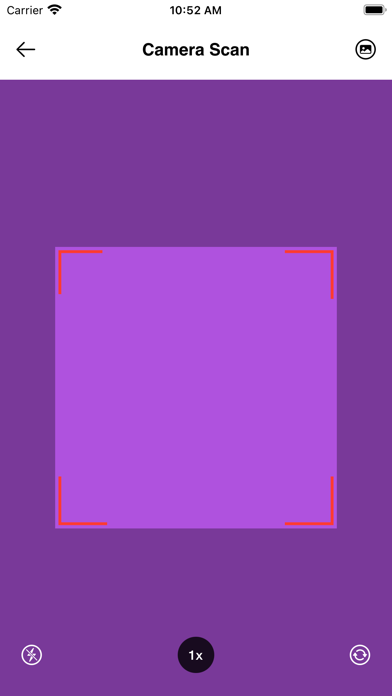
1) Camera Scan & Photo Scan.
iQuickScan includes the build-in camera & photo reader with the user-friendly interface ( Flash on/off, Zoom in/out, switching font/rear camera functions
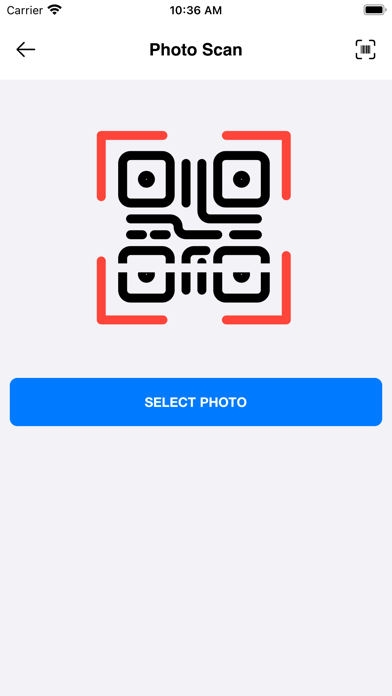
if you have any QR code & Barcodes photos, let use Photo Scan function to scan it. You can scan codes to access information instantly, including website URLs, product information, and contact details. The app supports various types of codes, including codes, EAN codes, and UPC codes. Your scanning works will be never easier.
2) Document Scan.
One special function in iQuickScan QR which we want to introduce with you. It is the Document scanner. You can scan every your bill, your card, your pdf, your document... and save it to your Photos or Print it. It will help you to save time and the important information. All in one will be in iQuickScan QR app.
3) QR Generator.
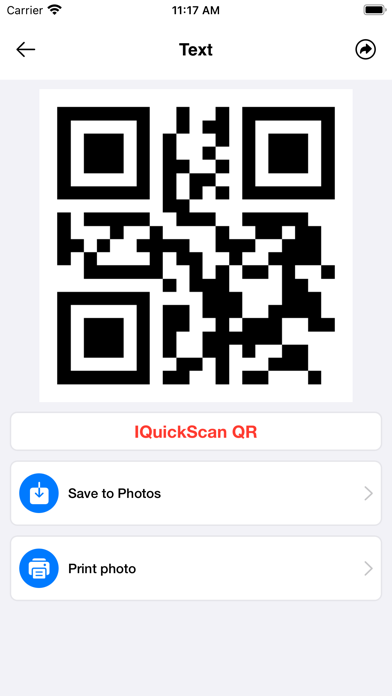
- Text generator : iQuickScan includes a built-in Qr text generator which allows you to easily create codes from text messages, notes, or other text-based content.
- Contact Card Generator: Contact Card Generator is a powerful tool that allows you to easily create a code for your contact information. By inputting your name, email, phone number, and other relevant information, iQuickScan QR generates a code that can be scanned by others to quickly save your contact information to their device. This feature is ideal for professionals who want to share their information quickly and easily
- WiFi Generator is a useful feature that allows you to easily create a code for your WiFi network. By simply entering your network name and password, iQuickScan QR generates a code that can be scanned by others to quickly connect to your WiFi network. This feature is great for businesses, events, or even at home when you have guests over. With QuickScan's WiFi Qr Generator, sharing your WiFi network has never been easier.
- Event Generator: Event Generator is a powerful tool that allows you to easily create a code for your upcoming event. By inputting your event details, such as the event name, date, time, and location.
- Link Generator : Link Generator is a handy feature that allows you to create a code for any website link you want to share.
4) Video player embedded: The video player embedded in the app to open the video URL (.mp4, .avi, .mkv ...) from the QR code. Video Player is an embedded feature within the app that allows you to open a video URL directly from a QR code.
5) Support dark mode and light mode UI.
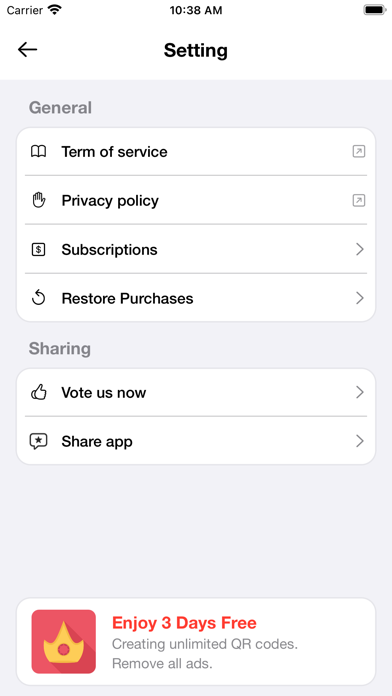
6) You can upgrade to Premium Member to remove all ads, scan and create unlimited QR codes, barcodes, and documents.
App Permissions: It is important to grant the necessary permissions for the proper functioning of our iQuickScan QR App. Our Application is designed with your privacy in mind, so it does not collect any your personal information.
It is also important to know more about our Terms of Use and Service:
https://quickscanqr.com/privacy_policy.html
https://quickscanqr.com/terms-of-service.html
If you have any problem you can write us to support@quickscanqr.com and we will gladly attend your request.