

Islamic Stickers: Ramadan Eid
Islamic Stickers: Ramadan Eid is made and published by Nurlan Ispayev. AppBrain is an independent app data site and isn't affiliated with Nurlan Ispayev. The app name, icon, screenshots and description belong to Nurlan Ispayev and are shown as published on the App Store.
AppBrain's verdict
Established- Rating on App Store
- 2.83
- 6 ratings
- Last updated
- August 6, 2025
It doesn't have enough ratings yet to judge what users think.
Rankings
App Store top chartsApp Store Rankings for Islamic Stickers: Ramadan Eid
Competitors
Similar apps and more from Nurlan IspayevAlternatives to Islamic Stickers: Ramadan Eid






More from Nurlan Ispayev






Releases
Updates seen on the App Store- Version
- 1.2
- Launched
- October 2018
No changelog data
User feedback
Ratings and reviews on the App StoreComments on Islamic Stickers: Ramadan Eid for iOS
We don't have enough comments to show example comments. Please check back later.
Technology
Found in the app by AppBrain- Price
- Free
- App size
- 54.9 MB
- Content rating
- Everyone
Technologies used by Islamic Stickers: Ramadan Eid
About the app and developer
About Islamic Stickers: Ramadan Eid
Islamic Stickers: Ramadan Eid is a stickers app developed by Nurlan Ispayev.
User Ratings
Islamic Stickers: Ramadan Eid is rated 2.83 out of 5 stars. The rating is based on 6 ratings.
App Information
Islamic Stickers: Ramadan Eid is freely available from the App Store. The app size is 54.86 MB. The latest version available is 1.2. The last update was on August 6, 2025.
Technical Requirements
The app has a content rating of Everyone. The app has been available on the App Store since October 2018.
Developer information for Nurlan Ispayev
Address:
Store listing
By Nurlan Ispayev, from the App Store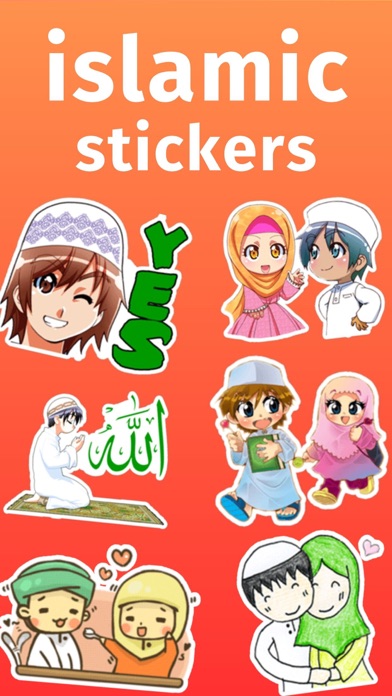


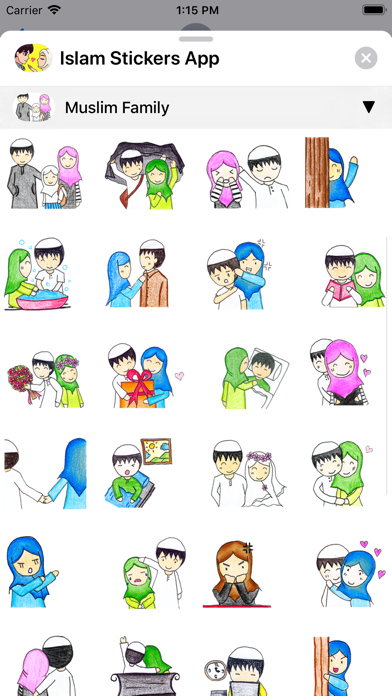
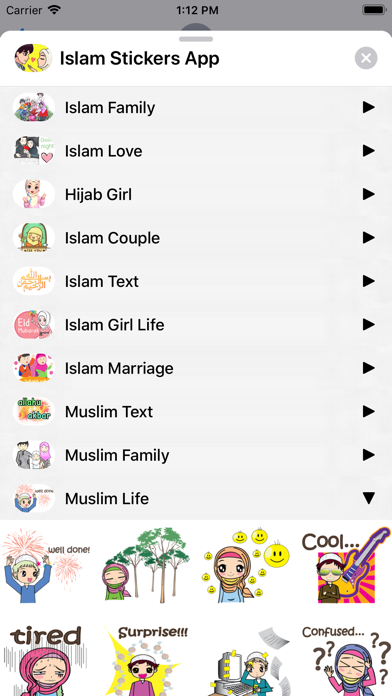
Description by Nurlan Ispayev Written by the developer, not by AppBrain. Click to read.
400 Islam Stickers for iMessage!
STICKERS PACKS INCLUDE:
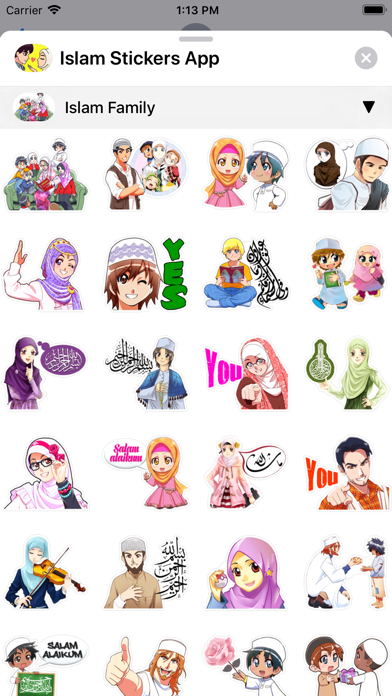
• Islam Family
• Islam Love
• Hijab Girl
• Islam Couple
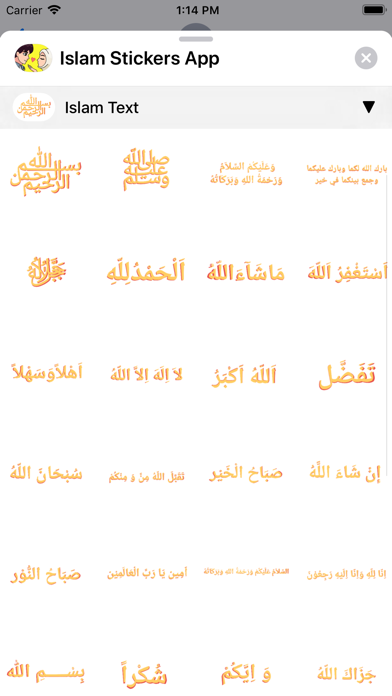
• Islam Text
• Islam Girl Life
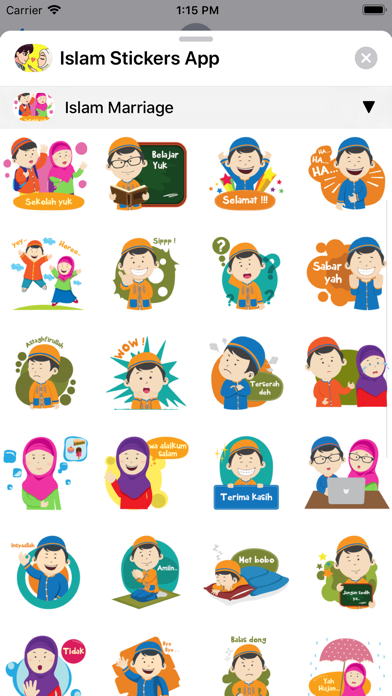
• Islam Marriage
• Muslim Text
• Muslim Family
• Muslim Life
HOW TO USE:
• SEND dynamic and animated stickers in chat
• PLACE stickers anywhere on your iMessages
• CUSTOMIZE your photos with stickers in chat
• LAYER stickers over each other, in chat, and on photos
• SCALE & ROTATE stickers
HOW TO FIND YOUR STICKERS:
• Access iMessage apps— Enter a contact to message, then tap the App Store icon beside the chat field to see your most recently used iMessage app.
• Find new stickers—First tap the App Store icon, then tap the 4-ovals icon in the lower left to bring up the app drawer. Then, tap the + icon to access the Store.
• If you are not seeing Stickers that you have purchased, you may need to change your settings. Tap the App Store icon, then tap the 4-ovals icon in the lower left to bring up the app drawer. Then click the + symbol to open the store, and select the Manage button top right. Make sure the app you are looking for is turned on.
• Use stickers in chat—Tap to send, or touch and hold to put stickers on top of a bubble, other stickers, photos, and videos.
• Apple Watch (iOS 3), iPhone & iPad users (iOS 10)—Transform your chat with animated stickers! Earlier iOS versions and other platforms will see static stickers in chat.
CONTACTS: pianistoshow@gmail.com