

iSlipstick RF
iSlipstick RF is made and published by Sam Virgillo. AppBrain is an independent app data site and isn't affiliated with Sam Virgillo. The app name, icon, screenshots and description belong to Sam Virgillo and are shown as published on the App Store.
AppBrain's verdict
Established- Rating on App Store
- 4.67
- 3 ratings
- Last updated
- January 29, 2025
It doesn't have enough ratings yet to judge what users think.
Rankings
App Store top chartsApp Store Rankings for iSlipstick RF
Competitors
Similar apps and more from Sam VirgilloAlternatives to iSlipstick RF





More from Sam Virgillo

Releases
Updates seen on the App Store- Version
- 1.6.3
- Launched
- January 2010
No changelog data
User feedback
Ratings and reviews on the App StoreComments on iSlipstick RF for iOS
We don't have enough comments to show example comments. Please check back later.
Technology
Found in the app by AppBrain- Price
- Free
- App size
- 42.6 MB
- Content rating
- Everyone
Technologies used by iSlipstick RF
About the app and developer
About iSlipstick RF
iSlipstick RF is a productivity app developed by Sam Virgillo.
What is the rating of iSlipstick RF?
iSlipstick RF is rated 4.67 out of 5 stars, based on 3 ratings.
Is iSlipstick RF free?
iSlipstick RF is free. The app size is 42.65 MB. The latest version available is 1.6.3. The last update was on January 29, 2025.
What are the requirements for iSlipstick RF?
The app has a content rating of Everyone. The app has been available on the App Store since January 2010.
Developer information for Sam Virgillo
Address:
Store listing
By Sam Virgillo, from the App Store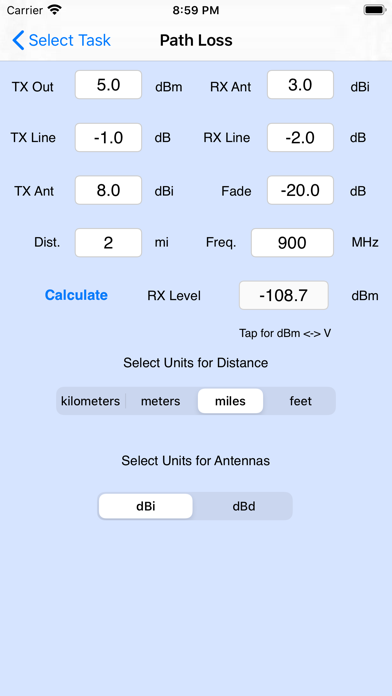
Description by Sam Virgillo Written by the developer, not by AppBrain. Click to read.
iSlipstick RF contains all of the functionality of the standard iSlipstick plus many functions specifically for RF work.
RF Calculators included with iSlipstick RF are:
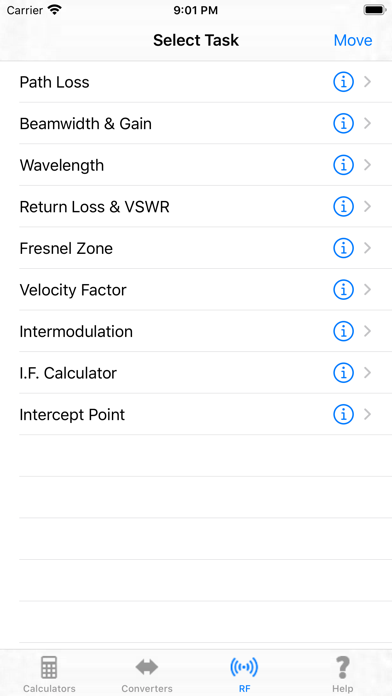
PATH LOSS – Enter all of the RF link parameters such as transmitter output power, antenna gain, cable loss, distance and frequency to find the actual RF level at the receiver.
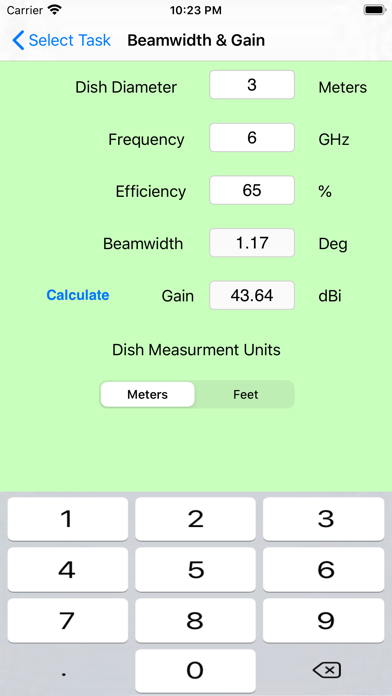
MICROWAVE DISH BEAMWIDTH & GAIN – Enter the dish size, frequency and efficiency to find the 3 dB beamwidth and antenna gain.
WAVELENGTH – Metric & U.S.
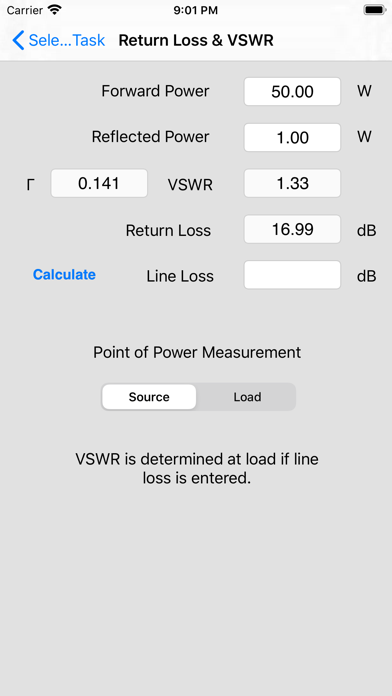
RETURN LOSS / VSWR – Enter forward and reflected power to find VSWR, reflection coefficient and return loss.
FRESNEL ZONE – Enter link distance, obstacle distance and frequency to find the 60% and 80% zone radii. This calculator also provides a visual display of ground clearance.
VELOCITY FACTOR (VOP) – Enter the dielectric constant of a coax to find the Velocity of Propagation and enter the cable length to find the propagation delay. This calculator can also find the necessary cable length for a given delay and VOP.
INTERMODULATION – Enter up to six frequencies to find the 2nd, 3rd, 5th and 7th intermod products that can be created. A 'hit' window can be set to eliminate out of band results.
I.F. FREQUENCY – Enter the incoming carrier frequency and 1st local oscillator frequency to find the resulting I.F. and whether the spectrum is inverted or normal. This is a great calculator when working with up/down converters.
INTERCEPT POINT – Once you have determined the levels of fundamental and intermodulation tones in a system, you can enter those values into this calculator to find either IP2 or IP3.
Standard Calculators included in iSlipstick RF are:
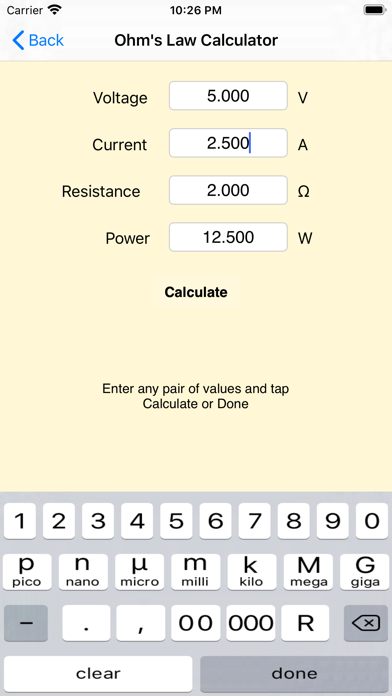
OHM'S LAW – Find voltage, current, resistance and power.
REACTANCE – Find inductive and capacitive reactance by entering frequency and capacitance or inductance.
RESONANCE – Find the resonant frequency of an inductor – capacitor pair.
VOLTAGE DIVIDER – Enter the voltage into a resistor divider network to find the output voltage.
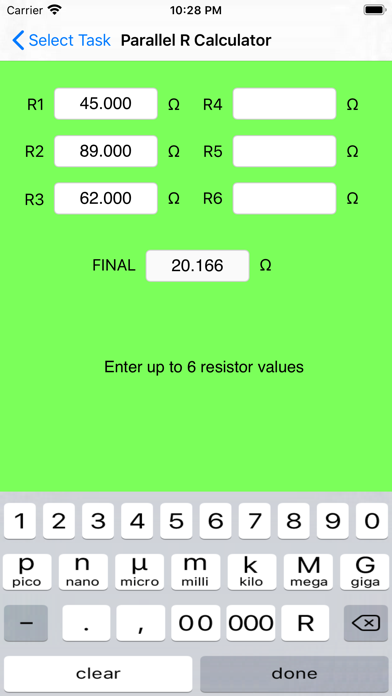
PARALLEL RESISTOR – Enter up to six resistor values to find the resultant parallel resistance.
SERIES and PARALLEL RLC – Enter R, C and L of a series or parallel circuit to find the impedance and phase angle.
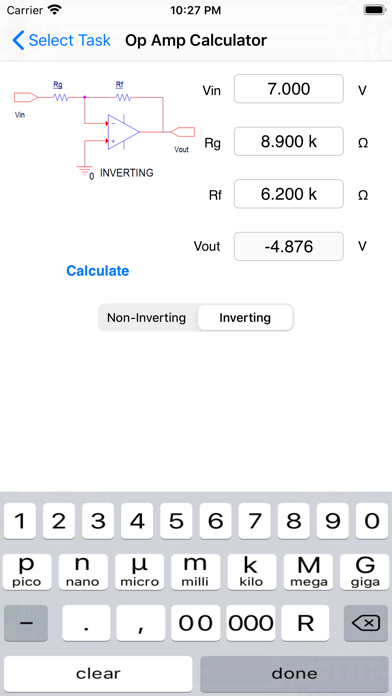
OP-AMP – Find the gain of either an inverting or non-inverting op-amp circuit.
TIME CONSTANT - Find the first 5 time constants of both RC and RL circuits.
Standard Converters included in iSlipstick RF are:
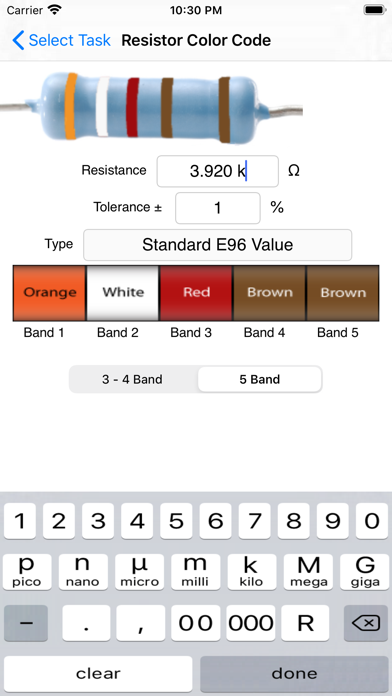
RESISTOR COLOR CODE – Enter a resistor value to find the color code or enter the color code to find the resistor value.
SMD RESISTOR – Enter 3 digit or 4 digit SMD codes to find the resistance value.
Also does EIA-96 conversion.
VOLTAGE CONVERTER – Convert between RMS, average, peak and p-p values.
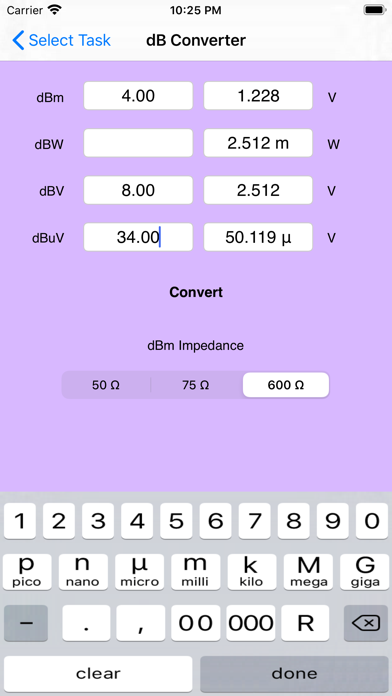
dB CONVERTER – Convert dBm, dBV, dBW and dBuV to absolute values and vice-versa in 50, 75 and 600 ohm load.
TEMPERATURE – Convert between four popular scales.
PERIOD – FREQUENCY – Convert waveform period to frequency and vice-versa.
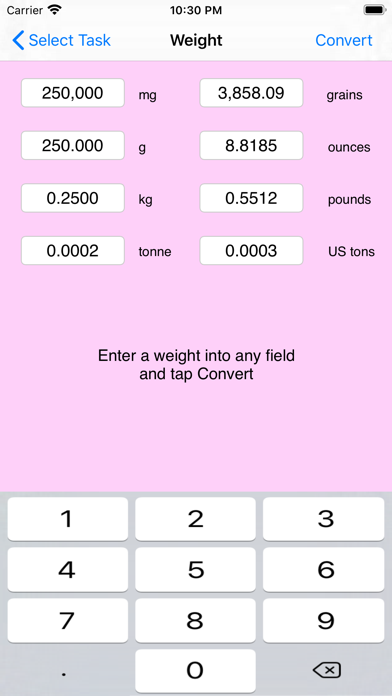
LENGTH, AREA, VOLUME, CAPACITY and WEIGHT – Convert from metric to U.S. and vice-versa. Also convert within same standard.
A help page is also available as a quick function guide.
Tested with iOS 12.0 thru iOS 15.1